
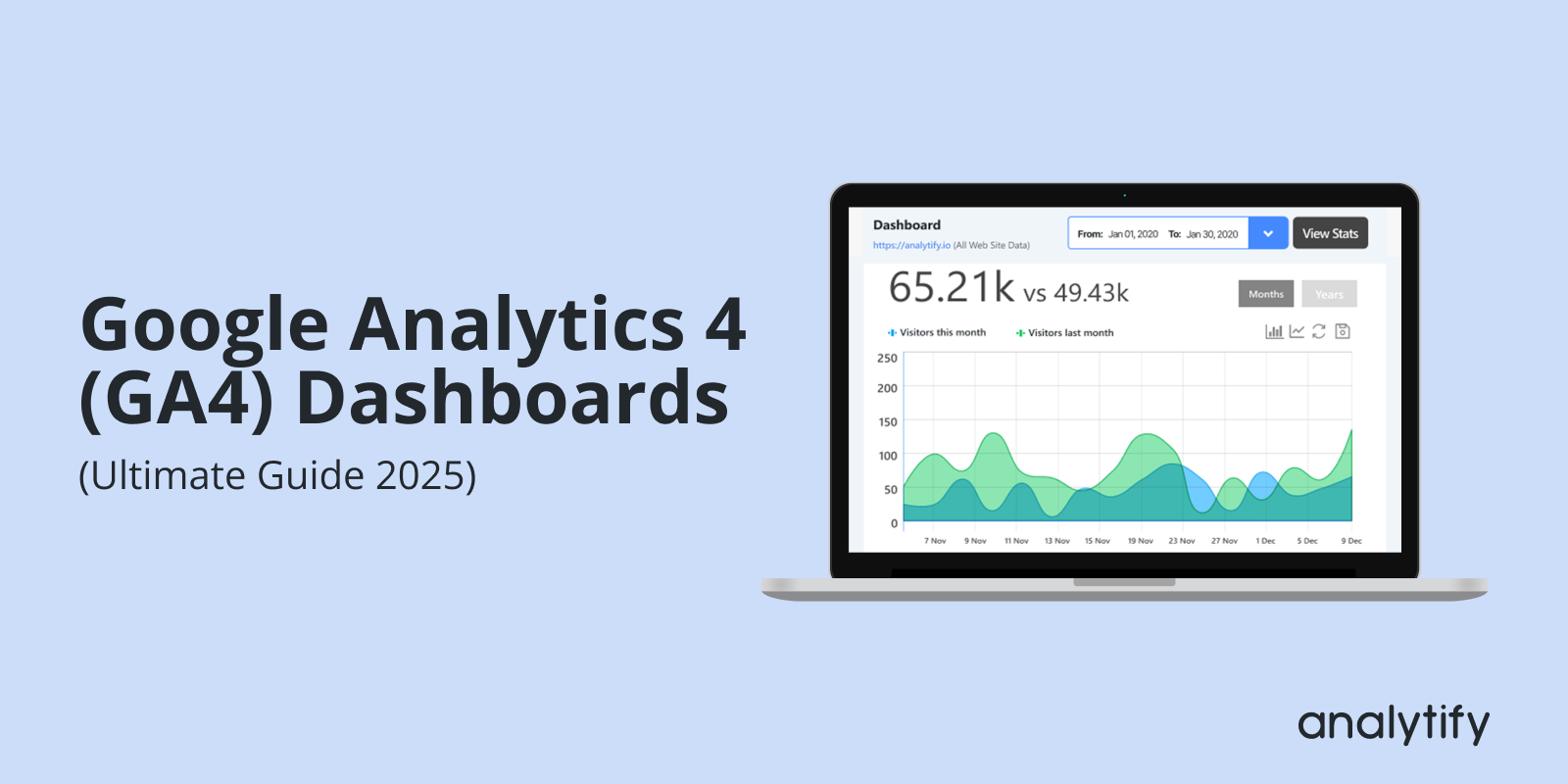
A GA4 dashboard is a customizable panel inside Google Analytics 4, or a connected tool like Analytify, Looker Studio, or BigQuery, that displays the traffic, engagement, and conversion metrics you choose in one view.
You can build one four ways: directly in GA4’s Reports section, through the Analytify WordPress plugin with zero setup, in Looker Studio for shareable reports, or in BigQuery for large-scale analysis. This guide covers all four, with exact steps for each.
Whether you’re a marketer, an analyst, or a business owner, understanding how to use the Google Analytics dashboard can transform your data analysis.
This guide reflects the current GA4 interface, including the fastest path for WordPress users: Analytify, which shows these same metrics inside your WordPress dashboard without touching Google Analytics or writing code.
Continue reading “How to Create Google Analytics 4 (GA4) Dashboards”