Download
Back to All Categories
Analytify 8.0 Release Banner

Analytify 8.0 Release (New Features & Enhancements)

We are excited to announce the release of Analytify 8.0, a major update focused on performance, usability, and reliability.

This release continues our commitment to making Google Analytics simpler and easier to use in WordPress. It works whether you manage a single site or multiple client projects.

For the complete version history and past updates, see the Analytify Changelog.

Analytify 8.0 brings noticeable improvements across both Free and Pro versions.

Continue reading “Analytify 8.0 Release (New Features & Enhancements)” →
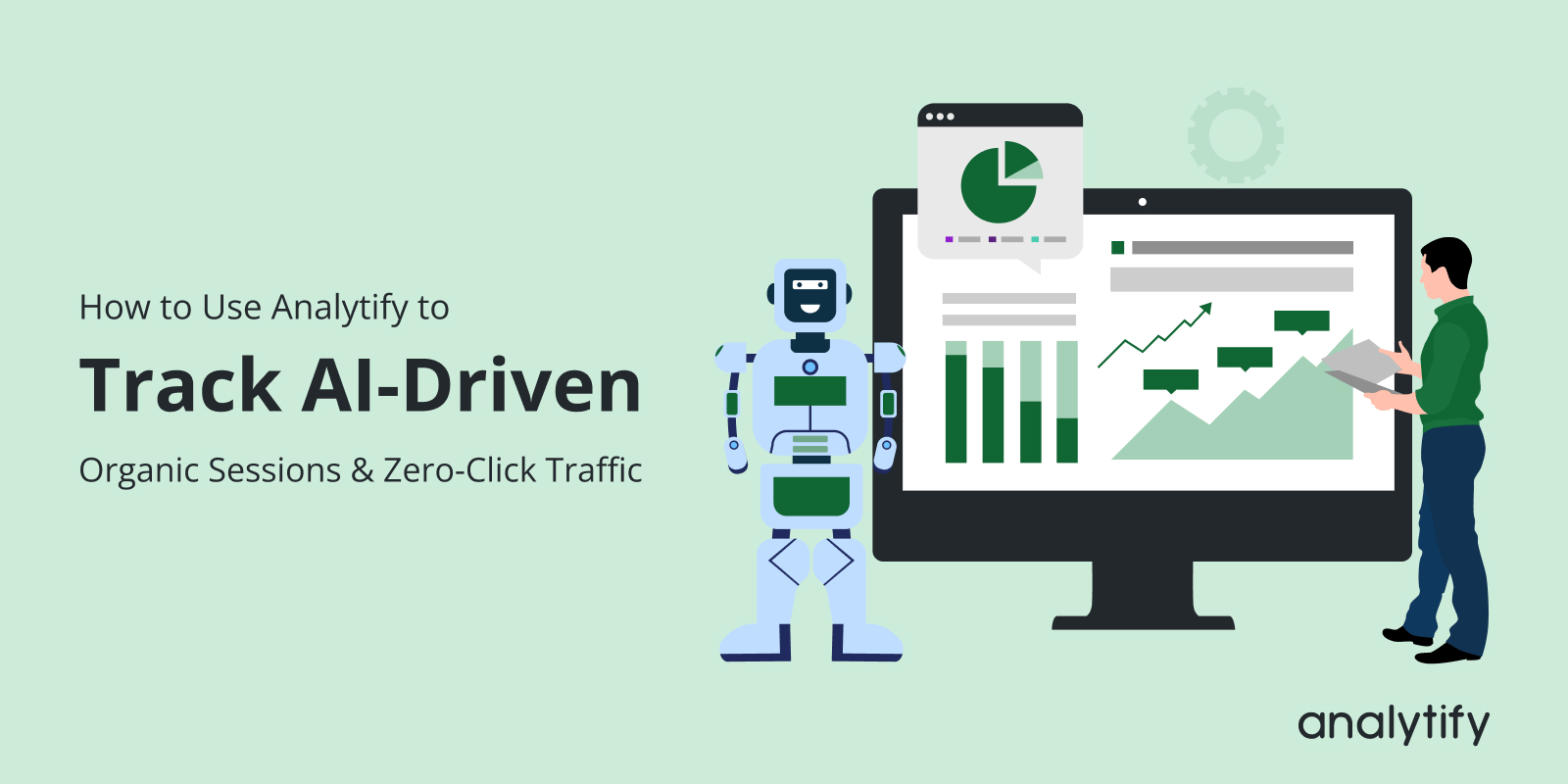
Track AI-driven traffic

How to Use Analytify to Track AI-Driven Organic Sessions & Zero-Click Traffic

Have you noticed your website rankings staying steady, but traffic seems to drop? If so, you’re not alone, and it’s a new challenge in the age of AI-driven traffic.

With AI-powered search, users often get instant answers, summaries, or zero-click results right on the search page. This means people may read your content without ever visiting your site. 

Many site owners experience this confusion in GA4. Where organic traffic appears to drop even though rankings and SEO performance remain stable. This makes it difficult to understand how your content is truly performing.

In this guide, you’ll learn how to track AI-driven traffic, measure AI search traffic impact, and monitor zero-click search analytics. You’ll also discover how to analyze GA4 organic traffic changes using Analytify to track AI-driven organic traffic effectively.

Let’s get started!

Continue reading “How to Use Analytify to Track AI-Driven Organic Sessions & Zero-Click Traffic” →
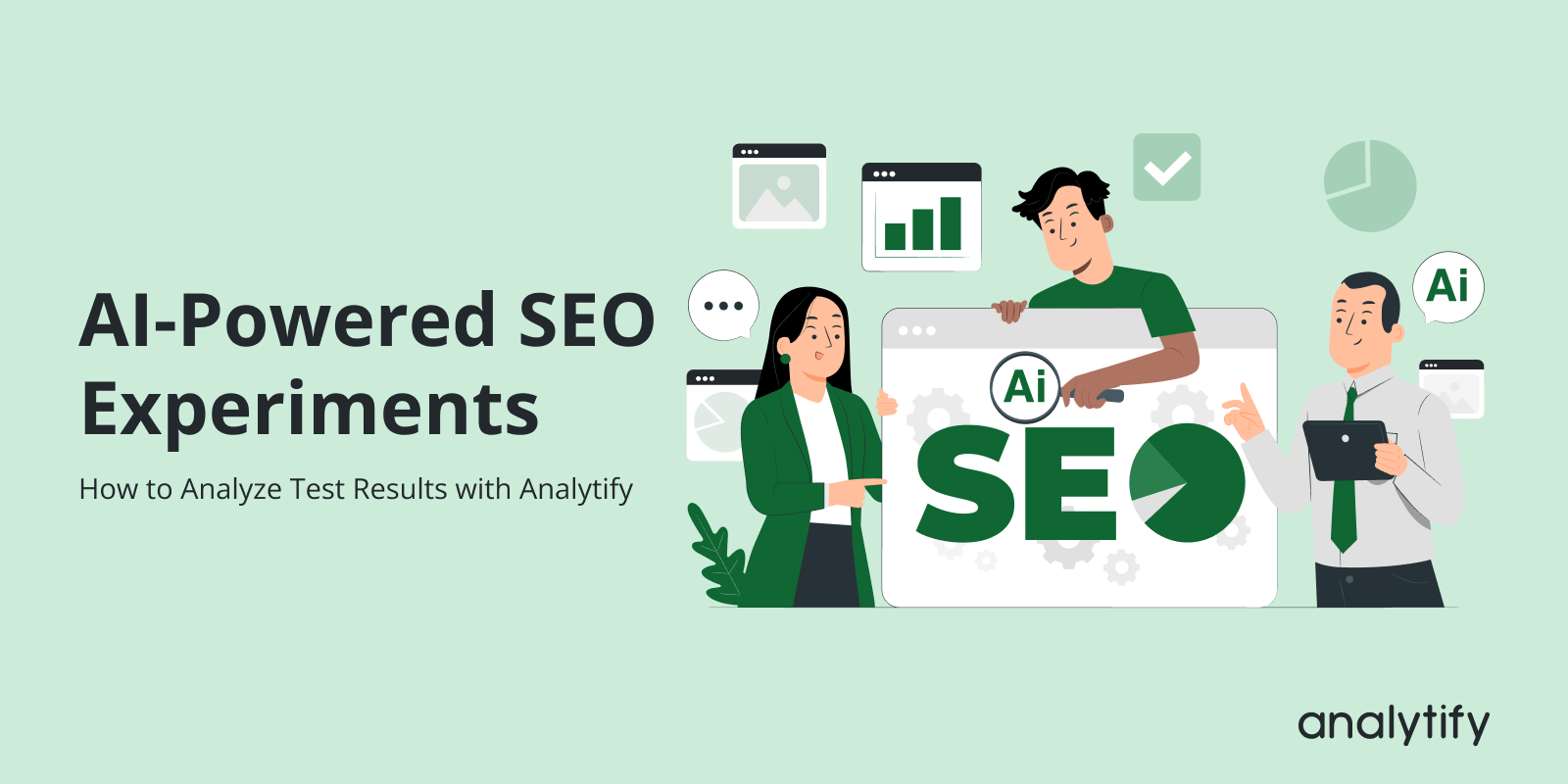
AI-Powered SEO Experiments

AI-Powered SEO Experiments: How to Analyze Test Results with Analytify

To run an AI-powered SEO experiment, pick pages that already get traffic, change one element on selected test pages, keep control pages unchanged, and compare the results in Analytify and GA4.

AI-powered SEO experiments use AI insights to form clear hypotheses and test real updates. These tests may include content improvements, keyword usage, meta changes, or user experience adjustments on selected pages.

AI SEO analysis identifies pages that need improvement, suggests which elements are worth testing, and predicts which changes are more likely to deliver results. AI-powered analysis speeds up SEO testing.

This guide is for WordPress site owners and marketers who want to test SEO changes before rolling them out across the whole site. I cover how AI-powered SEO experiments work, how to plan them with AI, and how Analytify tracks and analyzes the experiment data.

Continue reading “AI-Powered SEO Experiments: How to Analyze Test Results with Analytify” →
Analytics Prompts for Marketing

How to Use Analytify Data to Train Better AI Prompts for Marketing

To get better results from AI prompts for marketing, include real GA4 data from Analytify in them: top pages, user behavior, traffic sources and key events.

AI works best when it is guided by facts. For marketing, those facts live in your analytics.

Analytics prompts for marketing are AI prompts that include real GA4 insights to guide the output. When prompts are based on actual performance data, AI has the context to produce more relevant content, clearer recommendations and better targeting ideas.

This approach is called data-driven prompt engineering. It means writing AI prompts using real website data instead of assumptions. Rather than asking AI what might work, you show it what already does.

GA4 data can be hard to use directly. Analytify converts complex GA4 reports into simple, readable insights that you can plug into AI prompts.

I show you how to collect the right data from Analytify, turn it into AI prompts, and reuse eight prompt templates. This guide is for marketers and site owners who use AI tools for marketing content.

Continue reading “How to Use Analytify Data to Train Better AI Prompts for Marketing” →
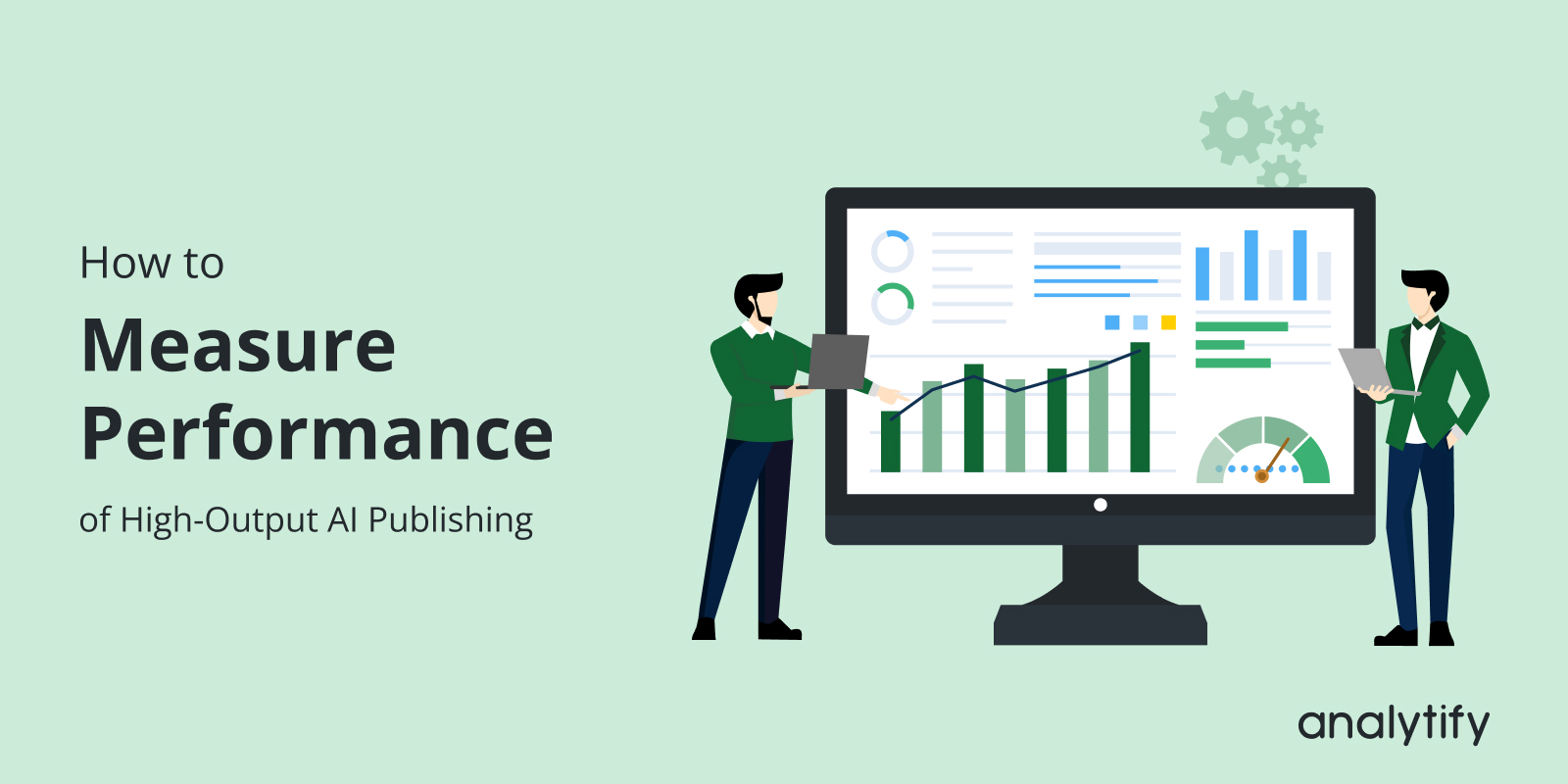
AI Content Velocity Analytics

AI Content Velocity: How to Measure Performance of High-Output AI Publishing

AI content velocity analytics measures how fast you publish AI-generated content and how that content performs in traffic, engagement and rankings.

Many websites now use AI to publish a lot of content quickly. Speed alone does not bring good results, so you need to track output and performance together.

Tracking AI content velocity helps you avoid publishing too much low-value content. It shows whether your AI-generated content grows your site or hurts rankings, traffic and content quality.

I show you what AI content velocity means, why it matters for SEO, and how to track AI-generated content performance with GA4, SEMrush and Analytify. This guide is for site owners and content teams that publish AI-assisted content at volume. 

Continue reading “AI Content Velocity: How to Measure Performance of High-Output AI Publishing” →
GA4 user journey tracking

User Journeys in GA4: How to Track Every Step on Your WordPress Site

Ever wonder how visitors really move through your WordPress site? You’ll be glad to know, you’re in the right place!

GA4 user journey tracking shows how visitors move through your website step by step. It helps you understand their path from the first landing page to key actions like signing up or making a purchase.

Understanding these journeys is important because it shows which steps lead users to take action, identifies where they get stuck, and helps you improve your content. So, visitors move through your site more easily.

In this guide, we’ll discuss everything you need to track GA4 user journey on WordPress. We’ll start by covering the prerequisites and then explain how to set up Path Explorations and Funnels. We’ll also explain how to analyze Cohorts and Segment Overlaps and share tips for troubleshooting common issues.

Let’s get started!

Continue reading “User Journeys in GA4: How to Track Every Step on Your WordPress Site” →
Content Performance Benchmarks

Content Performance Benchmarks: How to Measure Good Metrics in 2026

Content performance benchmarks are reference points that show whether your content performs well. You compare your metrics against your own past results, industry standards or competitors.

Use these benchmarks to see whether each post is above average, meeting expectations or falling behind. 

With benchmarks in place, you can see which pieces of content drive engagement, conversions and growth, and which ones need improvement.

I cover why benchmarks matter, which metrics to track in 2026 and how to measure them with GA4 and Analytify inside WordPress. This guide is for WordPress site owners, bloggers and content marketers.

Continue reading “Content Performance Benchmarks: How to Measure Good Metrics in 2026” →
GA4 Explorations for Bloggers_ How to Analyze Content Performance

GA4 Explorations for Bloggers: How to Analyze Content Performance

Are you using GA4 Explorations for bloggers to understand why some posts perform and others fall flat? 

Most bloggers rely on standard GA4 reports, but those only show surface metrics. Explorations go deeper; they reveal how readers move through your content, where they engage, and what triggers conversions like signups or affiliate clicks.

With the right Exploration reports, you can analyze complete content journeys, compare behavior across traffic sources, and spot patterns that standard analytics never show. This is the level of insight serious bloggers need to plan updates, improve internal linking, and grow conversions.

For WordPress users, Explorations become even more powerful when combined with Analytify. It pulls key GA4 insights directly into your dashboard, auto-tracks essential engagement events, and simplifies the data you’d otherwise dig through manually.

In this guide, I’ll explain how bloggers can use GA4 Explorations step-by-step, Free-form, Path, Funnel, Cohort, and more, plus how Analytify simplifies advanced analytics for WordPress.

Continue reading “GA4 Explorations for Bloggers: How to Analyze Content Performance” →

content attribution in GA4

How to Create Content Attribution Reports in GA4

Is your content truly influencing conversions, or just bringing traffic? Content attribution in GA4 exposes the difference. 

Most people judge performance by traffic alone, but traffic doesn’t reveal which articles guide users, which pages assist conversions, or how your content supports the entire journey from first visit to final action. That’s exactly why content attribution matters.

It shows how users interact with your pages across multiple touchpoints, highlighting the actual impact of your WordPress content on conversions, even when a page wasn’t the final step.

In this guide, you’ll learn what content attribution means in GA4, where to find built-in attribution reports, and how to build custom content attribution reports using Explorations. You’ll also learn how Analytify makes content attribution inside WordPress even easier.

Let’s get started!

Continue reading “How to Create Content Attribution Reports in GA4” →
GA4 Ecommerce Metrics

How to Analyze Sales & Ecommerce Metrics in Google Analytics 4

Running a WooCommerce store is exciting, but it can also be confusing. You know some products sell well, while others don’t. But do you really know why? Or which parts of your site are losing sales?

This is where you require GA4 Ecommerce metrics. GA4 doesn’t just track numbers. It also helps you see how customers behave, what drives purchases, and where you might be losing revenue.

The big difference from the old Universal Analytics is that GA4 tracks everything as events. Every product view, add-to-cart click, and completed purchase is recorded in detail.

In this guide, we’ll explain the important GA4 eCommerce metrics for WooCommerce. You’ll learn how to analyze eCommerce data, spot opportunities, and make decisions that can actually grow your store.

Continue reading “How to Analyze Sales & Ecommerce Metrics in Google Analytics 4” →
1 2 3 4 … 25