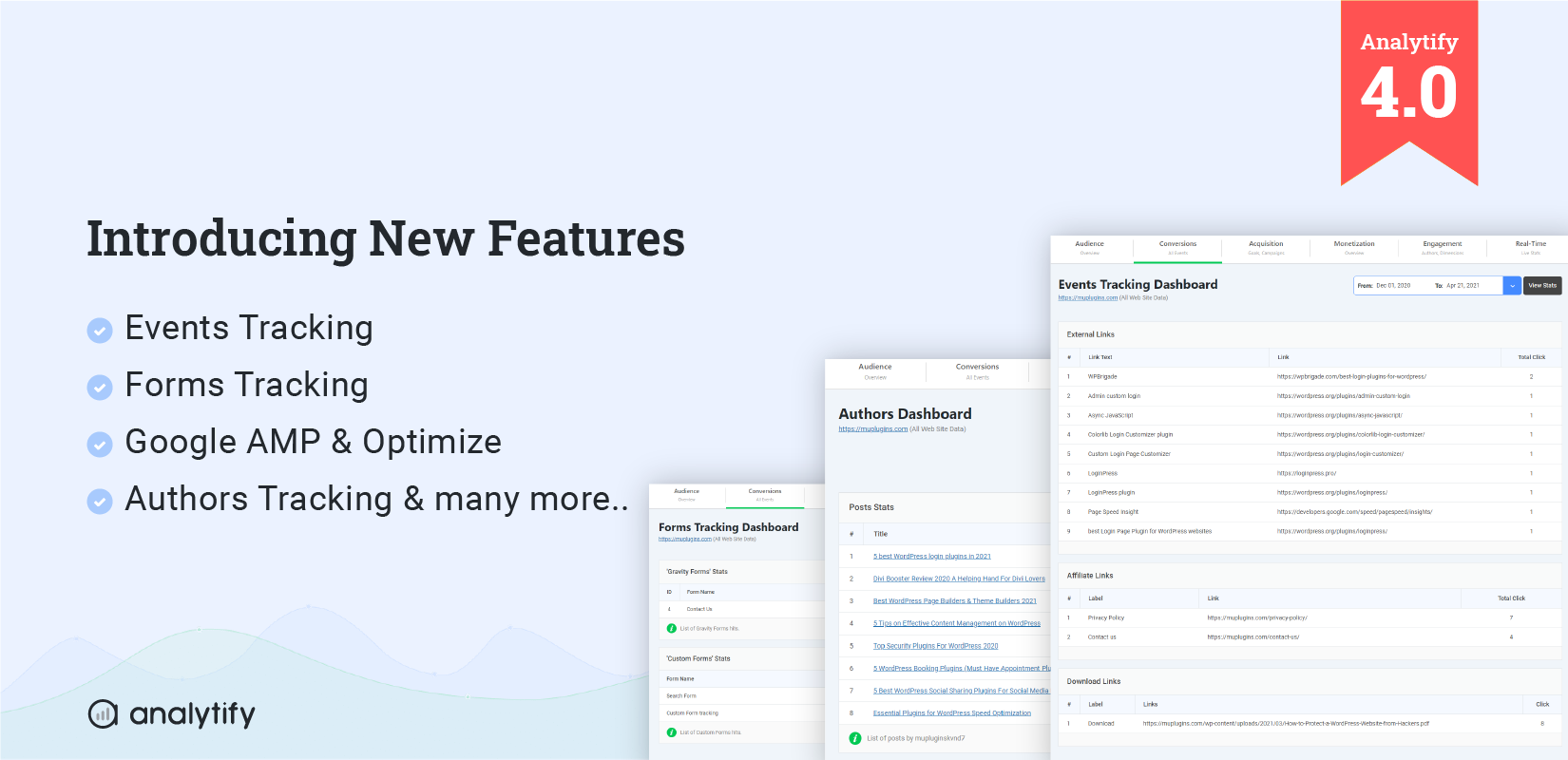
Discover all things Analytify! From product updates and new features to in-depth guides on using Analytify to improve your Google Analytics experience within WordPress.
WordPress Analytify is a powerful Google Analytics plugin to track website traffic and get all your website stats on your WordPress Dashboard. It not only shows stats on the dashboard, but the admin has the authority to show stats on the front-end for every single page and post and even for custom post types.
WordPress Listifyis a theme on which every user wants to know how many visitors visit their listing. For the second, this task is functionality is difficult for the website owner as there is no such functionality in the theme, but with WordPress Analytify, it can be done in seconds.
Bounce rate is a key metric for analyzing the performance of a page. It helps in understanding if the users are satisfied with your content and or if they had likely to go back to the Google SERPs.
All website owners and Marketing experts should keep an eye on their site’s bounce rate. With an Analytics tool, you can adjust the bounce rate. But there are instances when a user bounces back after a few seconds. This generally does not mean the user is not completely satisfied with your content.
Do you want to track your Anchor links in Google Analytics and Analytify? A lot of one-pager WordPress themes rely on anchor link base tags for navigation.
For Google Analytics these all are single-page theme tags, which make it hard for Google Analytics to get meaningful Analytics of content viewed by the visitors.
GA4 organic keywords are what people typed into Google before landing on your site. GA4 hides most of them behind (not set) or (not provided) labels. That’s search encryption and privacy rules, not a tracking failure on your end.
You can still recover this data three ways. Link GA4 to Google Search Console. Track on-site search terms with the search_term event. Or view both directly inside the Analytify WordPress dashboard.
This guide covers all three methods. Plus free keyword research tools to fill the gaps GA4 leaves behind.
Have you ever wondered which Google Analytics reports are essential for boosting your SEO efforts? Navigating the large amount of data available in Google Analytics can be overwhelming, but focusing on the correct reports can make all the difference in your search engine optimization strategy.
This article will explore the most important Google Analytics SEO reports that everyone should consider. By the end, you’ll learn how to access and utilize these reports to improve your website’s performance and drive more organic traffic.
Let’s analyze the SEO reports in Google Analytics 4 that can help boost your organic search visibility!