Download
Search for: real time
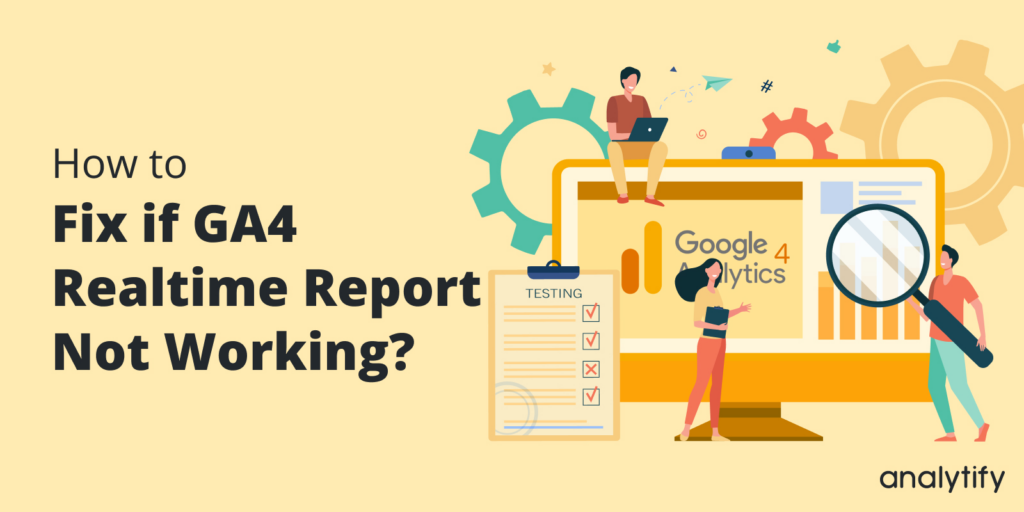
how to fix if GA4 realtime report not working

How to Fix Google Analytics Real Time Not Working? A Troubleshooting Guide

Are you struggling with Google Analytics Real Time Not Working? Don’t worry, this article will help you fix it in no time!

Google Analytics Real-time reports offer a dynamic and immediate view of user activities on your website. Sometime issues arise with Google Analytics Real Time Reporting, you’re not alone. Many users experience similar frustrations with GA4 Real Time not working.

In this blog post, we’ll look at some of the most common reasons why your Google Analytics real time reports are not working and how to fix them.

Continue reading “How to Fix Google Analytics Real Time Not Working? A Troubleshooting Guide”
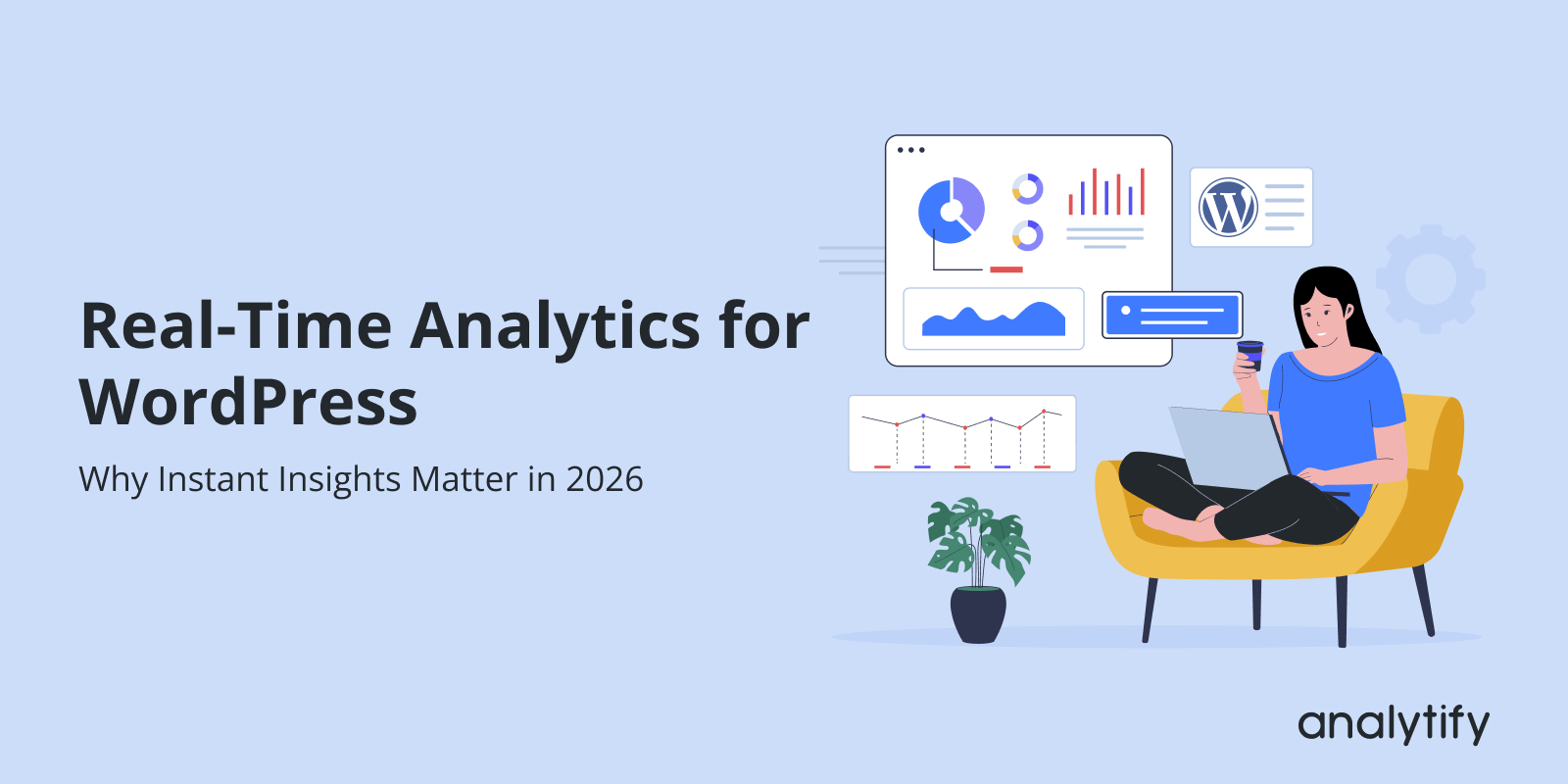

WordPress real-time analytics

Real-Time Analytics for WordPress: Why Instant Insights Matter in 2026

Do you know why WordPress real-time analytics are becoming essential for site owners?

WordPress real-time analytics show what’s happening on your website the exact moment it happens, who’s visiting, which pages they’re viewing, and how they’re engaging. These instant insights help site owners, ecommerce stores, publishers, and marketers react faster, fix issues quickly, and optimize campaigns in real time. 

But GA4’s built-in real-time report is limited and often hard to interpret. This is where Analytify steps in with an easier real-time dashboard inside WordPress. 

In this article, you’ll learn how WordPress real-time analytics work, how Analytify simplifies them, and how to monitor the right metrics effectively.

Let’s get started!

Continue reading “Real-Time Analytics for WordPress: Why Instant Insights Matter in 2026”
Event Based Reporting in GA4

Real-Time vs Event-Based Reporting in GA4: Which One to Use When

You open GA4 and notice two report types, Real-Time and Events. Both display how users interact with your website, but they do it in entirely different ways. While Real-Time reporting in GA4 shows what’s happening right now, event-based reporting in GA4 reveals what has happened over time.

With the shift from Universal Analytics to GA4, Google moved from a session-based model to an event-based tracking system. Instead of grouping all user actions into a single visit, GA4 tracks each interaction individually. Every click, page view, or form submission is recorded as a separate event, giving a more flexible way to track user behavior in GA4.

But that brings up an important question: When should you rely on Real-Time reports, and when should you trust Event reports?

In this guide, we’ll explore how each report works, what kind of data they show, and how you can use both with Analytify for WordPress to simplify GA4 reporting. 

Let’s get started!

Continue reading “Real-Time vs Event-Based Reporting in GA4: Which One to Use When”
How to Track User Engagement Time in Google Analytics 4

How to Track User Engagement Time in GA4 (2026 Guide + Benchmarks)

Most site owners are looking at the wrong metric. They check pageviews.

They obsess over traffic numbers. And they completely ignore the one thing that actually tells you whether your content is working: user engagement time in Google Analytics 4.

Here is the truth. A thousand visitors mean nothing if nobody reads what you wrote.

In this guide, I am going to show you exactly how to track user engagement time in Google Analytics 4, what the numbers actually mean, and how to use that data to improve your content.

I will also share a shortcut that lets WordPress users check all user engagement metrics GA4 without ever leaving their dashboard.

Let’s get into it.

Continue reading “How to Track User Engagement Time in GA4 (2026 Guide + Benchmarks)”
How to do smart scaling using Traffic to Optimize Hosting Costs Without Sacrificing Uptime

Smart Scaling: How to Use Traffic to Optimize Hosting Costs Without Sacrificing Uptime

Are you looking for ways to use smart scaling to optimize hosting costs without sacrificing uptime?

Managing hosting costs for your Minecraft server can be a tricky balancing act. With sudden traffic spikes, hosting costs can quickly climb, but scaling up your server isn’t always the most cost-effective solution. Fortunately, smart scaling allows you to optimize your hosting resources in real-time, ensuring a smooth gaming experience for players without overpaying for unnecessary resources.

In this article, we’ll explain what smart scaling is, how to implement it for your Minecraft server, and how Analytify can help you track the key metrics needed to make data-driven decisions about your hosting strategy.

Continue reading “Smart Scaling: How to Use Traffic to Optimize Hosting Costs Without Sacrificing Uptime”
Analytics for Students Side Hustles

How Analytics Help Students Optimize Side Hustles & Time Management

In today’s fast-paced world, an increasing number of students are pursuing side hustles, whether it’s freelancing, e-commerce, tutoring, or running a YouTube channel. While these ventures provide extra income and real-world experience, they also present challenges, particularly in managing time efficiently. Between juggling studies, personal life, and a growing side hustle, students often find themselves overwhelmed.

But what if there was a way to make it all easier? What if students could use data to make smarter decisions, streamline their side hustle, and optimize their time more effectively? The answer lies in analytics. With the right approach, analytics can transform how students manage their side hustles, helping them save time, increase productivity, and ultimately succeed.

In this article, we’ll explore how analytics for student side hustles can benefit them and provide them with the tools to manage their time effectively.

Continue reading “How Analytics Help Students Optimize Side Hustles & Time Management”
21 Ecommerce Growth Strategies: Data-Driven Hacks to Boost Conversions

21 eCommerce Growth Strategies: Data-Driven Hacks to Boost Conversions

Your WooCommerce store gets visitors, but not enough of them buy. You have tried eCommerce hacks before and could not tell if you were solving the right problem.

This article gives you 21 eCommerce growth strategies to increase sales, each tied to one specific GA4 report inside your WordPress dashboard.

Analytify shows these eCommerce reports directly inside WordPress. Every strategy below names the exact report to check first, then the action to take.

Continue reading “21 eCommerce Growth Strategies: Data-Driven Hacks to Boost Conversions”
Analytify vs GA Google Analytics

Analytify vs GA Google Analytics: 7-Point Comparison

The question for today is: Analytify or GA Google Analytics Plugin? GA Google Analytics has 600,000+ active installs. It adds your GA4 tracking code to WordPress without touching a single line of code. If that is all you need, it is a solid choice.

But most WordPress site owners hit the same wall. The tracking is running. The data is flowing. And to actually see it, you still have to open Google Analytics every time. That is where the Analytify vs GA Google Analytics comparison becomes a real question worth answering, and where Analytify consistently wins for WordPress-first users.

This comparison covers setup, dashboards, reporting, tracking, and pricing. You’ll get a full feature table, a decision guide, and a clear answer on which tool works best for WordPress site owners.

Bottom line: GA Google Analytics gets your tracking code on the page. That’s it. Analytify goes further: it puts GA4 reports, per-post stats, WooCommerce data, and real-time traffic right inside WordPress. For most site owners, it’s not even a close call.

Continue reading “Analytify vs GA Google Analytics: 7-Point Comparison”
5 google analytics best practices 2026

Google Analytics Best Practices for WordPress (2026)

To get the most out of Google Analytics 4 on your WordPress site, start with five configuration steps. This guide provides a clear list of GA4 settings for WordPress with Analytify to quickly improve your data accuracy.

Connecting GA4 directly to your site takes only two minutes. Most WordPress site owners complete this connection and then rarely use it. GA4 was not built for WordPress. Its reports live outside your site. The terminology assumes you are a data scientist.

There is no clear start checklist for a blog or store. These five Google Analytics best practices settings take under an hour to complete. They immediately improve your data accuracy.

You will soon see how to view these metrics easily. Let’s look at how to organize your tracking first.

The next step is to structure your accounts correctly.

Continue reading “Google Analytics Best Practices for WordPress (2026)”
Analyze landing page tests in wordpress 2026

How to Analyze Landing Page Tests in GA4 for WordPress (Explained)

Running a landing page A/B test in WordPress is easy. To analyze landing page tests in GA4 is where most technical documentation and marketing teams get stuck. 

In this guide, we will explore how to use GA4 to compare your landing page variants, identify the winning version, and make data-driven decisions with confidence. 

We’ll cover the specific Exploration reports required, the metrics that dictate a “winner,” and how to access these insights without ever leaving your WordPress dashboard.

We will also focus on how you can analyze landing page tests in GA4. For the initial setup of A/B testing tools, traffic-splitting testing is recommended.

Continue reading “How to Analyze Landing Page Tests in GA4 for WordPress (Explained)”
1 2 37