
Most “best MCP servers” lists are written for developers: code tools, databases, browsers. Marketers need a different list.
The best MCP servers for marketers and SEOs connect Claude or ChatGPT to the tools you already report from: Google Analytics, Search Console, your SEO platform, your ad accounts, your CRM, and your website.
Here are my 12 picks, sorted by the job they do, starting with Analytify MCP, our own hosted server for GA4 and Search Console. For each one: what it reads, what it costs, and how hard it is to set up.
Table of Contents
What Is an MCP Server, in Marketing Terms?
An MCP server is a connector that lets an AI app read data from one of your tools. MCP stands for Model Context Protocol, the open standard Claude, ChatGPT and other AI apps use to call outside tools.
Without one, you export a CSV and paste it into the chat. With one, you ask “Which pages lost Google clicks last month?” and the AI pulls the numbers itself.
There are two kinds:
- Hosted (remote) servers. The vendor runs the server. You paste a URL, sign in, and you’re done.
- Local servers. You install the server on your own computer. They usually need a terminal, and sometimes a Google Cloud project.
For most marketers, hosted servers are the ones worth starting with.
Which MCP Servers Should Marketers Use? Quick Picks
The best MCP servers for marketing cover analytics, SEO research, ads, CRM, design and your website. Start with the one that matches the report you build most often.
| MCP server | Best for | Hosted or local | Cost |
|---|---|---|---|
| Analytify MCP | GA4 and Search Console insights together | Hosted | From $4/month, billed yearly |
| Google Analytics MCP server | Free GA4 access for technical users | Local | Free |
| Semrush MCP | Keyword, backlink and competitor research | Hosted | Included in eligible Semrush plans |
| Ahrefs MCP | Backlinks, keywords and site audits | Hosted | Lite plan or higher |
| SE Ranking MCP | Keyword research, audits and AI search visibility | Hosted | Included in SE Ranking plans, or pay-as-you-go API |
| Google Ads MCP server | Google Ads reporting | Local or self-hosted | Free |
| Meta ads MCP server | Facebook and Instagram ads | Hosted | Check Meta’s requirements |
| HubSpot MCP | CRM, contacts and deals | Hosted | Included with HubSpot accounts |
| Canva AI Connector | Creating and editing designs | Hosted | Check Canva’s eligibility |
| Notion MCP | Content calendars, briefs and docs | Hosted | Works with your Notion plan |
| WordPress MCP | Reading and editing site content | Hosted (WordPress.com) or plugin | Paid WordPress.com plans, or free plugin |
| Chrome DevTools MCP | Page speed and Core Web Vitals checks | Local | Free |
Building the same GA4 and Search Console report every week? Analytify MCP connects both to Claude and ChatGPT in one hosted connection, so you can ask one question and get both sides of the answer.
How Did I Pick These MCP Servers?
I picked servers that are official, built by the tool’s own company, and useful for a weekly marketing job. Community wrappers can work, but an official server is the one that keeps working when an API changes.
My criteria:
- Official. Built or documented by the vendor.
- Marketing data. It reads something you report on: traffic, rankings, ads, leads or content.
- Clear permissions. It’s read-only, or it asks before it changes anything.
- Realistic setup. Hosted servers ranked higher than ones that need a terminal.
I checked every server against its vendor’s own documentation in November 2026. Two are part of our own weekly routine: Analytify MCP for GA4 and Search Console, and SE Ranking MCP for keyword research. The keyword numbers behind this article came from SE Ranking MCP.
What Are the Best MCP Servers for Analytics and Search Console?
The best analytics MCP servers are Analytify MCP, for GA4 and Search Console together, and Google’s own Google Analytics MCP server, for free GA4-only access.
1. Analytify MCP
Analytify MCP is a hosted MCP server that gives Claude, ChatGPT, Cursor, Codex and any AI app that supports custom MCPs ready-made Google Analytics 4 and Search Console reports. Most GA4 MCP servers connect your AI to the raw API and leave it to work out which numbers to pull. Analytify MCP hands it the same reports you see in Analytify, so the answer matches your numbers.
- Reads: GA4 reports, plus Search Console clicks, queries and rankings
- Best for: getting insights from Google Analytics and Search Console together, like “Which pages lost visitors, and did their Google search clicks drop too?”
- Custom reports: any mix of GA4 metrics and breakdowns, with filters, date ranges and period comparisons
- Bot traffic: flags visits that don’t behave like real people. Ask for “clean numbers” and it removes them from every report.
- AI referrals: see visits from ChatGPT, Perplexity and other AI tools that identify themselves
- Built in: 10 ready-made prompts, such as a monthly check-up and a weekly action plan
- Setup: about 5 minutes. No Google Cloud, coding, or credential files.
- Privacy: read-only. Personal details are hidden, and reports aren’t stored permanently.
- Cost: every plan includes every feature. Plans differ only in analytics requests per month: Starter 50, Pro 1,000, Agency unlimited. From $4 a month, billed yearly ($48).
- Setup guides: Claude and ChatGPT
Here’s a real answer from our own site, loginpress.pro. Claude used Analytify MCP to put Search Console clicks next to GA4 engaged sessions for the same pages:
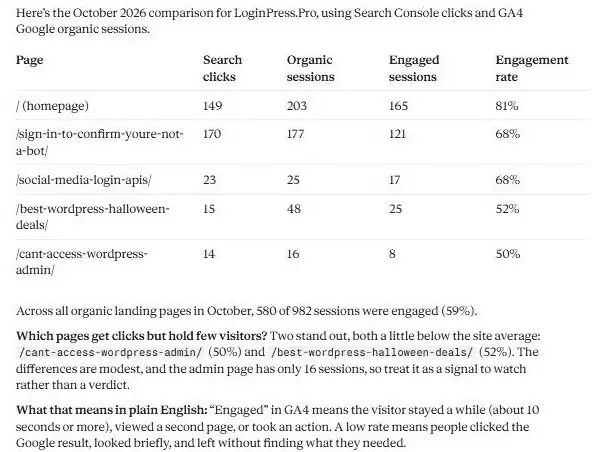
That one question used to mean two exports and a spreadsheet. See the Google Search Console MCP guide for more examples.
2. Google Analytics MCP server (by Google)
The Google Analytics MCP server is Google’s free, open-source server for GA4. It runs on your own computer.
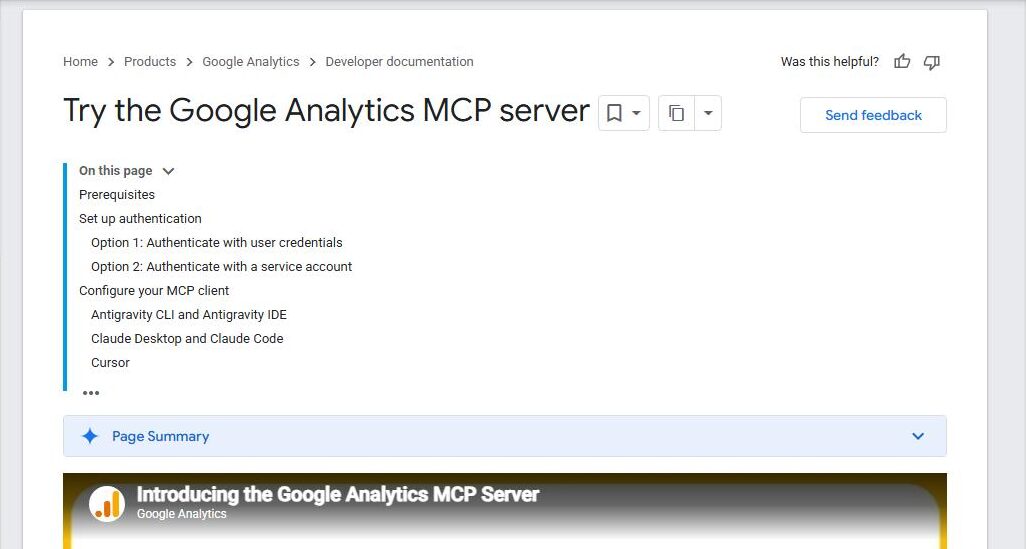
- Reads: GA4 reports, real-time data, funnels and property settings
- Best for: developers who want free GA4 access in Claude Desktop, Claude Code or Cursor
- Setup: Python, the gcloud tool, a Google Cloud project and two APIs
- Access: read-only by default
- Cost: free
It doesn’t read Search Console, and Google doesn’t list ChatGPT as a supported app. Our Google Analytics MCP server setup guide walks through every step.
What Are the Best SEO MCP Servers?
The best SEO MCP servers are the official ones from Semrush, Ahrefs and SE Ranking. All three are hosted, so you connect them with a URL and a sign-in. Pick the one that matches the SEO platform you already pay for.
3. Semrush MCP
Semrush MCP connects Semrush’s keyword, backlink, domain and traffic data to your AI app.
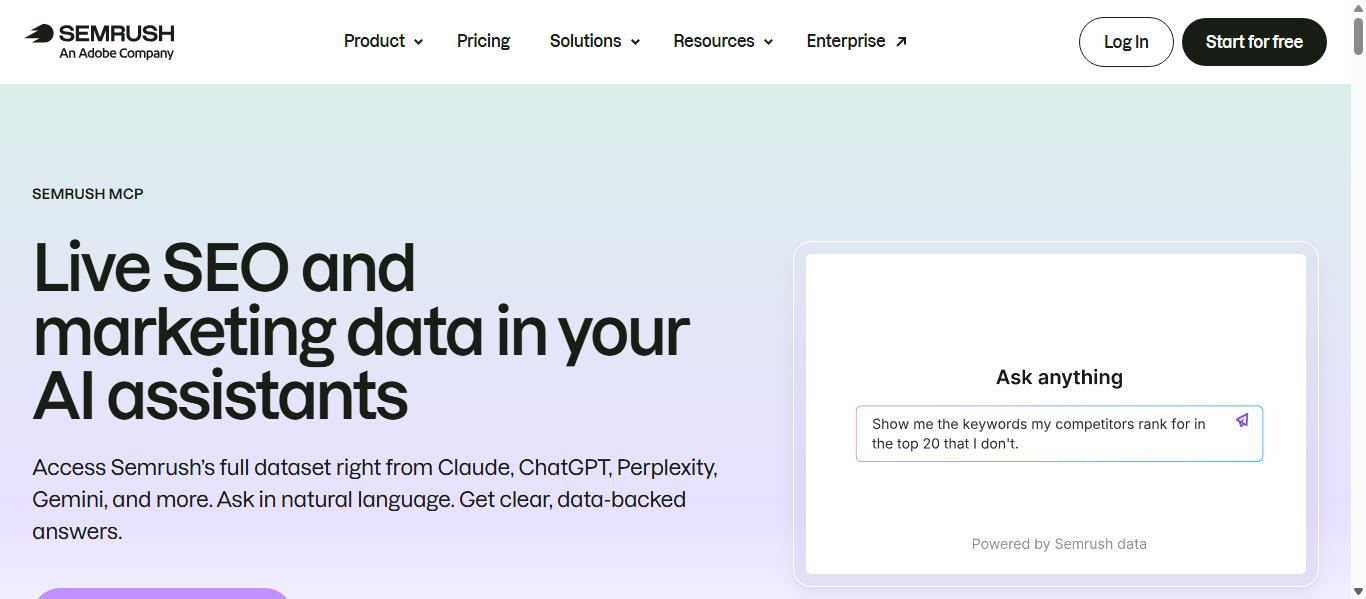
- Reads: keyword research, backlinks, organic and paid research, domain analytics
- Works in: ChatGPT, Claude, Perplexity, Gemini, Cursor, VS Code and Claude Code
- Setup: add it from the AI app’s connector list, or paste Semrush’s server URL
- Cost: included in Semrush One and SEO Classic plans, and available to API users
4. Ahrefs MCP
Ahrefs MCP is Ahrefs’ hosted server for backlink, keyword, rank tracking and site audit data. Ahrefs retired its old local server, so the hosted one is the only supported option.
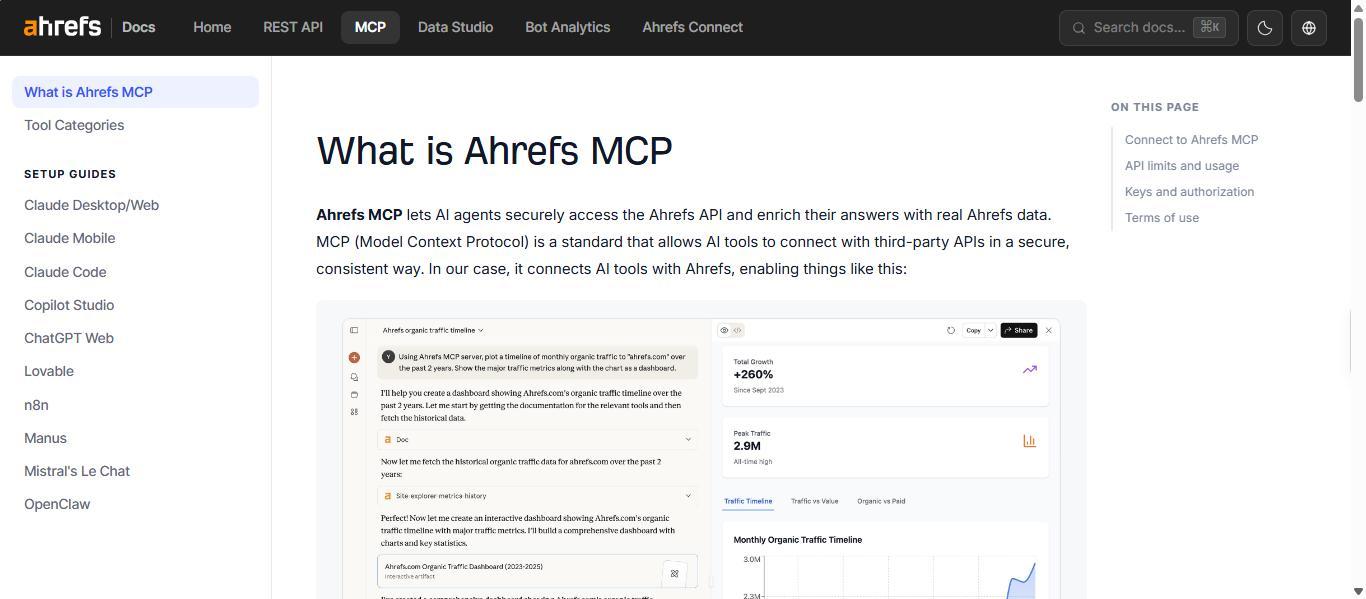
- Reads: Site Explorer, Keywords Explorer, Rank Tracker and Site Audit data
- Setup: paste Ahrefs’ server URL and sign in
- Cost: needs a paid plan from Lite up. Calls use your plan’s API units.
5. SE Ranking MCP
SE Ranking MCP gives your AI app SE Ranking’s keyword, backlink, audit and AI search visibility data.
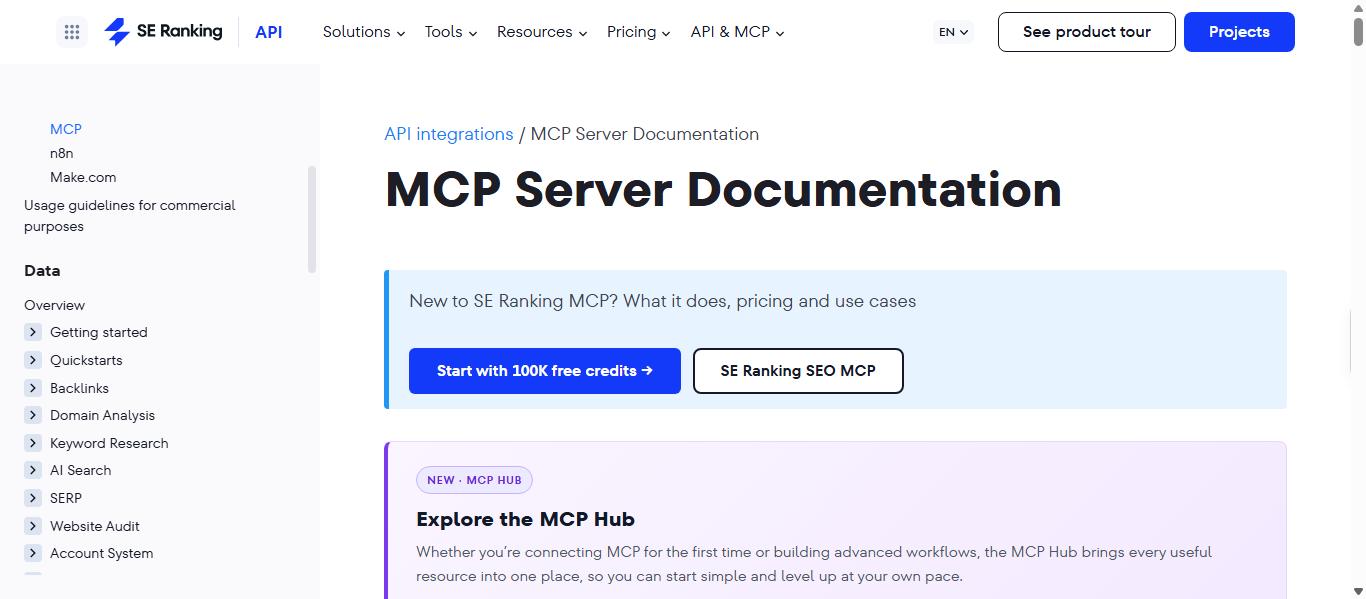
- Reads: keyword research, domain analysis, backlinks, site audits, rank tracking and AI search visibility
- Works in: Claude, ChatGPT, Cursor, Gemini CLI, Codex and other MCP apps
- Setup: add the SE Ranking connector, or paste its server URL and sign in
- Cost: included in every SE Ranking subscription and runs on API credits. There’s also a pay-as-you-go API plan.
Here’s how the three compare:
| Semrush MCP | Ahrefs MCP | SE Ranking MCP | |
|---|---|---|---|
| Hosted by the vendor | Yes | Yes | Yes |
| Add from Claude’s or ChatGPT’s app list | Yes | Connect by URL | Yes |
| Keyword research | Yes | Yes | Yes |
| Backlinks | Yes | Yes | Yes |
| Site audits | Check Semrush docs | Yes | Yes |
| Billing | Plan or API units | API units from Lite plan up | API credits from your plan |
My take: don’t pay for a second SEO platform just for its MCP server. The best SEO MCP is the one connected to the data you already trust.
What Are the Best MCP Servers for Ads?
The best ads MCP servers come from Google and Meta. Google’s is free, built mainly for reporting, and you run it yourself. Meta’s is hosted and can also create and edit ads.
6. Google Ads MCP server (by Google)
The Google Ads MCP server lets your AI app read campaign data through the Google Ads API.
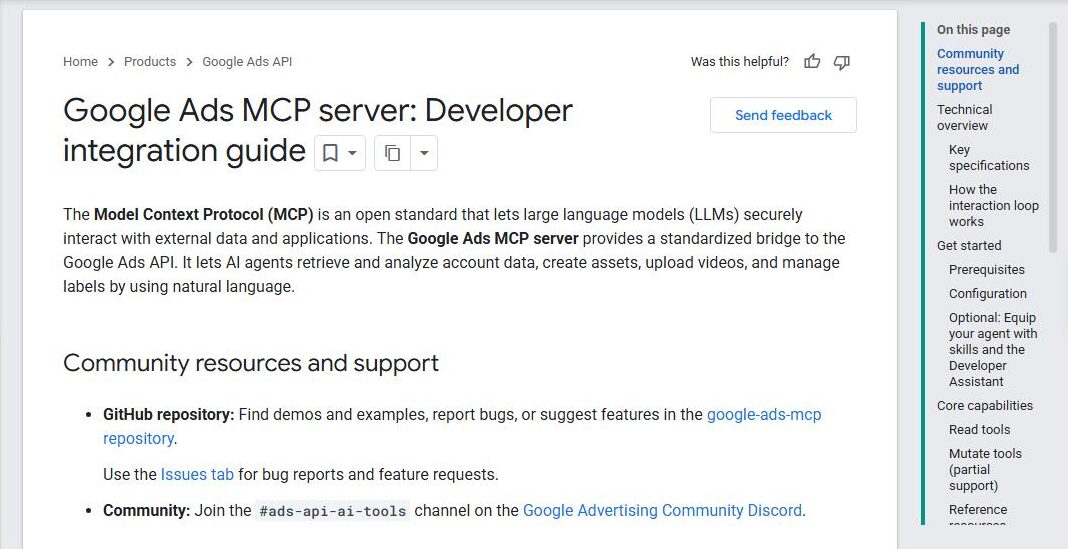
- Reads: accounts, campaigns, budgets and performance metrics
- Access: reads reports, and can create assets, upload videos and manage labels after you confirm. It can’t change campaigns, budgets or bids, and you can switch it to read-only.
- Setup: Python, pipx, the gcloud tool and a Google Cloud project with the Google Ads API turned on. You can also host it on Google Cloud Run.
- Cost: free and open source
7. Meta ads MCP server (by Meta)
The Meta ads MCP server is hosted by Meta and covers Facebook and Instagram ads.
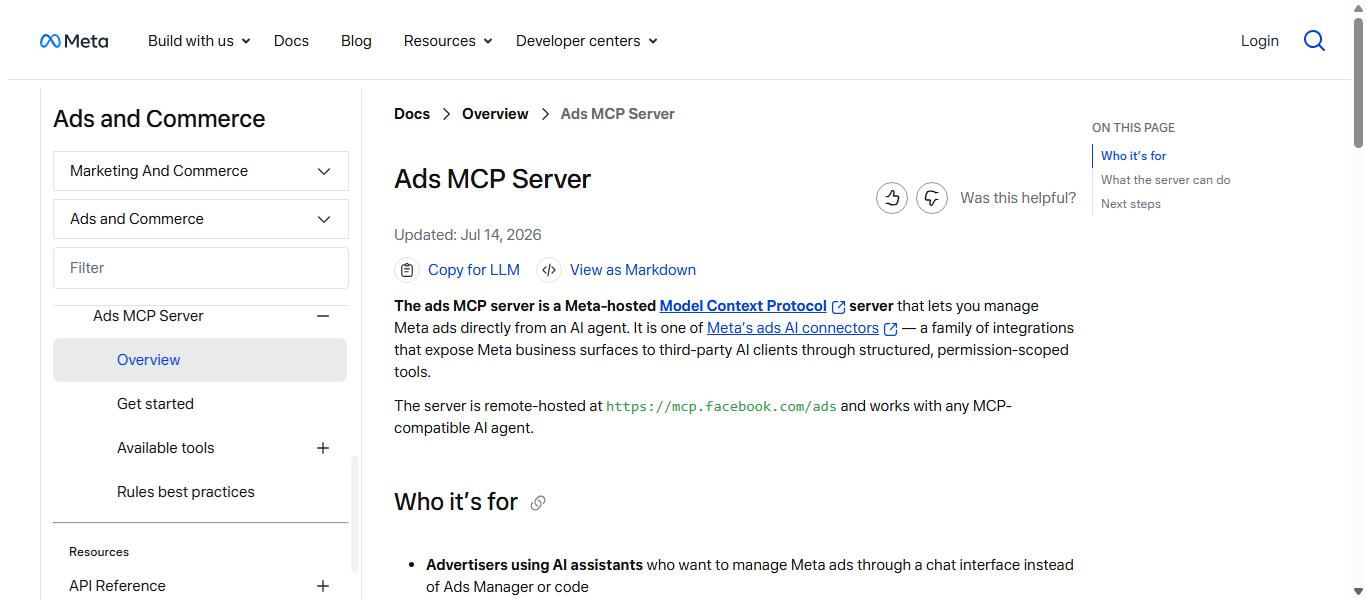
- Reads: ad insights and reporting, signal health and activity logs
- Can change: campaigns, ad sets, ads, catalogs and A/B tests
- Setup: Meta’s developer docs cover sign-in and access requirements
- Cost: check Meta’s documentation
Be careful with this one. It can edit live campaigns, so read every action before you approve it.
What Are the Best MCP Servers for CRM, Content and Design?
For CRM, content and design, the best MCP servers are HubSpot, Notion and Canva. All three are hosted and sign in with your existing account.
8. HubSpot MCP
HubSpot MCP connects your CRM to Claude, ChatGPT, Microsoft Copilot and Gemini.
- Reads and writes: contacts, companies, deals, tickets and more
- Permissions: follows your HubSpot user permissions
- Cost: generally available to all HubSpot accounts
9. Canva AI Connector
The Canva AI Connector is Canva’s official MCP server. It lets your AI app search, create, edit and export designs.
- Best for: turning a blog post or report into social graphics
- Setup: add the Canva connector in Claude or ChatGPT and sign in
- Cost: check Canva’s help page for which Canva plans can use it
10. Notion MCP
Notion MCP is Notion’s hosted server for searching, reading and creating pages and databases.
- Best for: content calendars, briefs and campaign docs
- Setup: add Notion’s server URL and sign in
- Cost: works with your existing Notion workspace and plan
What Are the Best MCP Servers for Your Website?
For your website, the best MCP servers are WordPress MCP for content and Chrome DevTools MCP for page speed.
11. WordPress MCP
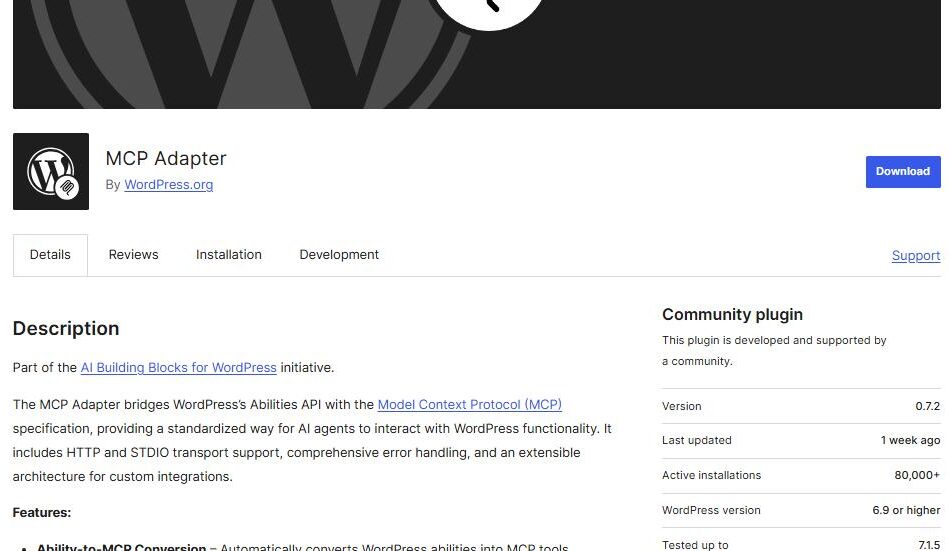
WordPress MCP lets your AI app read and edit your WordPress content. How you connect depends on where your site lives.
- WordPress.com sites: a hosted server, included on paid WordPress.com plans. It can draft posts and pages, and asks for your approval before changes. Turn it on in your WordPress.com account settings.
- Self-hosted WordPress: the official MCP Adapter plugin on WordPress.org, for WordPress 6.9 or newer. It’s more technical, and it only exposes what your plugins register.
12. Chrome DevTools MCP (by Google)
Chrome DevTools MCP is Google’s free server that gives your AI app a real Chrome browser.
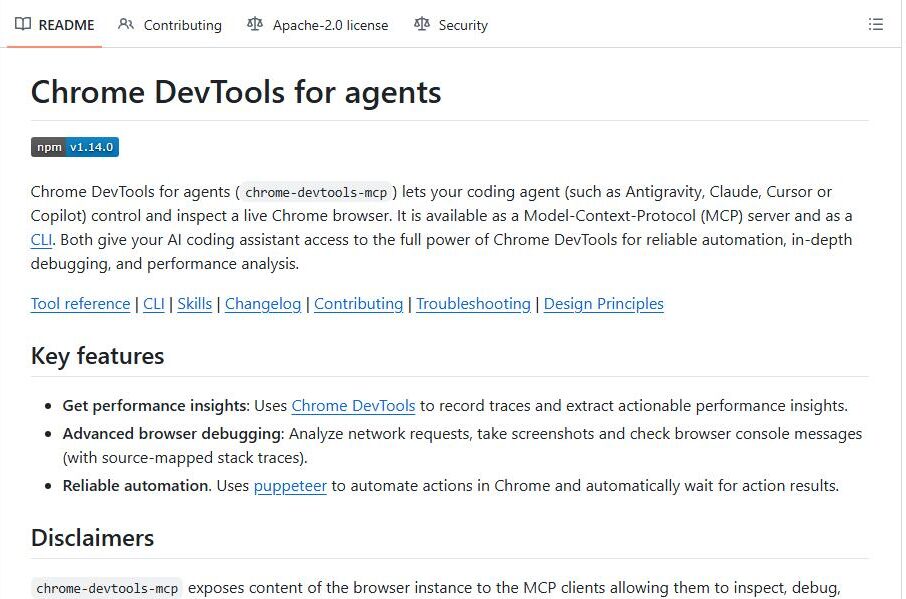
- Reads: performance traces, Core Web Vitals, network requests and console errors
- Can run: Lighthouse audits on any page
- Setup: Node.js and Chrome on your computer
- Cost: free
It’s the fastest way to ask “Why is this landing page slow?” and get an answer based on a real test.
Hosted vs Local MCP Servers: Which Should Marketers Choose?
Marketers should choose hosted MCP servers in most cases. You connect them in minutes, they work in browser AI apps, and the vendor keeps them updated.
| Hosted (remote) | Local | |
|---|---|---|
| Setup | Paste a URL, sign in | Install, configure, often a terminal |
| Works in ChatGPT and Claude on the web | Usually | No |
| Works when your laptop is off | Yes | No |
| Updates | Done by the vendor | Done by you |
| Usual cost | Paid plan or API credits | Often free |
| Examples here | Analytify, Semrush, Ahrefs, SE Ranking, Meta, HubSpot, Canva, Notion | Google Analytics, Google Ads, Chrome DevTools |
Pick a local server when it’s free, you’re comfortable in a terminal, and no hosted version covers the data.
Which MCP Servers Work Best Together?
The most useful setups connect two or three servers that answer one question together. Here’s what I’d connect for each kind of marketer:
| Role | Servers to connect | Question it answers |
|---|---|---|
| Blogger or content marketer | Analytify MCP + your SEO MCP | Which posts lost rankings, and did their engagement drop too? |
| WooCommerce store owner | Analytify MCP + Meta or Google Ads | Which campaigns brought sessions that turned into sales? |
| Agency | Analytify MCP + SE Ranking or Semrush + Notion | What changed for each client this month, written up as a report? |
| Paid media manager | Google Ads + Meta ads | Where should next week’s budget go? |
Start with one server. Add a second only when you catch yourself switching tabs to answer a question.
Are MCP Servers Safe for Marketing Data?
Official MCP servers are safe when you check two things: what they can access, and whether they can change anything.
Before connecting any server:
- Check the publisher. Use the vendor’s official server URL, not a copy.
- Check read vs write. Read-only servers can’t change your accounts. Analytify MCP is read-only, and Google’s Analytics server is read-only by default.
- Approve actions. Servers that can write, like Meta’s, HubSpot’s and WordPress’s, should ask before changing anything. Read the request first.
- Use your normal permissions. A server should only see what your own account can see.
- Disconnect what you don’t use. Remove old connectors from your AI app’s settings.
FAQs About MCP Servers for Marketers
What is the best MCP server for SEO?
The best MCP server for SEO is the official server from the SEO platform you already use: Semrush MCP, Ahrefs MCP or SE Ranking MCP. All three are hosted and cover keywords and backlinks. For your own site’s Google data, add a Search Console MCP like Analytify MCP.
Are MCP servers free?
Some are. Google’s Analytics, Ads and Chrome DevTools servers are free and open source, but you run them yourself. Hosted servers usually come with a paid plan, or use the API units or credits from your subscription.
Do MCP servers work with ChatGPT?
Hosted MCP servers work with ChatGPT through its apps and connectors settings. Local servers that run on your computer don’t. Some vendors, like Semrush and SE Ranking, are listed as official apps you can add in a few clicks.
Why is my MCP server not showing up in Claude or ChatGPT?
An MCP server usually doesn’t show up because it isn’t switched on for that chat, or your plan or workspace admin hasn’t allowed custom connectors. Check your connector settings, turn the server on for the conversation, and confirm the sign-in finished. Local servers also need your app restarted after any config change.
How many MCP servers should I connect at once?
Connect only the servers you use each week. Every connected server adds tools the AI has to choose between, and too many can make answers slower or less accurate. Two or three well-chosen servers beat ten you never use.
Can an MCP server replace my analytics dashboard?
Not fully. An MCP server answers questions on demand, but a dashboard is better for numbers you check at a glance every day. Many teams keep both: the dashboard for daily checks, the MCP server for “why did this change?” questions.
What Should You Do Next?
Here’s how I’d start:
- Pick the one report you build most often.
- Connect the official MCP server for that data, hosted if possible.
- Ask the same question you’d normally answer with an export.
- Add a second server only when one question needs two tools.
If that report involves GA4 or Search Console, start with Analytify MCP. Our prompt library has tested questions to try first.