Download
Back to All Categories
mixpanel vs google analytics

Mixpanel vs Google Analytics (Detailed Comparison 2026)

Choosing between Mixpanel vs Google Analytics comes down to one question: do you need to understand website traffic or user behavior inside a product?

For a complete walkthrough, see our guide: How to Set Up Google Analytics 4 and Connect it to Your WordPress Site?.

Google Analytics tracks how visitors find and navigate your website. Mixpanel tracks what individual users do inside your app or product.

In this guide, I’ll compare both tools across features, ease of use, tracking, pricing, and support. You’ll see which one fits your business.

Continue reading “Mixpanel vs Google Analytics (Detailed Comparison 2026)” →


GA4 Duplicate Events

How to Fix GA4 Duplicate Events (2026 Guide)

GA4 duplicate events happen when the same event is sent to Google Analytics 4 more than once, which inflates your event counts. The usual causes are GA4 installed both in your site code and in Google Tag Manager, tags that fire twice, and overlapping Create event rules. Inflated counts lead to inaccurate insights and poor decisions. 

This guide is for anyone whose GA4 event counts look too high. I cover Google Analytics duplicate events: the common causes, how to identify them, and how to fix GA4 duplicate events.

Continue reading “How to Fix GA4 Duplicate Events (2026 Guide)” →
11 key customer engagement metrics banner

11 Key Customer Engagement Metrics To Measure

Have you ever wondered how businesses know if their customers are happy and engaged? It’s all about customer engagement metrics that tell companies how well they connect with customers. These metrics help to understand customer behavior, satisfaction, and preferences and maintain loyalty.

Focusing on the right engagement metrics can help companies make smart decisions to improve their services and build stronger customer relationships. This article will guide you through 11 key metrics to measure customer engagement, with formulas, examples, and engaging infographics to help you better understand them.

Let’s examine the metrics for engagement that every business should monitor this year!

Continue reading “11 Key Customer Engagement Metrics To Measure” →
Google Analytics QR Code Tracking

Google Analytics QR Code Tracking (Explained)

To track QR codes in Google Analytics, add UTM parameters to the URL inside your QR code, then read the results in the GA4 Traffic acquisition report. UTM tags tell GA4 the source, medium, and campaign behind every scan.

Understanding the effectiveness of your QR codes , whether printed on posters, flyers, or online, can help you gain valuable knowledge about your marketing campaigns. 

This guide shows how to set up Google Analytics QR code tracking, analyze the collected data, and optimize your campaigns. It suits anyone who wants to understand their audience better.

Let’s get started! 

Continue reading “Google Analytics QR Code Tracking (Explained)” →
9+ Best Website Analytics Tools (2026)

9+ Best Website Analytics Tools (2026)

The best website analytics tools track user behavior, measure marketing ROI, and identify growth opportunities. For WordPress sites, Analytify ($99/year) simplifies GA4 data inside your dashboard: no tab switching. For broader analysis, pair it with Google Analytics 4 (free), Google Search Console (free), and SEMrush ($119.95/month) for competitive insights.

This guide compares 9 analytics tools across features, pricing, and best-fit use cases so you can choose the one that matches your goals: basic traffic tracking, ecommerce analytics, behavior tracking, or SEO.

Continue reading “9+ Best Website Analytics Tools (2026)” →
GA4 Outbound Links

How to Track & Analyze GA4 Outbound Links?

Google Analytics 4 (GA4) tracks outbound link clicks automatically when Enhanced Measurement is on. GA4 records each click as a click event with the link URL, link domain, link ID, and link classes. You can see these clicks in the Events report or in an Exploration. 

Tracking outbound links in GA4 shows you which external sites your visitors click through to. These clicks point to their interests and engagement levels, and you can use that view to refine your content strategy.

Below, I show you how to set up and track outbound links in Google Analytics 4. This guide is for site owners and marketers who want to see which external links their visitors click.

Continue reading “How to Track & Analyze GA4 Outbound Links?” →
GA4 Default Channel Grouping

GA4 Default Channel Grouping (Explained)

Are you confused about where your website traffic originates from? GA4 Default Channel Grouping simplifies this by sorting visitors into predefined categories. 

For a complete walkthrough, see our guide: How to Set Up Google Analytics 4 and Connect it to Your WordPress Site?.

Understanding GA4 Default Channel Grouping is necessary for any business owner or marketer who wants to optimize their online presence.

This article will explore what GA4 Default Channel Grouping is and why it matters. We’ll explain the default channel groups and their rules, making it easier to understand how users find your site. 

Let’s dive right in!

Continue reading “GA4 Default Channel Grouping (Explained)” →
top10 Google Analytics tips and tricks

Top 10 Google Analytics Tips and Tricks

The top 10 Google Analytics tips cover alerts, key events, engagement metrics, secondary dimensions, custom reports, dashboards, new vs. returning users, UTMs, audience segments, and ecommerce tracking. 

Google Analytics is a powerful tool for anyone who wants to understand their website’s performance and user behavior. 

These 10 tips work for beginners and for people who have used Google Analytics for years. They help you get the most out of Google Analytics 4 (GA4). 

Let’s explore the best Google Analytics tips for boosting your online success.

If you’d rather see all these metrics in one place, our guide on How to Build a Website Analytics Dashboard for Your Business walks you through putting them together.

Continue reading “Top 10 Google Analytics Tips and Tricks” →
Google Analytics conversion rate

Google Analytics Conversion Rate (GA4) – Explained

Understanding website conversions is crucial for any marketer or business owner. Tracking your conversion rate can provide valuable information about your marketing efforts’ effectiveness and identify areas for improvement.

For a complete walkthrough, see our guide: How to Set Up Google Analytics 4 and Connect it to Your WordPress Site?.

Whether you’re in e-commerce, lead generation, or content marketing, understanding conversion rate is essential for optimizing your website and achieving your business goals.

Google Analytics 4 (GA4) offers powerful conversion tracking capabilities. This guide dives deep into the GA4 conversion rate and explains its types. We’ll provide step-by-step instructions on locating Google Analytics conversion rate within reports and its significance for website optimization.

Let’s get started to explore more!

Continue reading “Google Analytics Conversion Rate (GA4) – Explained” →
Types of Users in Google Analytics 4

Google Analytics Users: Active Users vs. Total Users and New Users vs. Returning Users

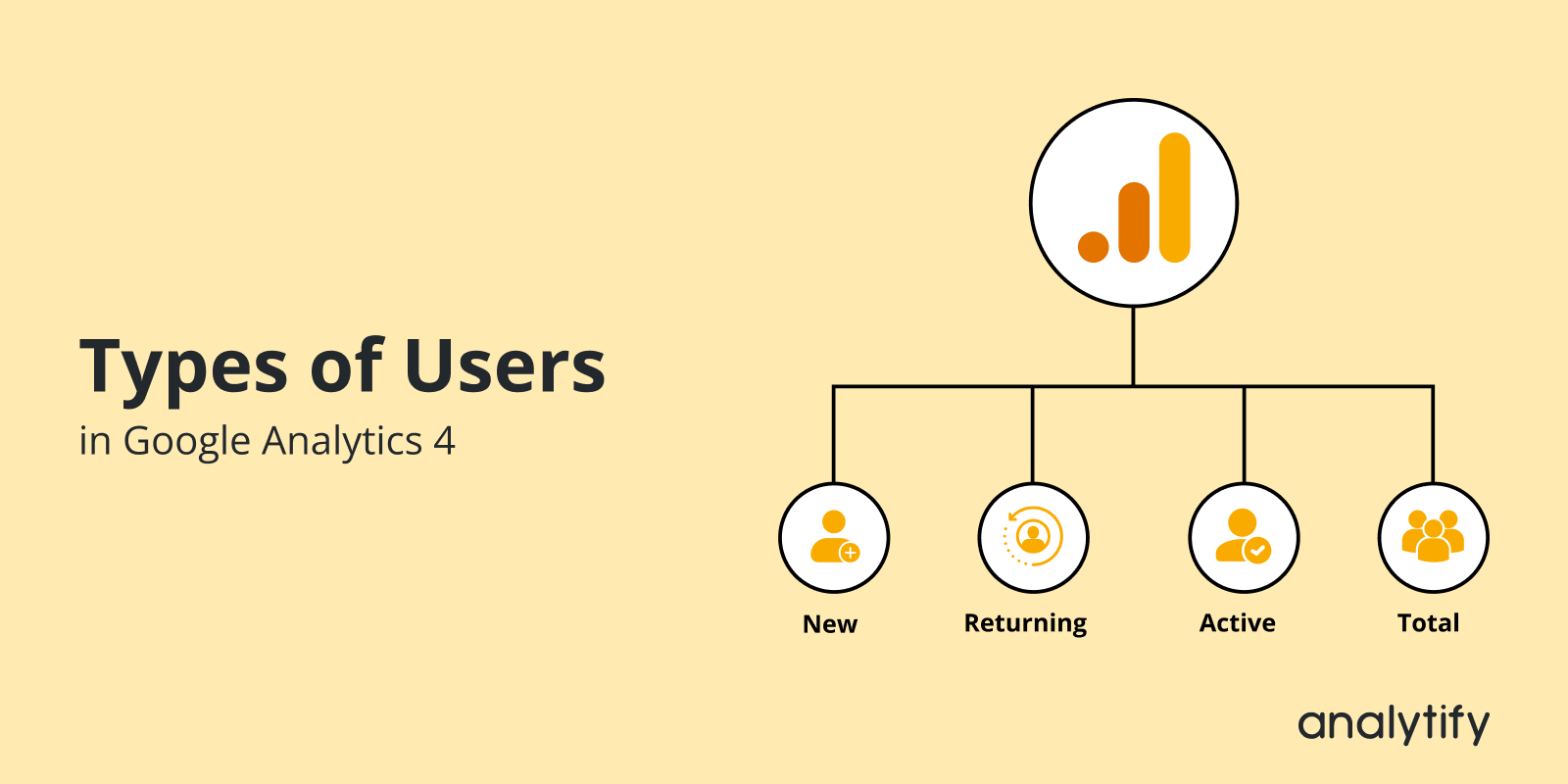
GA4 reports four types of users: Total users, Active users, New users, and Returning users. Total users counts every unique user ID that triggered any event. Active users counts users who had an engaged session. New users counts people visiting for the first time. Returning users counts people who started at least one earlier session. This guide explains each type and shows where to find it in GA4. 

For a complete walkthrough, see our guide: How to Set Up Google Analytics 4 and Connect it to Your WordPress Site?.

Understanding user types in GA4 is important if you’re new to Google Analytics or looking to get more from your data. This guide will explain the four main types of Google Analytics users: Active vs. Total Users and New vs. Returning Users.

You’ll gain valuable information about your website audience by understanding these distinctions. So, we can create targeted strategies that keep them returning for more.

Continue reading “Google Analytics Users: Active Users vs. Total Users and New Users vs. Returning Users” →
1 … 18 19 20 … 25