Download
Back to All Categories
Tracking Internal Campaigns with Google Analytics 4 (Explained 2026)

Tracking Internal Campaigns with Google Analytics 4 (Explained 2026)

Have you ever wondered why tracking internal campaigns with Google Analytics matters for your business? 

External campaigns bring visitors to your website, but internal promotions, such as banners, pop-ups, and CTAs, are what move them closer to conversions.

That’s why learning GA4 internal campaign tracking is so important. It helps you measure the impact of internal promotions, prevent broken attribution, and understand how on-site marketing placements influence user behavior. With proper setup, you can clearly see which promotions drive sales, sign-ups, and engagement.

In this guide, I will cover the differences between external vs internal campaign tracking, explain step-by-step setup using both GTM and the Analytify plugin, and share best practices for internal tracking in Google Analytics 4.

Let’s get started!

Continue reading “Tracking Internal Campaigns with Google Analytics 4 (Explained 2026)” →
Tracking Button Clicks with Google Tag Manager (2026 Guide)

Tracking Button Clicks with Google Tag Manager (2026 Guide)

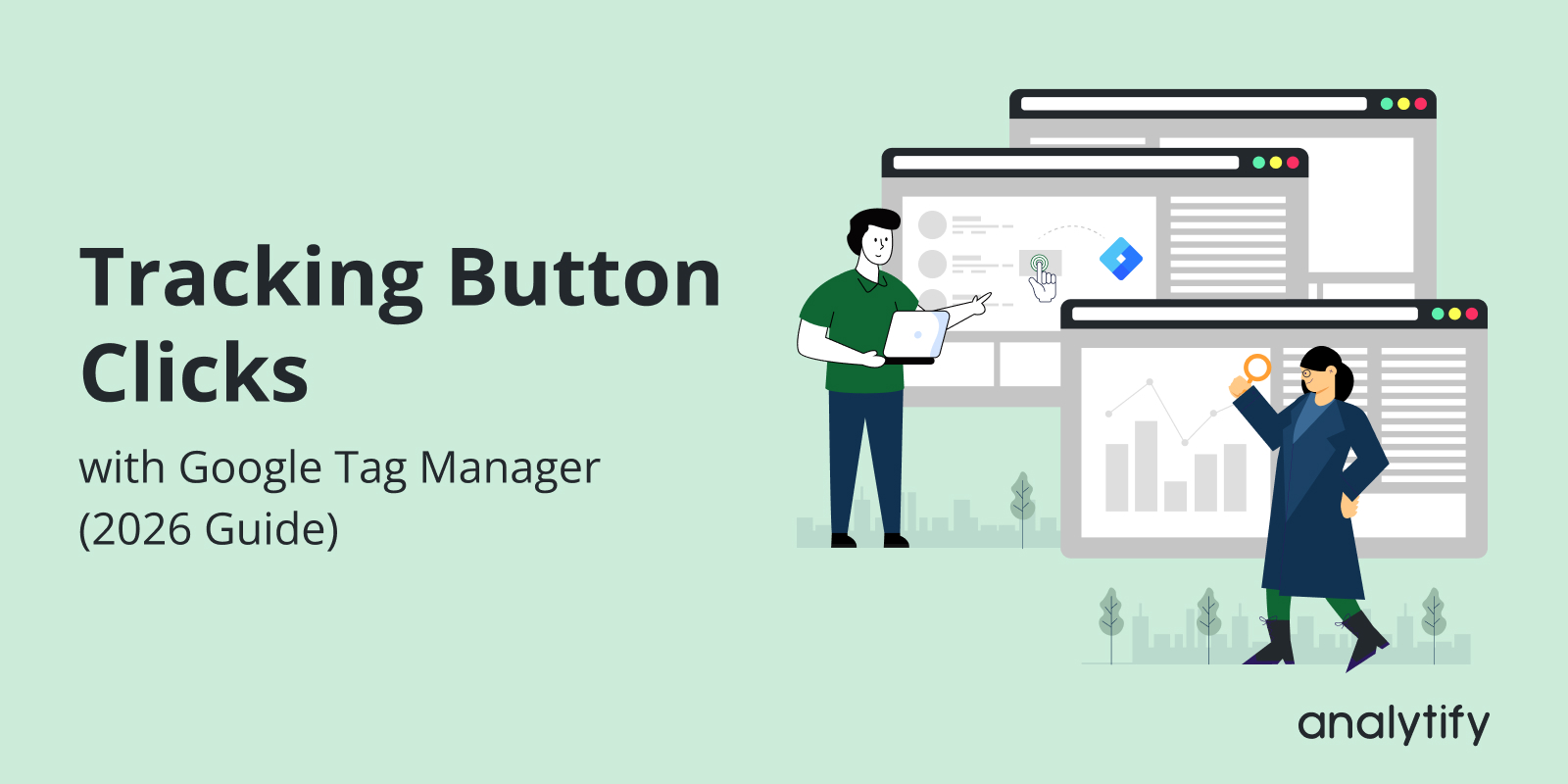
To track button clicks in Google Tag Manager, turn on the built-in Click variables, create a Click trigger that matches your CTA, then build a GA4 event tag on that trigger. Test it in Preview mode and publish. Every click then lands in GA4 as an event, with no extra code.

Every “Sign Up,” “Buy Now,” or “Download” button is a conversion chance. Without tracking, you cannot tell which buttons work and which need fixing.

GTM captures these clicks and sends the data straight to Google Analytics. That gives marketers clear insight into CTA performance, engagement, and conversion rates.

In this guide, I will show you the GTM button click tracking setup, from enabling triggers and variables to sending events into GA4. We’ll also cover Debugging testing tips, best practices, and a simpler alternative with Analytify for WordPress users.

Let’s get started!

Continue reading “Tracking Button Clicks with Google Tag Manager (2026 Guide)” →
Google Analytics Benchmarking

Google Analytics Benchmarking: How to Compare Your Data Against Industry Standards?


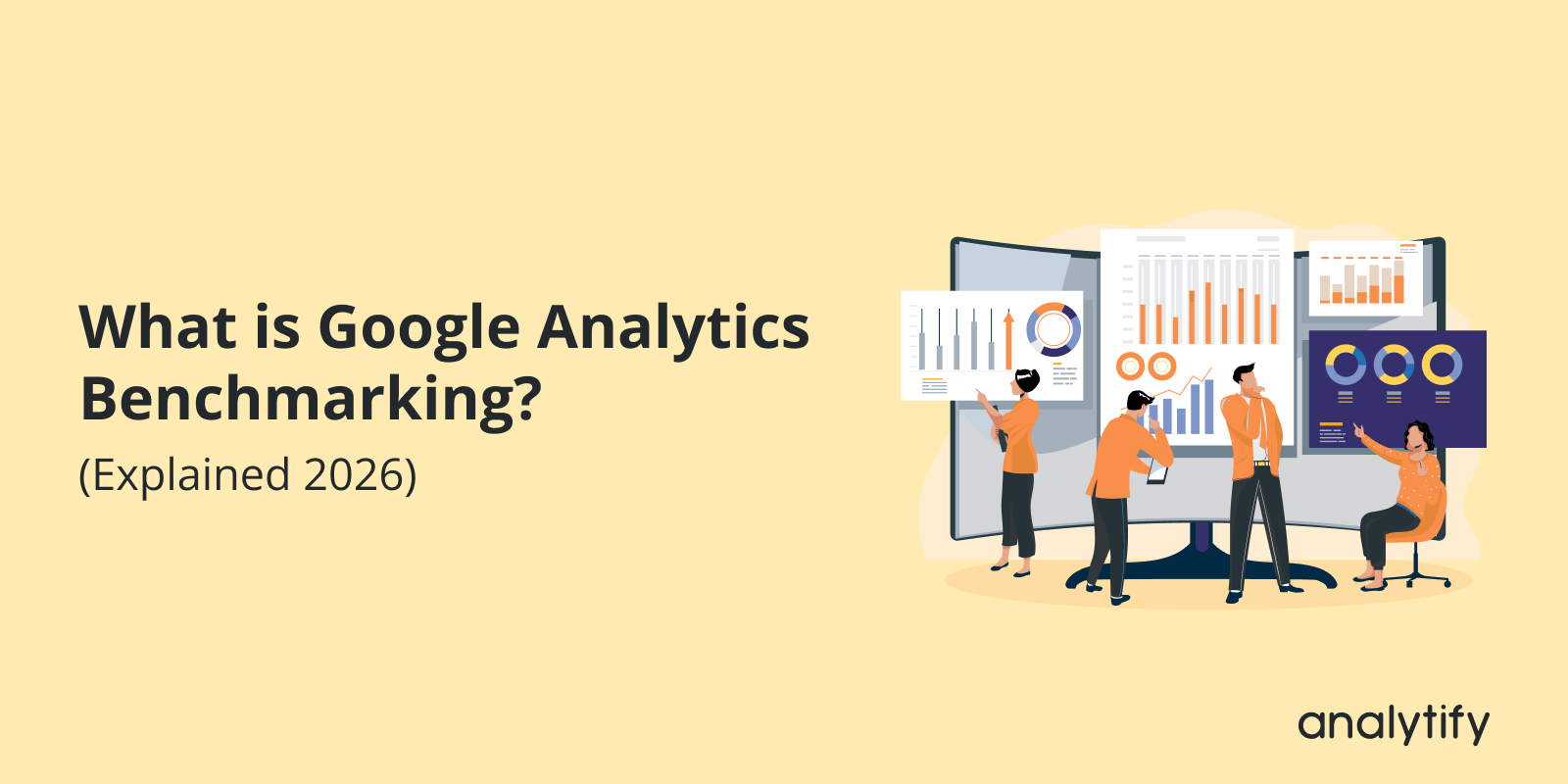
Google Analytics Benchmarking is a feature that lets you measure your website or app’s performance against similar businesses using industry benchmarks, peer group comparisons, and percentile insights.

Comparing your numbers with industry standards shows you where you are strong, where you fall behind, and where you can grow.

I cover what benchmarking in Google Analytics is, how GA4 benchmarking works, the prerequisites to access it, and how to interpret the data below.

Continue reading “Google Analytics Benchmarking: How to Compare Your Data Against Industry Standards?” →
Google Client ID and Client Secret in Google Developers Console

How To Get Google Client ID and Client Secret

Google Client ID and Client Secret are credentials that you need to connect your application to Google services.

A password manager is the right place for the Client ID and Client Secret. Save them as soon as you generate them.

You get them from the Google Developers Console. The process involves creating a project, enabling APIs, and generating OAuth credentials.

This article shows how to set up Google Client ID and Client Secret . You use them for authentication and authorization when you integrate applications with Google services.

Continue reading “How To Get Google Client ID and Client Secret” →
Analytify GDPR Compliance

GDPR

Analytify is compatible with the popular GDPR plugins. Check out this document for further information.

For a complete walkthrough, see our guide: How to Set Up Google Analytics 4 and Connect it to Your WordPress Site?.

Below content was written prior to GDPR plugins support in Analytify. We used a different way before that without plugins.

You may have already heard about GDPR, as I was also getting tons of emails from the online services I use on the web that they are updating their Privacy Policy.

On the 25th of May 2018, the new General Data Protection Regulations (GDPR) will come into force. European Union GDPR is the most important change regarding data privacy ever happen in the history of the internet.

Many Internet services have been scrambling to get in compliance with the new standards — and Google is no exception.  As Analtify is a famous Google Analytics plugin for WordPress we did some dramatic changes in our plugin to make your site GDPR compliance.

We have added features in Analytify that make it GDPR Compliance for our EU customers. Following are the features that can make this happen.

Continue reading “GDPR” →