Google Analytics Pricing (Free vs 360)

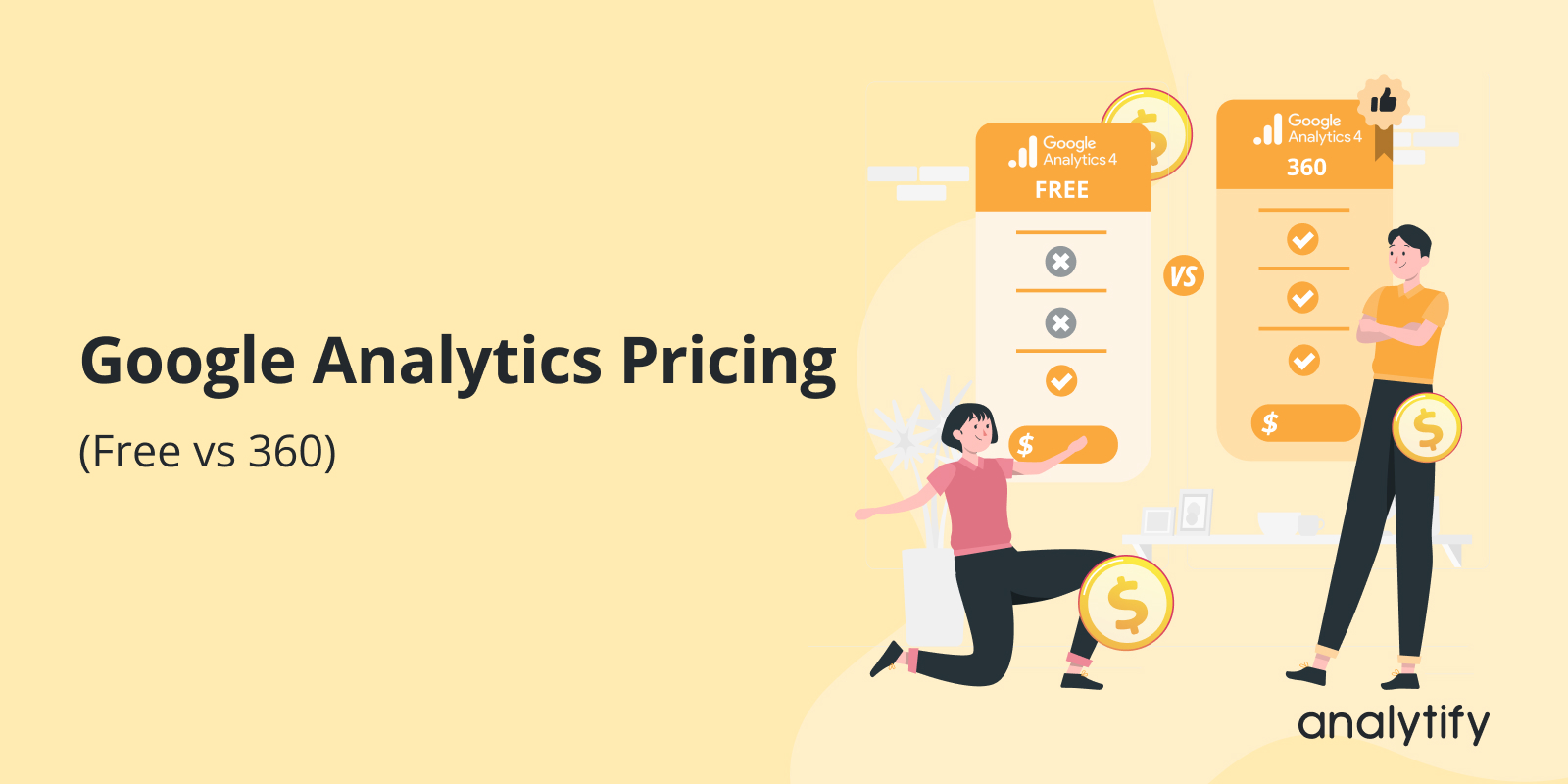
Google Analytics is free for most users. But there is also a paid enterprise version called Google Analytics 360.
For a complete walkthrough, see our guide: How to Set Up Google Analytics 4 and Connect it to Your WordPress Site?.
Choosing between them depends on your traffic volume, data needs, and budget.
This guide explains Google Analytics pricing by exploring its differences in features.
Ultimately, you can decide which solution works best for your business.
Let’s get started to explore GA4 pricing!
Google Analytics Pricing (TOC):
A Quick Introduction to Google Analytics
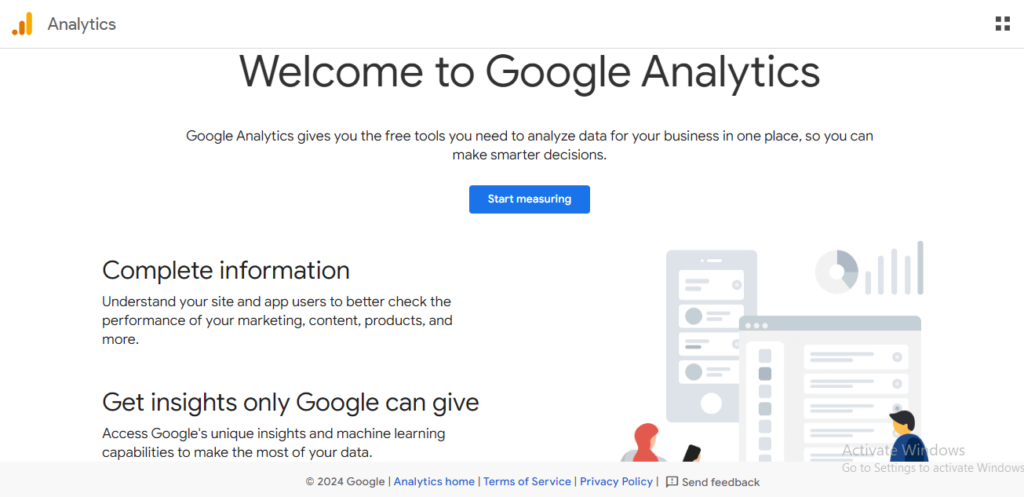
Google Analytics is a free web analytics service from Google. It tracks how users find and interact with your website.
It collects data on traffic sources, user behavior, and conversions. This data helps you improve your site and your marketing.
Google Analytics currently has two versions:
- Google Analytics 4 (GA4): the free version, suitable for most businesses
- Google Analytics 360: a paid enterprise version for large organizations
Note: Google Analytics moved from Universal Analytics (UA) to GA4 in 2023. GA4 now tracks user behavior across devices and platforms more accurately.
How Much Does Google Analytics Cost?
Is Google Analytics free? Yes. Google Analytics 4 is completely free to use. There is no cost to sign up or access the core features.
The paid version, Google Analytics 360, is designed for large enterprises with advanced data needs. It starts at $50,000 per year.
| Version | Cost | Best For |
|---|---|---|
| Google Analytics 4 (GA4) | Free | Small to medium-sized businesses |
| Google Analytics 360 | From $50,000/year | Large enterprises with high data volumes |
Google Analytics 4 Free Version: Features, Limits, and GA4 Pricing
Google Analytics 4 is the current standard version of Google Analytics. It is free for all users.
The Google Analytics price depends on your needs, as the standard version is free while the enterprise version (GA4 360) requires a paid subscription.
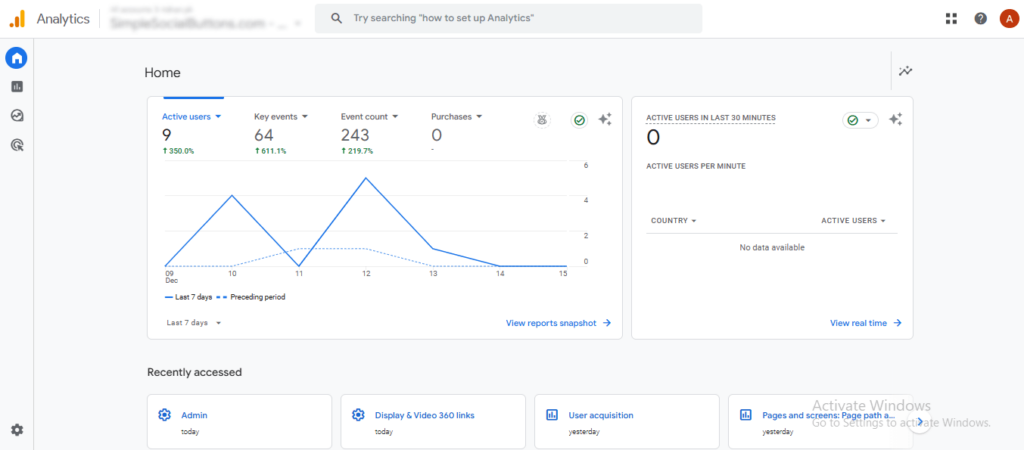
GA4 uses event-based tracking. This means it records specific user actions like clicks, scrolls, and video plays. This is more flexible than the session-based tracking used by older versions.
Key Features of GA4
| Feature | What It Does |
|---|---|
| Event-Based Reporting | Tracks clicks, video plays, form submissions, and other user actions |
| Exploration Reports | Path and Funnel Exploration tools to analyze user journeys |
| Engagement Metrics | Replaces bounce rate with Engagement Rate, Engaged Sessions, and Avg. Engagement Time |
| Custom Reporting | Build reports with custom dimensions, metrics, and filters |
| Cross-Platform Reporting | Combines web and app data in one unified view, this helps you track the complete customer journey |
| Real-Time Reporting | See live traffic, active pages, and traffic sources |
| Acquisition Reports | Shows how users find your site and which sources drive conversions |
| Google Ads Integration | Links ad campaigns to GA4 for full performance tracking |
| Search Console Integration | Shows organic keyword data alongside traffic reports |
Limitations of GA4 Free Version
GA4 is powerful, but it has limits that matter for large businesses:
- Data Retention: default is 2 months, extendable to 14 months only
- Reporting Quotas: limits on how much data can be processed at once
- Data Sampling: Large datasets may use sampling, which reduces report accuracy
- No Dedicated Support: no service level agreements (SLAs) or priority help
- Limited Customization: standard reports have fewer customization options than GA360
Tip: For most small and large businesses, the free GA4 version is more than enough. The limits above mainly affect sites with very high traffic or complex multi-domain setups.
Google Analytics 360: Features and GA4 360 Pricing
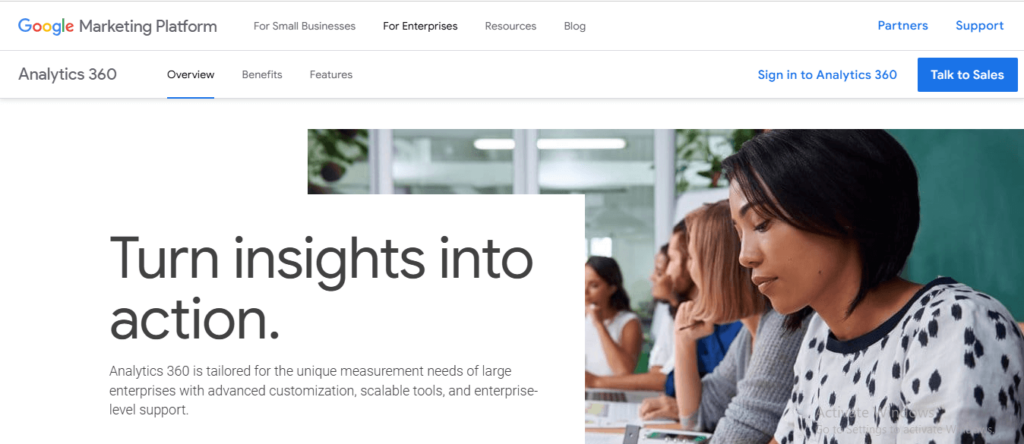
Google Analytics 360 is the enterprise version of Google Analytics. It is a paid product built for large organizations with high data volumes.
How Much Does Google Analytics 360 Cost?
GA4 360 pricing starts at $50,000 per year, which includes up to 25 million monthly events.
Costs increase with usage. Events above the 25 million threshold incur additional charges.
| Cost Type | Details |
|---|---|
| Base price (GA4 360) | From $50,000/year (includes 25M monthly events) |
| Previous UA 360 base price | $150,000/year (~$12,500/month) |
| Events above threshold | Additional charges apply beyond 25M monthly events |
| Rollup/sub-properties | Events billed at 150% of base rate (100 events = billed as 150) |
| BigQuery export | Included, but storage and query costs apply separately |
| Professional services | Custom pricing for implementation, training, and consultation |
Note: Google Analytics 360 payments are typically annual. Some resellers offer monthly plans. Contact Google or a certified partner for a custom quote.
Key Features of Google Analytics 360
- Higher Data Limits: processes billions of events daily vs. millions in the free version
- Reduced Data Sampling: more accurate reports with less reliance on sampled data
- Extended Data Retention: up to 50 months (vs. 14 months in free GA4)
- Advanced Customization: more custom dimensions, metrics, and segments
- Priority Support: dedicated support team and formal SLA guarantees
- BigQuery Export: export billions of events daily for external analysis
- Advertising Workspace: tools to measure ROI, evaluate attribution models, and optimize ad spend
- Enterprise Integrations: connects with Salesforce, Google Ads, DV360, Search Ads 360, Google Cloud, and more
GA4 Free vs. Google Analytics 360: Full Comparison
Here is a side-by-side comparison of the key differences between GA4 Free and Google Analytics 360:
| Feature | GA4 Free | Google Analytics 360 |
|---|---|---|
| Cost | Free | From $50,000/year |
| Data Retention | Up to 14 months | Up to 50 months |
| Monthly Events Included | Standard limits | 25 million (then usage-based) |
| Data Sampling | Applied to large datasets | Greatly reduced |
| Custom Dimensions (Event) | 50 per property | 125 per property |
| Custom Metrics (Event) | 50 per property | 125 per property |
| Key Events | 30 | 50 |
| Audiences | 100 | 400 |
| API Quota (daily tokens) | 200,000 | 2 million |
| BigQuery Daily Export | 1 million events | Billions of events |
| Unsampled Explorations | Not available | 20,000 daily tokens |
| Explore Query Limit | 10M events per query | 1B events per query |
| Dedicated Support / SLA | No | Yes |
| Best For | Small to medium businesses | Large enterprises |
When Should You Upgrade from GA4 Free to GA360?
The free version of GA4 works well for most businesses. But there are clear signs that GA360 may be worth the cost.
Consider upgrading if you face any of these:
- Your site gets more than 500,000 sessions per month and you are hitting data processing limits.
- You need real-time data for time-sensitive decisions like live sales or ad campaigns.
- You need data retention beyond 14 months for long-term trend analysis.
- Your site spans multiple domains or apps and tracking accuracy is suffering.
- Your team needs advanced segmentation and custom reporting beyond what GA4 offers.
- Data sampling is affecting the accuracy of your reports.
- You need seamless integration with platforms like Salesforce or DV360.
- You require a formal SLA and priority support for business-critical analytics.
Tip: If you are not hitting any of these issues, the free GA4 version is likely all you need.
A Cost-Effective Alternative: Analytify for WordPress

If you use WordPress, you do not need to pay for Google Analytics 360 to get powerful analytics.
Analytify connects GA4 to your WordPress dashboard. It shows the same data in a simpler format, all without leaving your site.
Analytify pricing starts at $99/year, compared to $50,000/year for GA360.
What Analytify Includes
Join 50,000+ beginners & professionals who use Analytify to simplify their Google Analytics!
| Feature | What It Does |
|---|---|
| GA4 Integration | Connects Google Analytics to WordPress in a few clicks |
| Real-Time Dashboard | See live traffic, active pages, and sources inside WordPress |
| Audience Reports | View demographics, location, and device data |
| E-Commerce Tracking | Track WooCommerce sales, revenue, and product performance |
| Event Tracking Addon | Track button clicks, form submissions, and video plays |
| Campaign Tracking (UTM) | Monitor the performance of marketing campaigns |
| Search Term Dashboard | View keyword performance from Search Console inside WordPress |
| Top Referrers | See which external sites send you the most traffic |
Tip: Analytify is ideal for WordPress site owners who want GA4-level insights without the complexity or the cost of GA360.
Google Analytics Pricing (FAQs)
1. Is Google Analytics 360 worth it?
It depends on your needs. GA360 is worth it if your site has over 500,000 sessions per month, you need data retention beyond 14 months, or you require enterprise support with an SLA. For most small and medium businesses, the free GA4 version is sufficient.
How much does Google Analytics 4 cost?
The standard version, GA4, costs nothing. If you need enterprise features, Google Analytics 360 starts at $50,000 per year for up to 25 million monthly events. Costs increase beyond that threshold.
3. What is GA360 used for?
Google Analytics 360 provides advanced analytics capabilities for large-scale enterprises. It integrates seamlessly with Google Ad networks like Campaign Manager and improves the performance of non-Google platforms, such as Index Exchange, in tools like Display & Video 360.
4. Who should use the free version of Google Analytics?
The free version is beneficial for small—to medium-sized businesses or individual website owners with limited data processing needs and no enterprise-level support or reporting requirements.
5. What payment plans are available for Google Analytics 360?
GA360 typically requires annual payments, but some resellers may offer flexible monthly payment options.
6. Does the free version of Google Analytics support BigQuery integration?
BigQuery integration is only available in Google Analytics 360. It allows advanced users to run custom queries and store historical data for analysis.
7. Are there any additional costs with Google Analytics 360?
Additional costs may arise from using BigQuery, professional services (such as training or implementation), and integrations with other enterprise tools, such as Salesforce.
8. Does Google Analytics cost money?
No. Google Analytics 4 is completely free. The paid version, Google Analytics 360, starts at $50,000 per year and is designed for large enterprises.
9. Is Google Analytics free?
Yes. Google Analytics 4 is free for all users. You can sign up and start tracking your website at no cost. The only paid option is Google Analytics 360, which is built for enterprise-level data needs.
10. What is GA4 pricing?
GA4 is free. There is no charge to use the standard Google Analytics 4 platform. If you upgrade to GA4 360, pricing starts at $50,000 per year, billed annually.
Final Thoughts: Choosing the Right Google Analytics Plan
For most businesses, the answer is simple: start with GA4 for free.
Here is a quick guide to choosing the right option:
| Your Situation | Best Option |
|---|---|
| Small or medium business, under 500K sessions/month | GA4 Free |
| WordPress site, wanting simpler reporting | Analytify (from $99/year) |
| Large enterprise, high data volumes, needs SLA | Google Analytics 360 (from $50,000/year) |
| Need GA4 data inside WordPress without complexity | Analytify + GA4 Free |
The free GA4 version covers the needs of most businesses well. If you hit its limits, that is when GA360 becomes worth evaluating.
Further Readings:
For WordPress users, Analytify offers a cost-effective middle ground. It surfaces GA4 data directly inside your dashboard at a fraction of the cost of GA360.