Download
How to Use AI in Advertising (Complete Guide 2026)

How to Use AI in Advertising (Complete Guide 2026)

AI in advertising is no longer a futuristic vision. It is the present. It is the reason that is driving the most successful and efficient marketing campaigns today.

Brands that utilize artificial intelligence advertising tools are leaving their competitors behind. They are achieving higher ROI, engaging audiences more deeply, and increasing their efforts like never before.

In this complete guide, we will show you how to use AI in advertising. We will explore real-world AI in advertising examples, break down the benefits, and provide a clear path to get started.

Continue reading “How to Use AI in Advertising (Complete Guide 2026)” →

AI SEO Tools

10+ Best AI Tools for SEO: Find a Solution to Streamline the Workflow

The best AI SEO tools automate keyword research, content optimization and technical audits. This guide ranks and reviews them, with a comparison table and tips for choosing one.

SEO remains a core driver of digital marketing in 2026. As search evolves, competitive advantage gets harder to win. The right software is no longer optional.

AI is now part of that equation. It lets you get more done in less time, dig deeper into data, and forecast outcomes.

This guide covers AI SEO use cases, reviews the top software options, and helps you choose the right tool for your needs.

Here are the best AI SEO tools for simplifying your workflow.

Continue reading “10+ Best AI Tools for SEO: Find a Solution to Streamline the Workflow” →
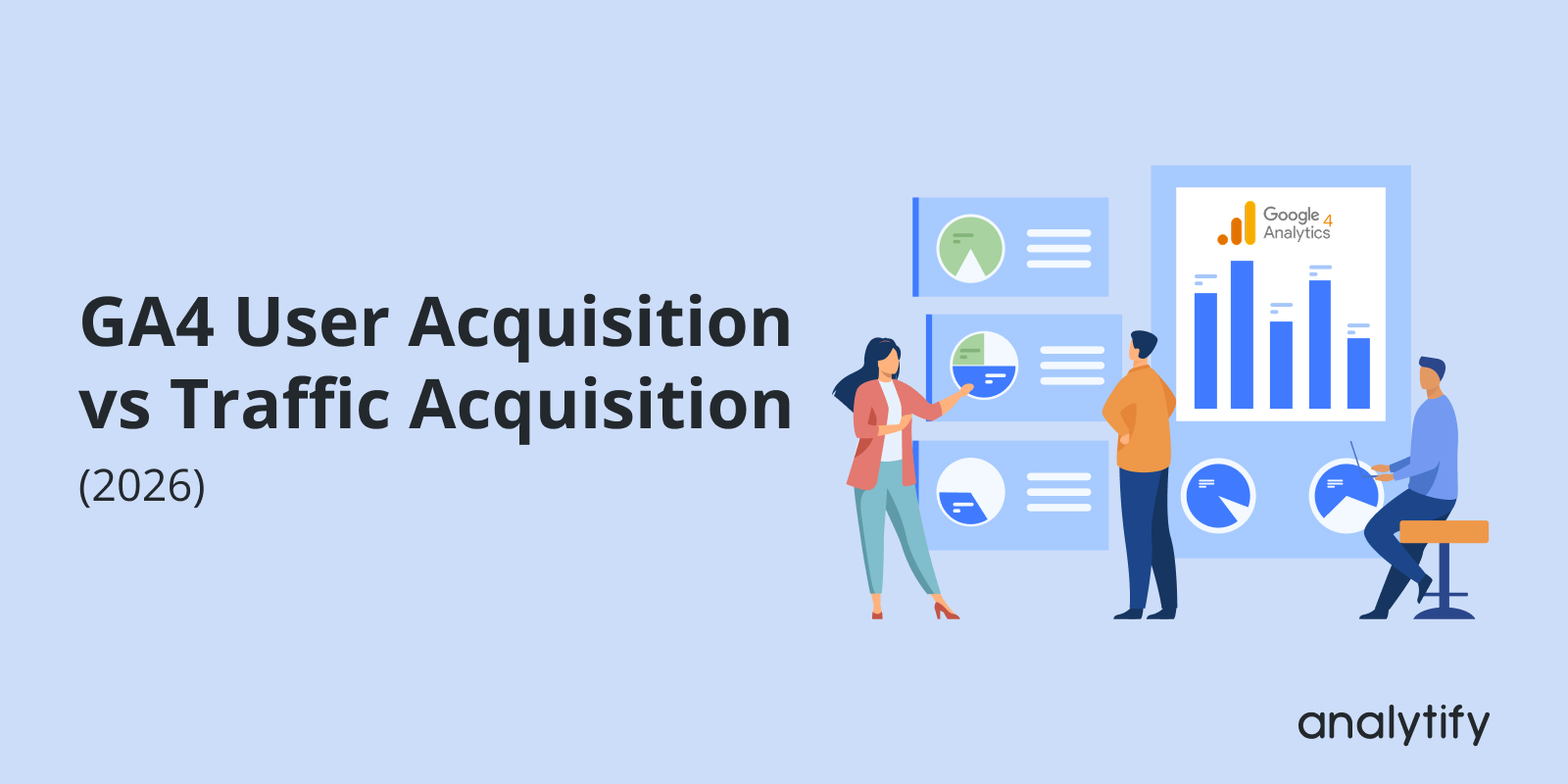
GA4 User Acquisition vs Traffic Acquisition (2026)

GA4 User Acquisition vs Traffic Acquisition: Which Report Should You Use? (2026)

GA4 User Acquisition and Traffic Acquisition are two different reports: User Acquisition tracks how new users first found your site, while Traffic Acquisition tracks where every session, including returning visitors, originated.

This guide breaks down how each report works, their key metrics and use cases, and shows you how to simplify the process using Analytify if you’re managing a WordPress site.

Continue reading “GA4 User Acquisition vs Traffic Acquisition: Which Report Should You Use? (2026)” →
5 Best Email Template Builders/Tools for 2026

5 Best Email Template Builders & Tools In 2026

Building responsive, on-brand emails by hand is slow, and most drag-and-drop editors still fall short on advanced integrations and modular design at scale.

High-performing campaigns now depend on rapid deployment, pixel-perfect responsive design, and tight integration with your email list builders. Professionals need editors that speed up design work and connect cleanly with the rest of their marketing stack.

Continue reading “5 Best Email Template Builders & Tools In 2026” →
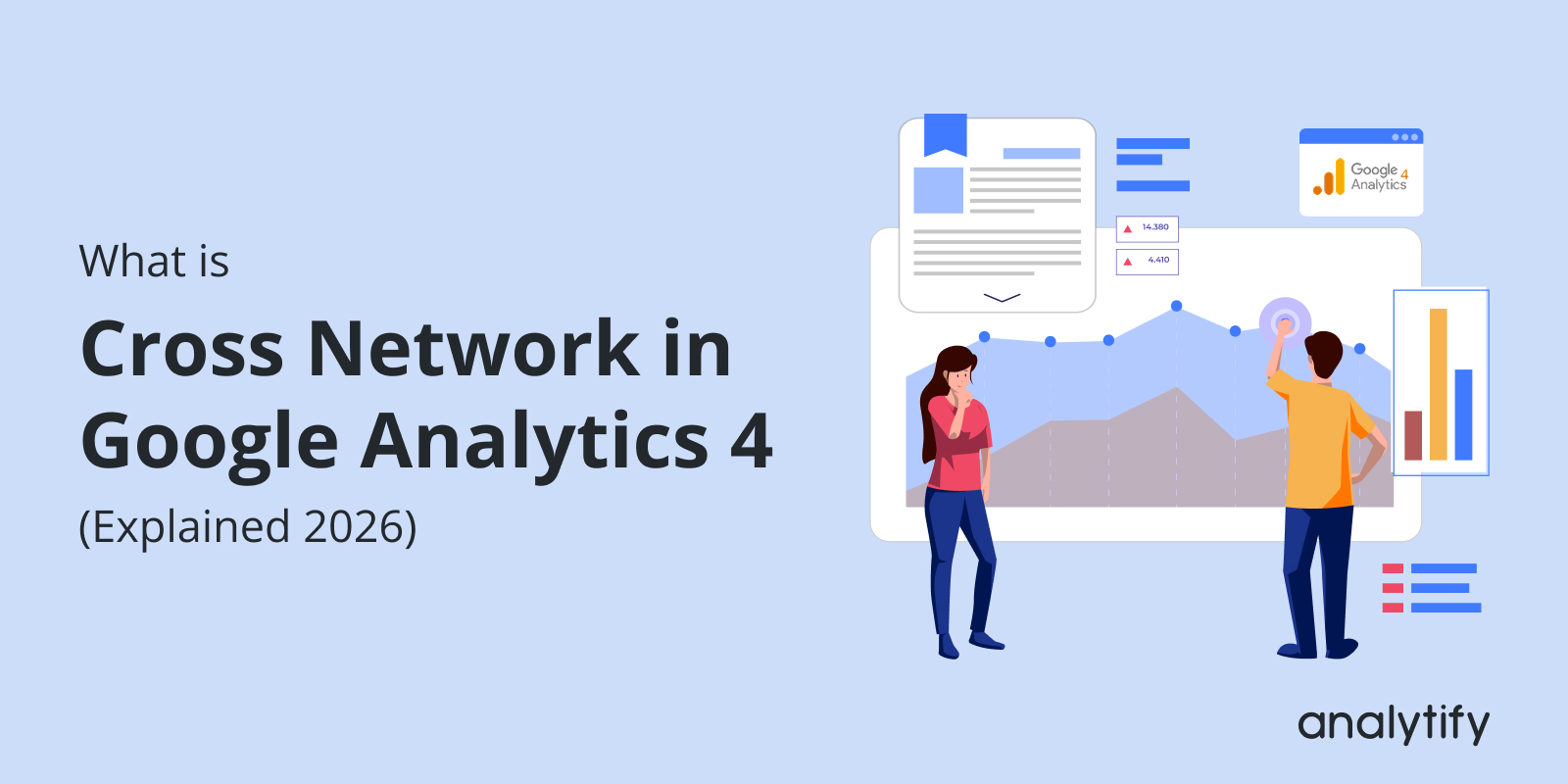
What is cross network in Google Analytics

Cross Network in Google Analytics 4 (Explained 2026)

Cross Network in Google Analytics 4 is a feature that tracks user interactions across websites, apps, and ad campaigns. It treats them as one unified journey.

Users interact across different platforms. GA4’s Cross Network tracking unifies data from websites, apps, and campaigns into a single user journey. It uses tools like User-ID and Google signals. This provides clearer insights into how users find and interact with your site. 

To make things easier, Analytify brings this GA4 data directly to your WordPress dashboard. You get easy-to-understand reports, UTM management, and real-time tracking.

In this guide, you’ll learn what is Cross-network in GA4, how it works, and why you need it. Then we will discuss how to set up cross network in GA4, along with key metrics and challenges. 

Let’s get started! 

Continue reading “Cross Network in Google Analytics 4 (Explained 2026)” →
Add User to Google Analytics

How to Add a User to Google Analytics Easily (2026)

To add a user to Google Analytics, open Admin and choose Account access management or Property access management. Click Add users, enter their email address, and pick a role. The person gets access without ever seeing your login credentials (Google Analytics Help: add, edit, and delete users).

My advice: give each person the lowest role that lets them do the job. Use Viewer for reporting, and grant Editor or Administrator only when someone needs to change settings.

GA4 allows you to add users using its built-in access management feature. Adding users means each person can view or manage only what they need. That covers accessing reports, analyzing traffic, or configuring account settings.

Instead of giving away full access, you can assign specific roles, such as Viewer, Editor, Analyst, or Admin. This allows better control over your data, improves collaboration, and prevents unauthorized changes. 

This guide shows how to add a user to Google Analytics, manage permissions, and streamline account access in a few clicks.

Let’s get started!

Continue reading “How to Add a User to Google Analytics Easily (2026)” →
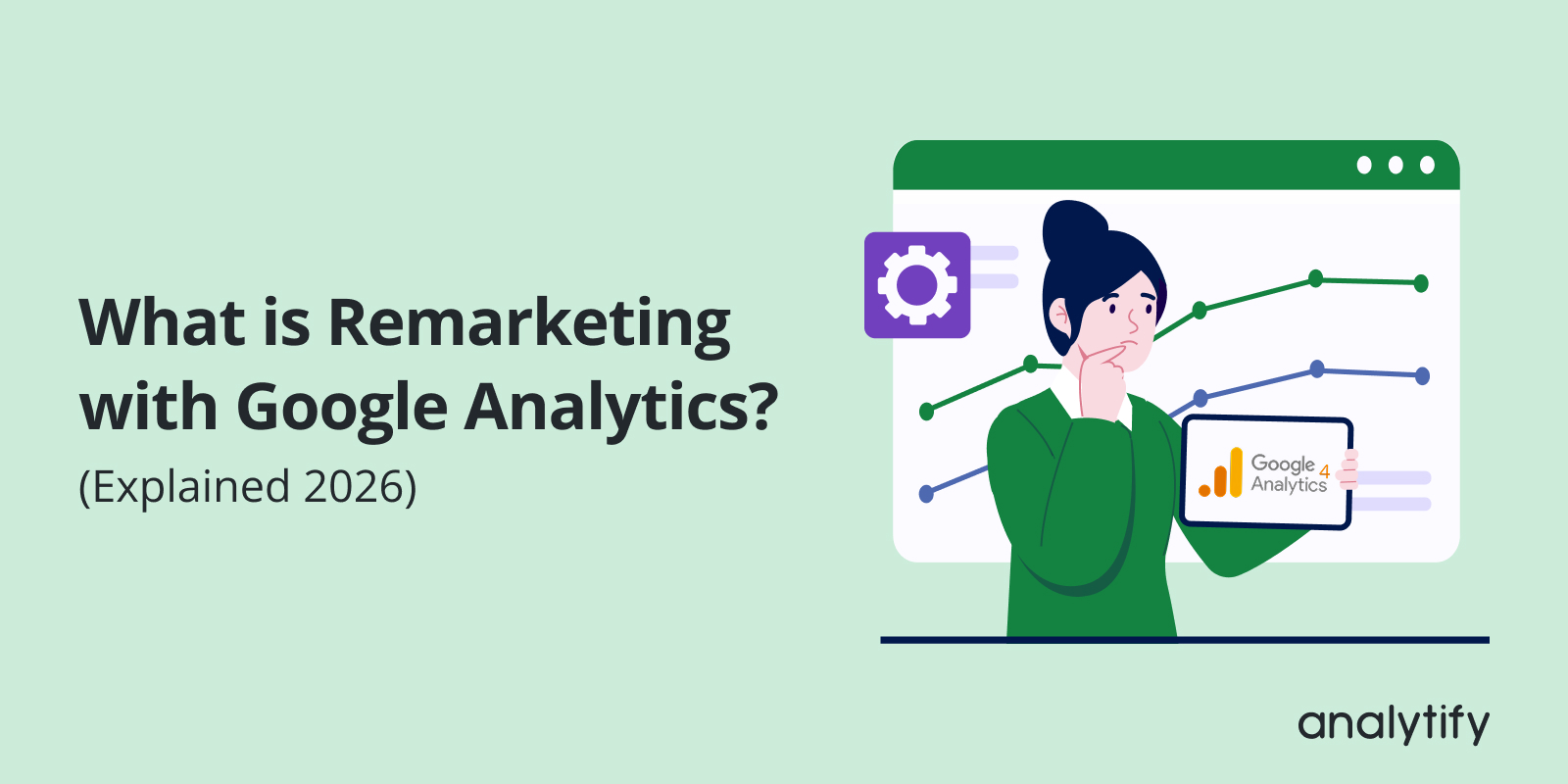
What is Remarketing with Google Analytics?

What is Remarketing with Google Analytics and How Does it Drive Conversions?

What is Remarketing with Google Analytics, and why should marketers care about it in 2026?
Remarketing with Google Analytics uses GA4 data to show targeted ads to people who already visited your site but didn’t convert. When you visit a website and then start seeing its ads while browsing other sites, that’s remarketing in action. It gives you a second chance to turn those past visitors into conversions.

This guide covers the benefits and types of GA4 remarketing, how to enable it, and step-by-step setup instructions, along with best practices and common challenges.

Continue reading “What is Remarketing with Google Analytics and How Does it Drive Conversions?” →
A Complete Google Ads Tutorial

Google Ads Tutorial: How to Set Up and Optimize Your Campaigns (Updated 2026)

Google Ads setup fails for one of two reasons. People skip the account structure that makes campaigns trackable. Or they launch without conversion tracking and never learn what worked. This tutorial covers both, plus a real campaign setup walkthrough most guides skip.

I’d start with the Sales objective and one Search campaign. Add more only after you have purchase data.

You get the exact 10-step setup and a worked example configuring a real Search campaign. You also get optimization strategies and common mistakes. Then you learn how to track results in real time with Google Analytics 4 and Analytify.

Last Updated: September 2026

Continue reading “Google Ads Tutorial: How to Set Up and Optimize Your Campaigns (Updated 2026)” →
8 Best Google Tag Manager Alternatives

8 Best Google Tag Manager Alternatives for 2026

Looking for the best Google Tag Manager alternatives in 2026

If GTM feels too complex or overwhelming, you’re not alone. Many website owners, marketers, and beginners are exploring easier and more beginner-friendly alternatives to Google Tag Manager. 

GTM’s technical setup and privacy requirements can be a challenge, particularly for those new to it. Luckily, there are several GTM alternatives for beginners that simplify tracking.

Continue reading “8 Best Google Tag Manager Alternatives for 2026” →
Using GA4 Secondary Dimensions To Discover User Insights

How To Use GA4 Secondary Dimensions To Discover Hidden Patterns In Your Data?

GA4 secondary dimensions sat in my reports for months before I actually touched them. I’d open a report, glance at the primary dimension, close the tab. Then one afternoon I added a secondary dimension almost by accident and realized half my “top pages” were only performing well for one specific traffic source — something the primary dimension alone never showed me.

For a complete walkthrough, see our guide: How to Set Up Google Analytics 4 and Connect it to Your WordPress Site?.

A secondary dimension just breaks your primary data down one layer further. Sounds small. It’s not — it’s the difference between knowing a page gets traffic and knowing why. I’ll go through what these actually are, how they differ from primary dimensions, how to add them in a few clicks, and which combinations are worth your time versus the ones that just clutter the report.

Let’s get started!

Continue reading “How To Use GA4 Secondary Dimensions To Discover Hidden Patterns In Your Data?” →
1 … 4 5 6 … 15