Download
Using AI in Marketing Analytics (

Using Artificial Intelligence in Marketing Analytics (2026 Guide)

AI in marketing analytics went from something I read about to something I actually rely on sometime in the last year, mostly without noticing the shift happen. I used to pull GA4 reports manually every Monday. Now half of that gets flagged for me before I even open the dashboard.

In fact, the U.S. AI market is expected to reach $73.98 billion in 2025, with a projected CAGR of 26.95% between 2025 and 2031. This shows how quickly AI adoption is accelerating.

In this guide, you’ll learn how to use AI tools for marketing analytics to improve your strategy. We’ll cover practical steps, key tools, and best practices to help you optimize campaigns, analyze data more efficiently, and increase your ROI.

Continue reading “Using Artificial Intelligence in Marketing Analytics (2026 Guide)” →

How to Track WordPress Author Performance in Google Analytics 4 (2026 Guide)

How to Track WordPress Author Performance in Google Analytics 4 (2026 Guide)

Tracking WordPress author performance is something I only started caring about after we added two new writers to our own blog and I genuinely couldn’t tell you, off the top of my head, whose posts were actually pulling traffic.

GA4 doesn’t break this out by author on its own — you either set it up with a plugin like Analytify, or you go the manual route with custom dimensions. I’ve done the manual setup exactly once and it ate most of an afternoon. Never again.

I’ll show you both ways here: page views, bounce rate, and top posts broken down per writer, so you know who’s earning their spot on the byline.

Continue reading “How to Track WordPress Author Performance in Google Analytics 4 (2026 Guide)” →
Data-Driven Development: How to Use Analytics to Guide App Design and Features (2026)

Data-Driven Development: How to Use Analytics to Guide App Design and Features (2026)

Are you looking for analytics to drive the data-driven development of your apps?

 A good idea and a beautiful cover are no longer enough for a modern, successful app. Really effective digital software products rapidly grow and improve thanks to data science. Intuition is good for a start, but analytics makes it clear what users need and what features work.

In this blog post, you’ll learn how to incorporate analytics into every stage of development and how data helps in creating design and implementing relevant features. And how to retain users in the long run.

Continue reading “Data-Driven Development: How to Use Analytics to Guide App Design and Features (2026)” →
Tracking WordPress categories in Google Analytics

How to Track WordPress Categories and Tags in Google Analytics 4

Track WordPress categories in Google Analytics is the answer I gave a client last month who asked why one category on her blog was pulling triple the traffic of the rest combined. Most people never set this up, so they never actually find out things like that.

If you haven’t connected GA4 to WordPress yet, do that first; see our guide: How to Set Up Google Analytics 4 and Connect it to Your WordPress Site?

Categories and tags aren’t the same thing to GA4, and treating them the same is where most tracking setups go sideways. I’ll show you how to tell them apart in your reports, set it up with Analytify so you’re not digging through raw GA4 data, and pull custom reports that actually tell you what your readers care about.

Let’s get started!

Continue reading “How to Track WordPress Categories and Tags in Google Analytics 4” →
Generate Organic Visits for Google Business Profile

How to Generate Organic Visits for Google Business Profile (2026 Guide)

Had a client last year whose GBP listing just sat there for three months. Zero calls, barely any map views. She’d filled in the basics and figured that was it — name, address, phone number, done.

It’s not done. Half my clients still call it Google My Business, old habit, and most of them treat it the same way: set it up once, never touch it again. Meanwhile, the business two blocks over is posting weekly updates, answering every review within a day, and showing up above them on the map.

I fixed my client’s profile over about six weeks nothing fancy, just the stuff most people skip. That’s what this guide covers. What actually got her showing up again, in order of what mattered most.

Continue reading “How to Generate Organic Visits for Google Business Profile (2026 Guide)” →
7 Best WordPress Multisite Hosting Providers (2026)

7 Best WordPress Multisite Hosting Providers (2026)

I manage close to 30 client sites, and for a while WordPress Multisite Hosting wasn’t set up right on any of them. I was logging into each site separately just to check uptime or push a plugin update. That got old fast. Switching to a proper multisite setup is what fixed it: one dashboard, all my sites, one login.

The catch is most hosts advertise “multisite support” and then choke the moment you add more than three or four sites to the network. I’ve been burned by this myself: a host that ran fine in testing but slowed to a crawl once real traffic hit two of the sites at once. So the provider you pick matters more than people think.

Below are the 7 hosts I’d actually recommend for a multisite network in 2026. I’ve personally run sites on a few of these myself, the rest were tested by people on my team who manage networks day to day.

Continue reading “7 Best WordPress Multisite Hosting Providers (2026)” →
GA4 vs Firebase vs Firebase Analytics

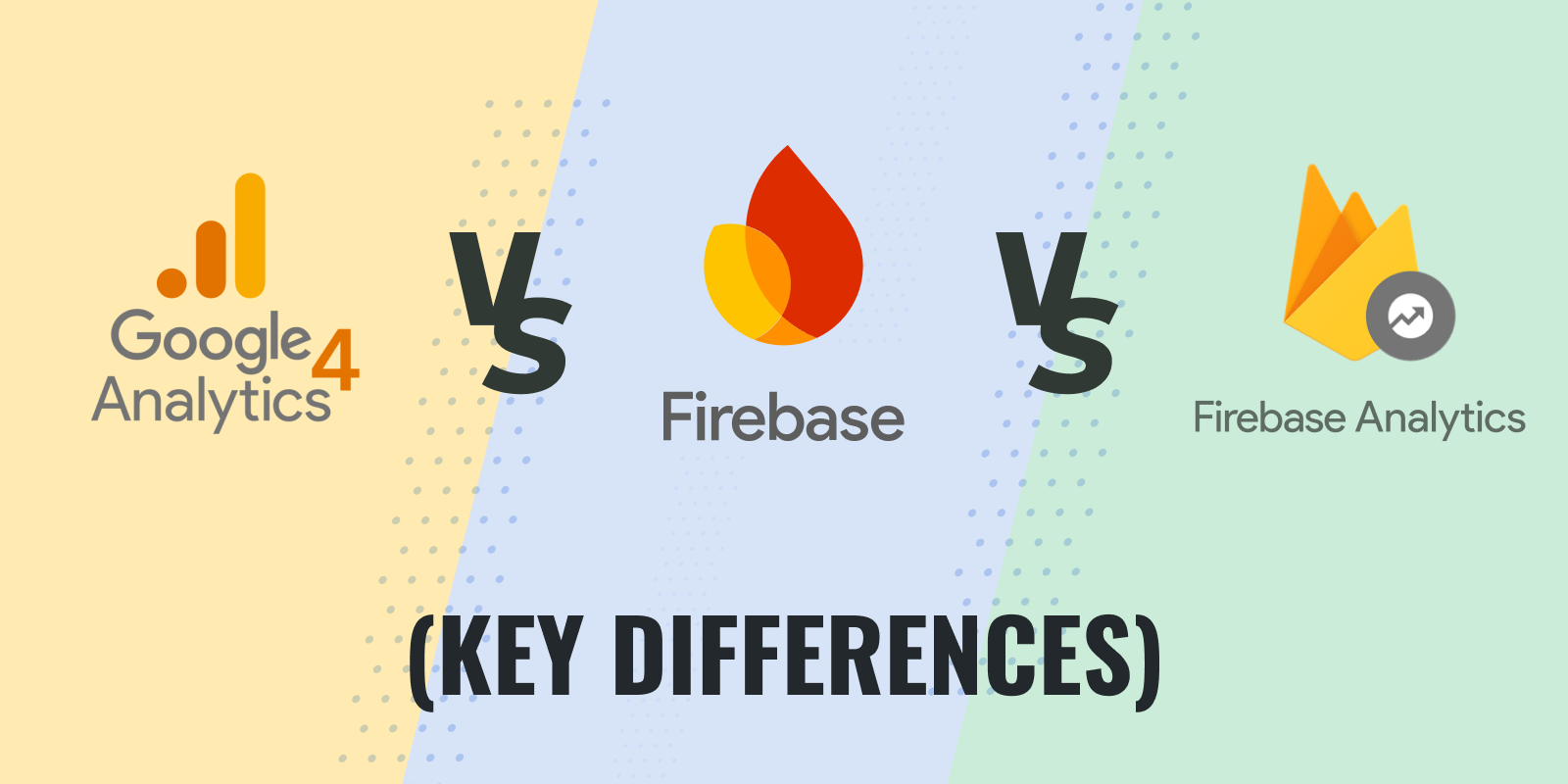
GA4 vs Firebase vs Firebase Analytics: Choosing the Right Tool for Your Data

A client asked me this again last week: “So is Firebase Analytics basically GA4, or is it its own thing?” I get some version of that question almost every time we bring on a business that has both a website and an app.

Firebase Analytics is GA4 under the hood, just viewed through the Firebase console instead of the standard GA4 interface. But that doesn’t mean the two feel the same to work with day to day, and it doesn’t tell you which one you should actually be looking at for your project.

My team and I have set up GA4 on close to a hundred WordPress sites at this point, plus a handful of hybrid app-and-web businesses, and the mix-up is always the same: people assume they’re picking between competing products when really they’re just deciding which console to live in. This guide covers what GA4, Firebase, and Firebase Analytics are, how they connect, and which one to check depending on whether you’re tracking a site, an app, or both.

Continue reading “GA4 vs Firebase vs Firebase Analytics: Choosing the Right Tool for Your Data” →
5 Best Campaign URL Builder Tools

5+ Best Campaign URL Builder Tools (2026)

For WordPress site owners, the Analytify UTM Campaign URL Builder is the best UTM campaign builder. You tag links inside your WordPress dashboard and read the results in real-time reports. Google Campaign URL Builder is the best free option outside WordPress.

UTM parameters show where your website visitors come from and which campaigns bring them in. Creating them by hand is slow and error-prone. URL campaign builder tools fix that.

This guide compares six campaign URL builders. Each one simplifies link tagging, reduces errors, and shows campaign performance in a few clicks.

Continue reading “5+ Best Campaign URL Builder Tools (2026)” →
Add SEO Keywords in WordPress

How to Add SEO Keywords in WordPress Website? 2026 Guide

Are you wondering how to add SEO keywords to your WordPress website to boost rankings? If so, you’re not alone. 

SEO keywords are an important part of ensuring your website gets noticed in search engine results. In fact, 93% of online experiences begin with a search engine, which means that, without the right SEO keywords, you’re potentially missing out on a significant amount of traffic.

SEO keywords are used by people to search for something on Google. By strategically placing the right keywords on your website, you’re making it easier for search engines to understand your content and, more importantly, show it to the right audience.

Continue reading “How to Add SEO Keywords in WordPress Website? 2026 Guide” →
Why Google Analytics Belongs on Every WordPress Blog?

Why Google Analytics Belongs on Every WordPress Blog?

I still check Google Analytics on my own WordPress blog most mornings, mostly out of habit at this point, but it’s saved me more than once. Like the time I noticed a post tanking two days after a plugin update and caught it before it cost a week of traffic.

The numbers back up why this matters beyond just my own habit: WordPress runs 43.2% of sites worldwide, and Google Analytics tracks 55.49% of all web properties, with 28.1 million sites running both. That overlap isn’t a coincidence. Nobody serious about their site treats Analytics as just a reporting tool anymore. It’s what decisions about content, revenue, and audience growth actually get based on.

So that’s what I want to get into here: why Google Analytics isn’t optional for a WordPress blog, and how to actually use it to optimize what you’re tracking instead of just staring at numbers.

Continue reading “Why Google Analytics Belongs on Every WordPress Blog?” →
1 … 5 6 7 … 15