Download
Why Google Analytics Belongs on Every WordPress Blog?

Why Google Analytics Belongs on Every WordPress Blog?

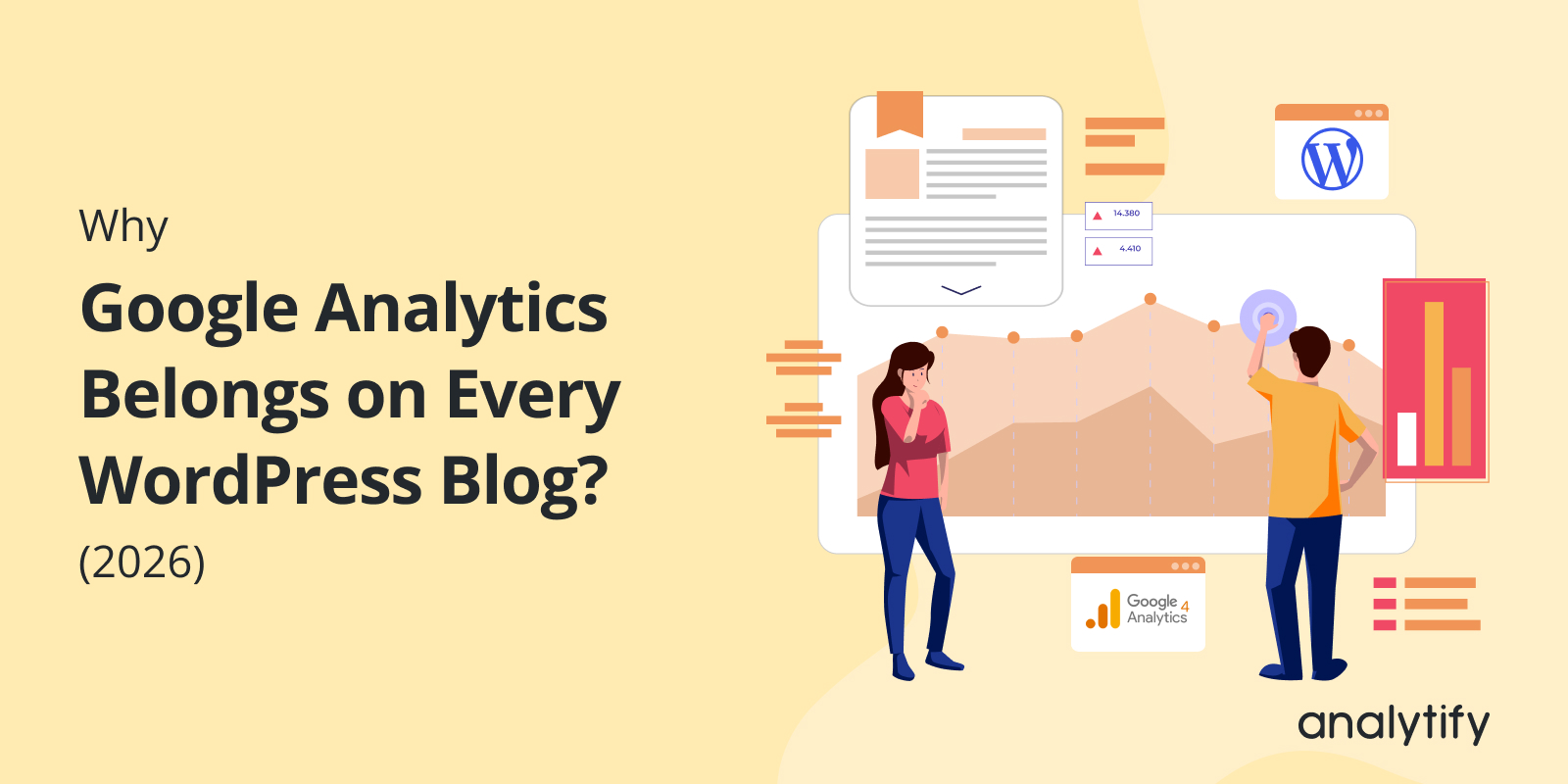
I still check Google Analytics on my own WordPress blog most mornings, mostly out of habit at this point, but it’s saved me more than once. Like the time I noticed a post tanking two days after a plugin update and caught it before it cost a week of traffic.

The numbers back up why this matters beyond just my own habit: WordPress runs 43.2% of sites worldwide, and Google Analytics tracks 55.49% of all web properties, with 28.1 million sites running both. That overlap isn’t a coincidence. Nobody serious about their site treats Analytics as just a reporting tool anymore. It’s what decisions about content, revenue, and audience growth actually get based on.

So that’s what I want to get into here: why Google Analytics isn’t optional for a WordPress blog, and how to actually use it to optimize what you’re tracking instead of just staring at numbers.

Continue reading “Why Google Analytics Belongs on Every WordPress Blog?” →

What is PPC Marketing?

What is PPC Marketing and How Does it Drive Instant Traffic? (Beginners Guide 2026)

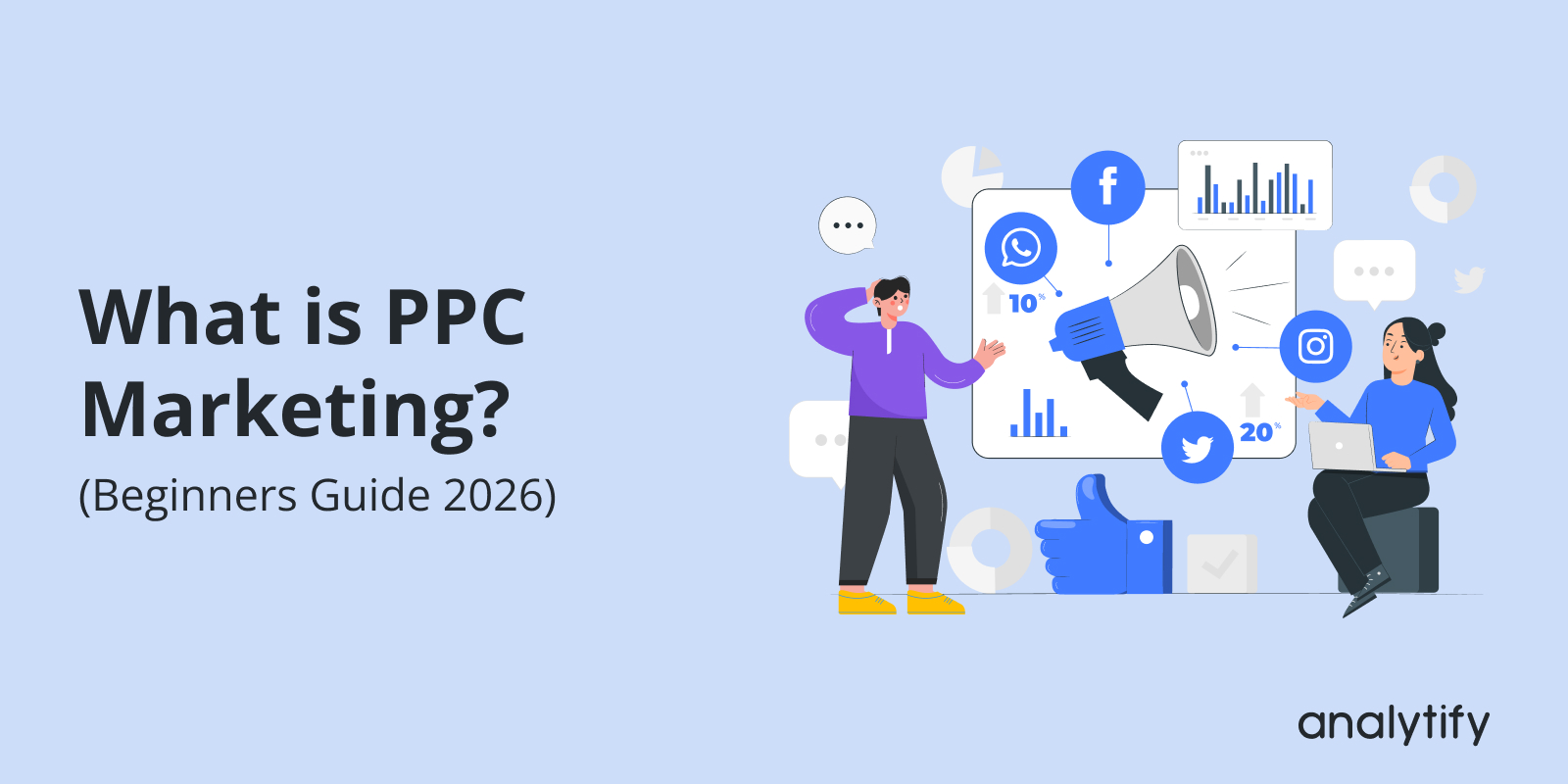
Are you looking for a way to drive targeted traffic to your website and boost your business online? If so, then PPC marketing might be the solution you need. 

Pay-Per-Click works, but only if you understand the mechanics before you turn it on. It’s not just “pay Google and get traffic” bids, quality scores, and targeting all decide whether that traffic is worth anything.

In this guide, I’ll cover what PPC actually is, how it works, and the mistakes I see beginners make most often. And since a lot of our WordPress users run PPC campaigns alongside organic traffic, I’ll also show how Analytify helps you track paid campaign performance without leaving your dashboard.

Continue reading “What is PPC Marketing and How Does it Drive Instant Traffic? (Beginners Guide 2026)” →
Future of SEO: 5 Key SEO Trends for 2026

Future of SEO: 5 Key SEO Trends (2026)

I checked our Analytify dashboards last month and noticed something I hadn’t seen before: a chunk of our organic traffic was coming in from AI Overviews and Perplexity, not just regular Google search results. That’s when it hit me how much SEO has actually shifted this year, and how many sites still aren’t set up for it.

My team and I track this stuff daily across dozens of client sites, and the same five patterns keep showing up — some obvious, a couple that caught us off guard too. I’m not talking about vague “the future of SEO” predictions here. These are things already changing rankings right now, by the end of 2026.

So that’s what I want to cover: the five trends we’re actually seeing move the needle, and what’s driving each one. If you want to stay ahead instead of catching up later, this is where I’d start.

Continue reading “Future of SEO: 5 Key SEO Trends (2026)” →
GTag vs Google Tag Manager

GTAG vs Google Tag Manager (Detailed Guide)  

GTag and Google Tag Manager are both made by Google, but they solve different problems: GTag (now officially called the Google tag) is a script you place directly on your site to send data to GA4, Google Ads, and other Google tools; GTM is a management system that lets you add and control multiple tags, including non-Google ones, from a dashboard without touching site code.

This guide breaks down what each one does, how they differ in practice, and which one fits your site, plus how Analytify removes the setup work entirely if you’d rather skip both.

Continue reading “GTAG vs Google Tag Manager (Detailed Guide)  “ →
Where to Insert Google Tag Manager Code?

Where to Insert Google Tag Manager Code: Head or Body?

Place the Google Tag Manager script as high as possible in the <head> of every page. Place the noscript snippet directly after the opening <body> tag. This is the placement Google recommends, and it affects tracking accuracy and page speed.

The sections below explain what each snippet does and why the order matters.

Continue reading “Where to Insert Google Tag Manager Code: Head or Body?” →
GA4 Custom Metrics

Custom Metrics in Google Analytics 4 (Explained)

Custom metrics in Google Analytics 4 (GA4) are numerical values you define to track specific user interactions, such as button clicks and scroll depth. GA4 offers many default metrics, but they do not cover every interaction that matters to your business. Custom metrics fill that gap. 

For a complete walkthrough, see our guide: How to Set Up Google Analytics 4 and Connect it to Your WordPress Site?.

In this guide, you will learn what GA4 custom metrics are, how they differ from default ones, why they’re essential, and step-by-step instructions to set them up. You’ll also learn best practices and how Analytify simplifies the process, helping you refine your analytics.

Let’s get started!

Continue reading “Custom Metrics in Google Analytics 4 (Explained)” →
Google Ads Conversion Tracking not Working

Google Ads Conversion Tracking Not Working? (Solved)

Google Ads conversion tracking usually breaks when the conversion tag is missing or misconfigured. It also breaks when the tag does not fire on the confirmation page. Check the tag with Google Tag Assistant first, then work through the 27 causes below.

Google Ads conversion tracking is necessary to see how well your ads are performing. It helps you understand whether clicks on your ads are turning into valuable actions, like purchases or sign-ups. Without accurate conversion tracking, you cannot tell if campaigns work. You could be wasting money on ads that do not deliver.

But sometimes, Google Ads Conversion Tracking is not working as expected. You might see no conversions in your reports. Or you might be unsure whether your tags fire properly. This is frustrating when you spend money on ads and want a return.

This article walks you through 27 reasons why Google Ads conversion tracking is not working. Each comes with a fix. Whether you’re using Google Tag Manager (GTM) or manually adding tags, we’ve got you covered.

Continue reading “Google Ads Conversion Tracking Not Working? (Solved)” →
google tag manager id

Google Tag Manager ID (Explained)

A Google Tag Manager ID is the unique identifier of your GTM container. It starts with GTM- followed by letters and numbers, and it appears at the top of your GTM workspace.

Google Tag Manager (GTM) helps manage and deploy marketing tags without modifying the website’s code. Examples are Google Analytics and Facebook Pixel.

Your GTM account provides you an ID that is a key element in using Google Tag Manager. This ID is a unique identifier for your GTM container. It is essential for setting up and using GTM properly.

This guide shows why you need the ID and how to find it.

Continue reading “Google Tag Manager ID (Explained)” →
Google Analytics page views by URL

How to See Google Analytics Page Views by URL

To see Google Analytics page views by URL, open Reports, then Engagement, then Pages and screens in GA4. Switch the primary dimension to Page path or Page location. Each row shows views, users and engagement time for one URL.

This article shows how to see GA4 full-page URLs. It covers different ways to access them by customizing GA4 standard reports and explorations. You’ll also learn about advanced features and Analytify for simplified GA4 URL analytics.

Analytify shows the same page view data by URL inside your WordPress dashboard, without building a custom GA4 report.

Continue reading “How to See Google Analytics Page Views by URL” →
How to Get Google Analytics Certification

How to Get Google Analytics Certification in 2026

Getting Google Analytics certified means passing Google’s free GA4 exam through Skillshop. The exam proves you can set up, read, and act on GA4 data. This guide covers eligibility, exam prep, how to register, and how to keep the certification current once you pass.

If you manage GA4 for clients, take the certification. It gives you a credential you can show them.

Google Analytics is central to digital marketing, data analysis, and running an online business. As more companies rely on data to make decisions, your GA4 Certification proves you can back that up.

The rest of this guide walks through how to get Google Analytics certification, step by step. It includes exactly what to study to pass the exam on your first attempt.

Continue reading “How to Get Google Analytics Certification in 2026” →
1 … 6 7 8 … 17