Download
Back to All Categories
GA4 Site Search Tracking

Site Search Tracking in GA4 (Google Analytics 4)

To track site search in GA4, turn on Site search under Enhanced measurement in your web data stream. Enter your search query parameter if GA4 does not detect it by default. This guide shows each step, how to read the reports, and the mistakes to avoid.

Google Analytics 4 (GA4) has significantly changed how we monitor and track website performance. GA4 tracks site search with the view_search_results event. The event shows what visitors search for on your site. Tracking site search data can reveal important insights about user intent, content gaps, and areas for improvement on your website.

In this blog, we will explore the benefits of site search tracking in GA4, explain how it works, and provide a step-by-step guide on how to set it up.

Continue reading “Site Search Tracking in GA4 (Google Analytics 4)” →

SEO Topical Authority

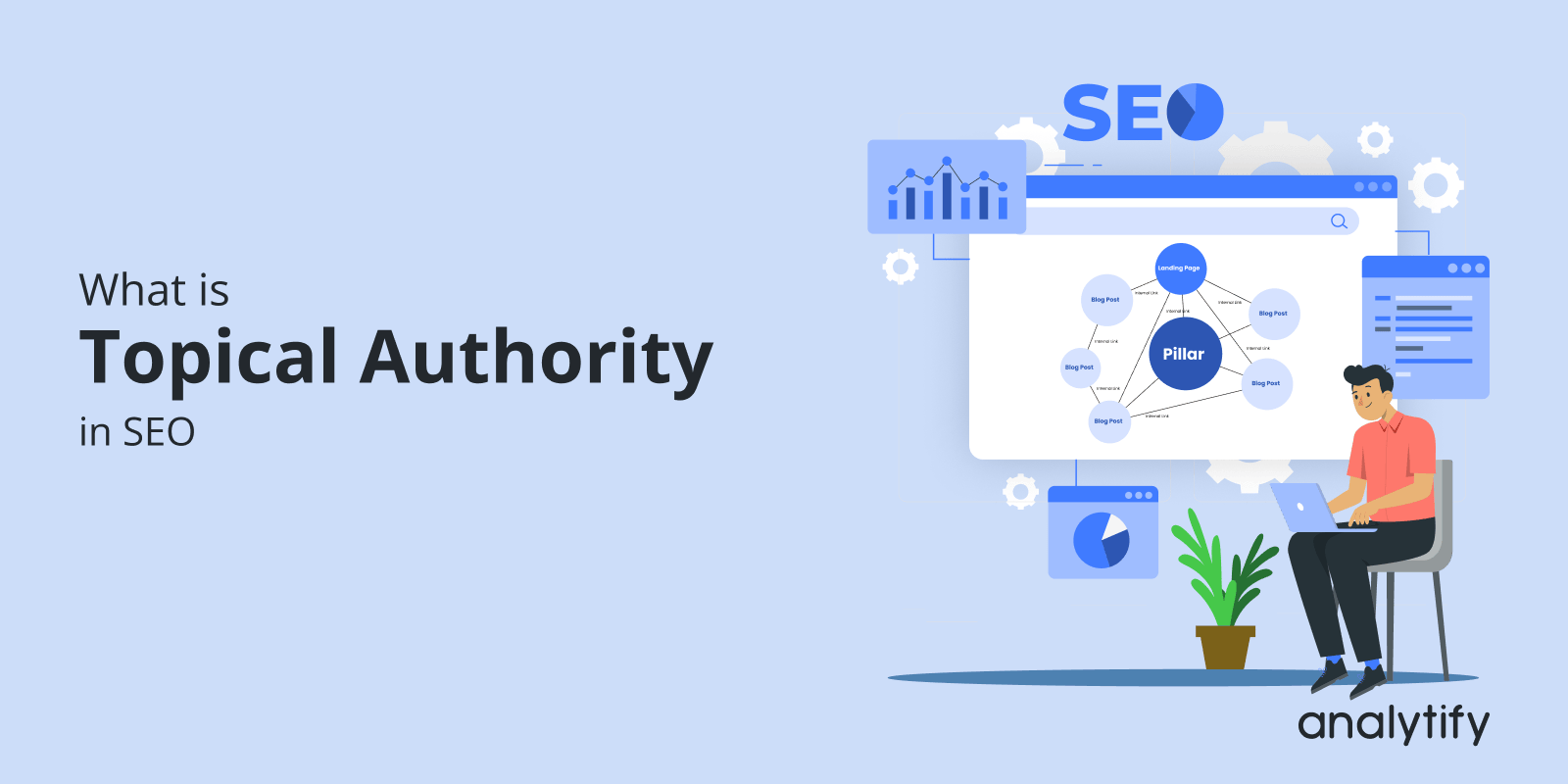
What is Topical Authority in SEO and How Does it Improve Ranking? 

Are you ready to boost your SEO by becoming an expert in your niche?

Establishing topical authority has become a key factor in long-term success. Search engines are shifting from keyword-based ranking to content relevance and expertise. 

This guide defines topical authority, explains why it matters for SEO, and shows how to build it with topical mapping and content clusters.

Continue reading “What is Topical Authority in SEO and How Does it Improve Ranking? “ →
Content Marketing Metrics

17 Content Marketing Metrics To Track in 2026

Are you struggling to make your content stand out? It’s time to approach your content marketing strategy. By tracking the right metrics, you can measure the effectiveness of your efforts, identify areas for improvement, and drive results.

In this article, we’ll explore 17 essential content marketing metrics you should monitor in 2025. These metrics will give you a valuable understanding of your audience, content performance, and overall marketing success.

Get ready to elevate your content strategy and drive impactful results! 

Continue reading “17 Content Marketing Metrics To Track in 2026” →
Content Marketing ROI

How to Improve Content Marketing ROI—A Data-Driven Approach

Content Marketing ROI measures how much revenue your content generates compared to what it costs to produce and distribute.

Tracking marketing ROI tells you which content is working, where to invest more, and which efforts to cut.

In this guide, I’ll explain what Content Marketing ROI is, how to calculate it, and 10 proven ways to improve it using data from Google Analytics and Analytify.

Let’s get started!

Continue reading “How to Improve Content Marketing ROI—A Data-Driven Approach” →
Google Search Console Insights

Google Search Console Insights: 6 Important Reports to Analyze Content Performance

Google Search Console Insights combines Search Console and Google Analytics data. It shows how your content performs and how visitors find it.

Search console insights play an important role in optimizing your website’s SEO strategy, and understanding how your content performs. GSC brings together data from Google Search Console Insights and Google Analytics. Website owners get key performance metrics in one easy dashboard.

Use it to see which pages perform best, which queries bring visitors, and where content needs an update.

This article explains how to use Google Search Console Insights. It focuses on six essential reports that boost your SEO strategy.

Continue reading “Google Search Console Insights: 6 Important Reports to Analyze Content Performance” →
Google EEA Compliance

Google EEA Compliance and Consent Signals Guide

To meet Google’s requirements for visitors in the European Economic Area (EEA), your site needs to send consent signals from your consent banner to Google Analytics 4 (GA4), so Google knows whether each visitor agreed to data use for advertising.

For a complete walkthrough, see our guide: How to Set Up Google Analytics 4 and Connect it to Your WordPress Site?.

This guide explains what Google EEA compliance means, how consent signals work, and the steps to set up consent in GA4.

Let’s get started!

Continue reading “Google EEA Compliance and Consent Signals Guide” →
GA4 Enhanced Measurement

Enhanced Measurement in Google Analytics 4 (A Complete Guide)

GA4 Enhanced Measurement is a built-in GA4 setting that automatically tracks page views, scrolls, outbound clicks, site searches, video engagement, and file downloads. It removes most of the manual tagging that Google Analytics tracking usually involves.

For a complete walkthrough, see our guide: How to Set Up Google Analytics 4 and Connect it to Your WordPress Site?.

GA4 Enhanced Measurement automatically captures key user actions, including scrolls, outbound clicks, video views, file downloads, and site searches. No extra code required.

In this article, I’ll explain what Enhanced Measurement is, which event types it tracks, how to enable it in GA4, its limitations, and how Analytify makes the data easier to use inside WordPress.

Let’s explore how GA4 Enhanced Measurement can simplify your tracking process!

Continue reading “Enhanced Measurement in Google Analytics 4 (A Complete Guide)” →
GA4 Path Exploration Report

How to Use GA4 Path Exploration Report

The GA4 Path Exploration report shows the sequence of pages and events users move through on your website or app, displayed as a tree graph. You can start from a page or event and see what users did next, or pick an ending point such as a key event and see what users did before it. To open it, go to Explore and select the Path exploration template.

For a complete walkthrough, see our guide: How to Set Up Google Analytics 4 and Connect it to Your WordPress Site?.

In this article, we’ll explore an overview of Google Analytics path exploration, how it works, and how to create and use forward and reverse path exploration reports.

Let’s get started to learn about GA4 path analysis!     

Continue reading “How to Use GA4 Path Exploration Report” →
The Ultimate Guide to Google Analytics Cookies in 2026

The Ultimate Guide to Google Analytics Cookies

Google Analytics cookies are small files stored in a visitor’s browser. They let Google Analytics recognize returning visitors and group their visits into sessions. GA4 uses two first-party cookies: _ga and _ga_<container-id>. Both expire after 2 years (Google Analytics Help: cookie usage on websites).

Need the full setup? See our guide: How to Set Up Google Analytics 4 and Connect it to Your WordPress Site?

Google Analytics cookies are essential for understanding your website’s traffic. These small files sit quietly in your visitors’ browsers. They collect information that helps you improve user experience, optimize content, and measure success.

However, privacy laws like GDPR and CCPA are getting stricter. It’s no longer enough to set cookies and forget them. You need to know which cookies you use and how they track data. You also need to know whether you need Google Analytics cookie consent from your users.

In this guide, we’ll break down everything you need to know about Google Analytics and cookies.

Continue reading “The Ultimate Guide to Google Analytics Cookies” →
1 … 15 16 17 … 25