Download
Back to All Categories
How to Check if GA4 is Working?

GA4 Debugger: How to Check if GA4 Is Working (5 Ways)

The fastest way to check if GA4 is working is to open DebugView in your GA4 property (Admin >> DebugView) and watch for live events as you browse your site. If you see page_view and click events appearing in real time, GA4 is tracking correctly.

If nothing shows up, or if GA4 was never set up right, your traffic and conversion data will be incomplete, which means every decision built on it is based on a gap you can’t see.

Below are 5 reliable ways to check, starting with the debugger, plus the most common reasons GA4 stops tracking and how to fix each one.

Continue reading “GA4 Debugger: How to Check if GA4 Is Working (5 Ways)” →
GA4 Access Levels

Understanding GA4 Access Levels (Google Analytics Permissions)

Are you struggling to understand GA4 access levels?

For a complete walkthrough, see our guide: How to Set Up Google Analytics 4 and Connect it to Your WordPress Site?.

In Google Analytics 4 (GA4), managing access levels is essential for maintaining control over who can view, edit, and manage data within an account. Access levels, also called user permissions, determine the specific actions a user can perform within GA4. Setting appropriate permissions helps organizations protect sensitive data, collaborate effectively, and ensure only authorized users make critical changes.

In this article, we’ll explore the different GA4 access levels, explain why they’re important, and provide tips on using them effectively.

Continue reading “Understanding GA4 Access Levels (Google Analytics Permissions)” →
GA4 Site Speed

GA4 Site Speed – (How to Track & Alternatives)

GA4 has no built-in site speed report, so you track page load time yourself. Send a page load time event from Google Tag Manager, register its parameter as a custom metric, and read the result in an Exploration. For Core Web Vitals, use the Core Web Vitals report in Google Search Console. 

If GA4 is not yet connected to your site, I recommend the guide: How to Set Up Google Analytics 4 and Connect it to Your WordPress Site?.

This guide is for site owners who want page load times in GA4. It covers the Google Tag Manager setup, where to read the data, and three Google tools that measure page speed.

Continue reading “GA4 Site Speed – (How to Track & Alternatives)” →
How to create custom reports in GA4

How to Create Custom Reports in Google Analytics

To create a custom report in Google Analytics 4, open Explore in the left menu, start a Free form exploration, and add the dimensions, metrics, segments, and filters you need.

Standard reports show predefined data. Custom reports show the specific data that matters most to your business.

In this guide, we’ll explore how to create, customize, and make the most out of custom Reports in Google Analytics, so you can keep your analytics truly aligned with your business needs.

Let’s get started!

Continue reading “How to Create Custom Reports in Google Analytics” →
Google Tag Manager Server Side Tagging (Explained 2026)

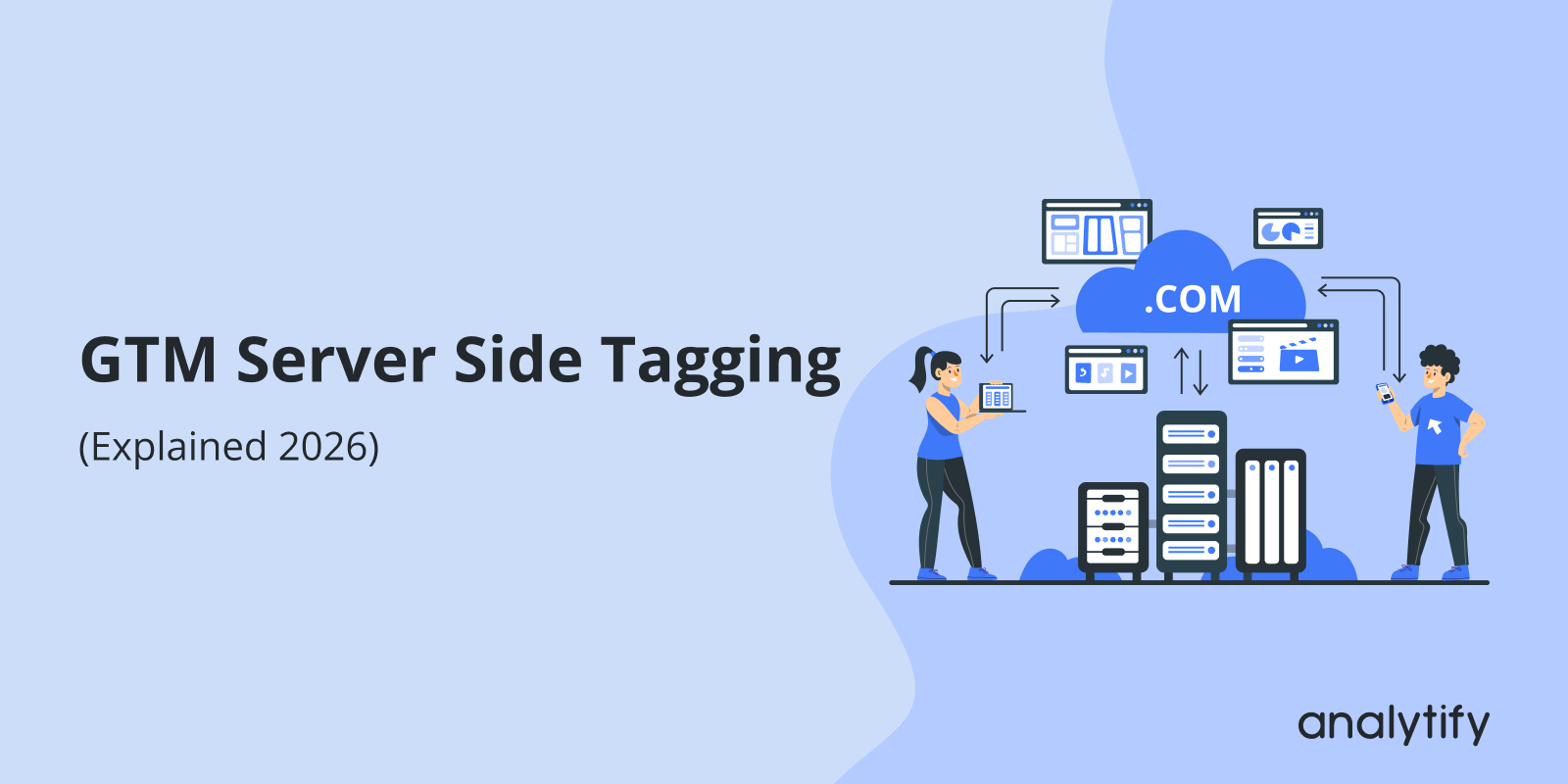
Google Tag Manager Server Side Tagging (Explained 2026)

Are you looking for an easy guide to Google Tag Manager server side tagging? It’s tricky, but don’t worry, we’ve covered it.

In recent years, digital tracking has evolved. One major change is Google Tag Manager server side tagging. Since its launch, many are excited about its potential, while others wonder if it’s necessary. This guide will help you understand why server side tagging with Google Tag Manager (GTM) matters.

Continue reading “Google Tag Manager Server Side Tagging (Explained 2026)” →
Track Affiliate Links with GA4

How to Track Affiliate Links in Google Analytics 4

Are you wondering how to track affiliate links with GA4?

Our guide on Affiliate link tracking covers everything you need to know, from understanding the basics of affiliate links and why tracking them matters to setting up effective tracking in GA4.

You’ll explore various methods, including configuring custom events in GA4, using Google Tag Manager, and using the Analytify plugin for WordPress users. With these tools, tracking affiliate links becomes easy, empowering you to analyze performance and boost your marketing results.

Let’s get started! 

Continue reading “How to Track Affiliate Links in Google Analytics 4” →
GA4 Site Search Tracking

Site Search Tracking in GA4 (Google Analytics 4)

To track site search in GA4, turn on Site search under Enhanced measurement in your web data stream. Enter your search query parameter if GA4 does not detect it by default. This guide shows each step, how to read the reports, and the mistakes to avoid.

Google Analytics 4 (GA4) has significantly changed how we monitor and track website performance. GA4 tracks site search with the view_search_results event. The event shows what visitors search for on your site. Tracking site search data can reveal important insights about user intent, content gaps, and areas for improvement on your website.

In this blog, we will explore the benefits of site search tracking in GA4, explain how it works, and provide a step-by-step guide on how to set it up.

Continue reading “Site Search Tracking in GA4 (Google Analytics 4)” →
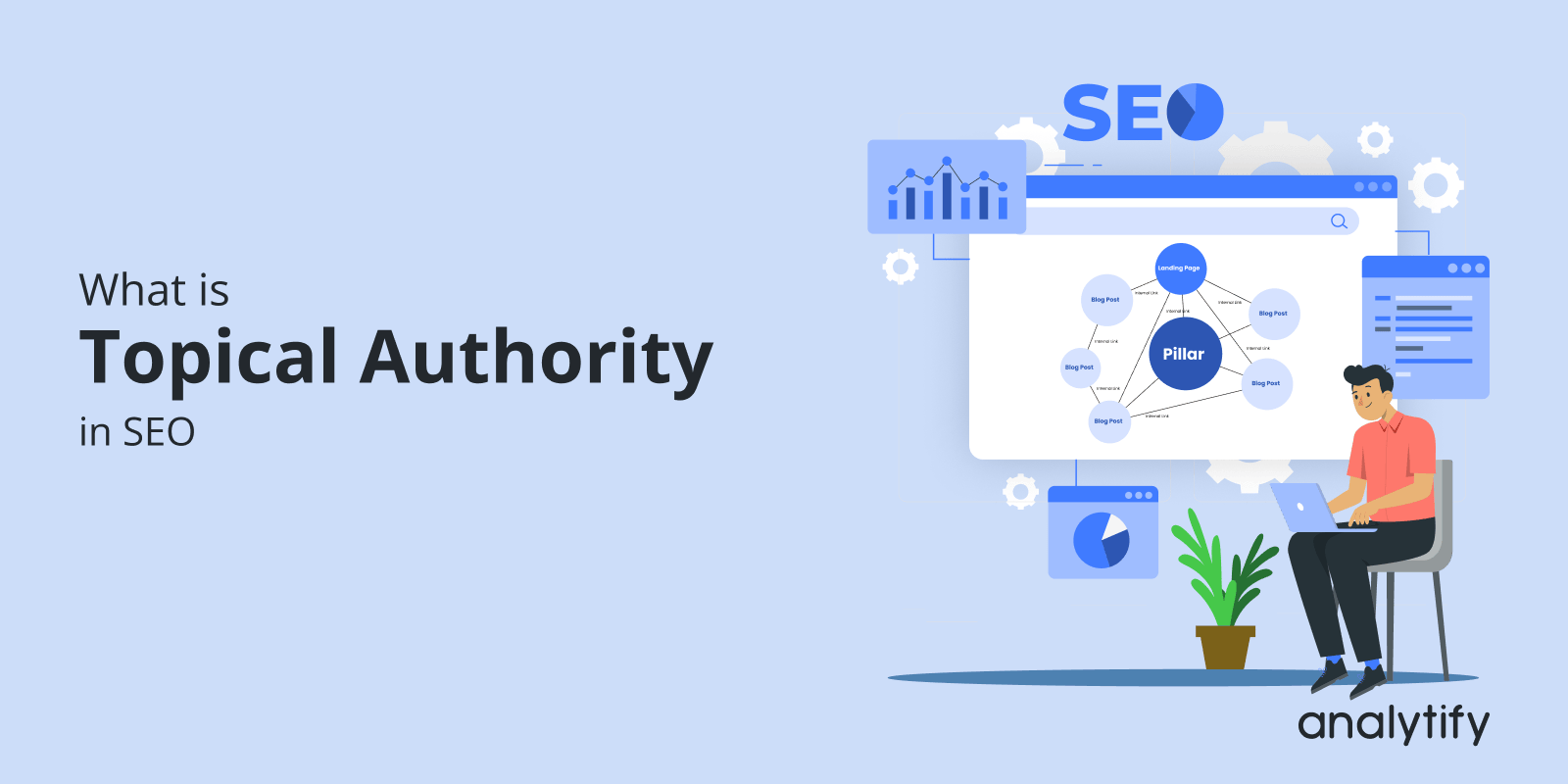
SEO Topical Authority

What is Topical Authority in SEO and How Does it Improve Ranking? 

Are you ready to boost your SEO by becoming an expert in your niche?

Establishing topical authority has become a key factor in long-term success. Search engines are shifting from keyword-based ranking to content relevance and expertise. 

This guide defines topical authority, explains why it matters for SEO, and shows how to build it with topical mapping and content clusters.

Continue reading “What is Topical Authority in SEO and How Does it Improve Ranking? “ →
Content Marketing ROI

How to Improve Content Marketing ROI—A Data-Driven Approach

Content Marketing ROI measures how much revenue your content generates compared to what it costs to produce and distribute.

Tracking marketing ROI tells you which content is working, where to invest more, and which efforts to cut.

In this guide, I’ll explain what Content Marketing ROI is, how to calculate it, and 10 proven ways to improve it using data from Google Analytics and Analytify.

Let’s get started!

Continue reading “How to Improve Content Marketing ROI—A Data-Driven Approach” →
Google Search Console Insights

Google Search Console Insights: 6 Important Reports to Analyze Content Performance

Google Search Console Insights combines Search Console and Google Analytics data. It shows how your content performs and how visitors find it.

Search console insights play an important role in optimizing your website’s SEO strategy, and understanding how your content performs. GSC brings together data from Google Search Console Insights and Google Analytics. Website owners get key performance metrics in one easy dashboard.

Use it to see which pages perform best, which queries bring visitors, and where content needs an update.

This article explains how to use Google Search Console Insights. It focuses on six essential reports that boost your SEO strategy.

Continue reading “Google Search Console Insights: 6 Important Reports to Analyze Content Performance” →
1 … 5 6 7 … 11