Keeping a pulse on your website’s performance is crucial for any business owner or marketer. However, the vast amount of data available in Google Analytics can be overwhelming. Finding the needed information from countless metrics and reports can be time-consuming and confusing.
For a complete walkthrough, see our guide: How to Set Up Google Analytics 4 and Connect it to Your WordPress Site?.
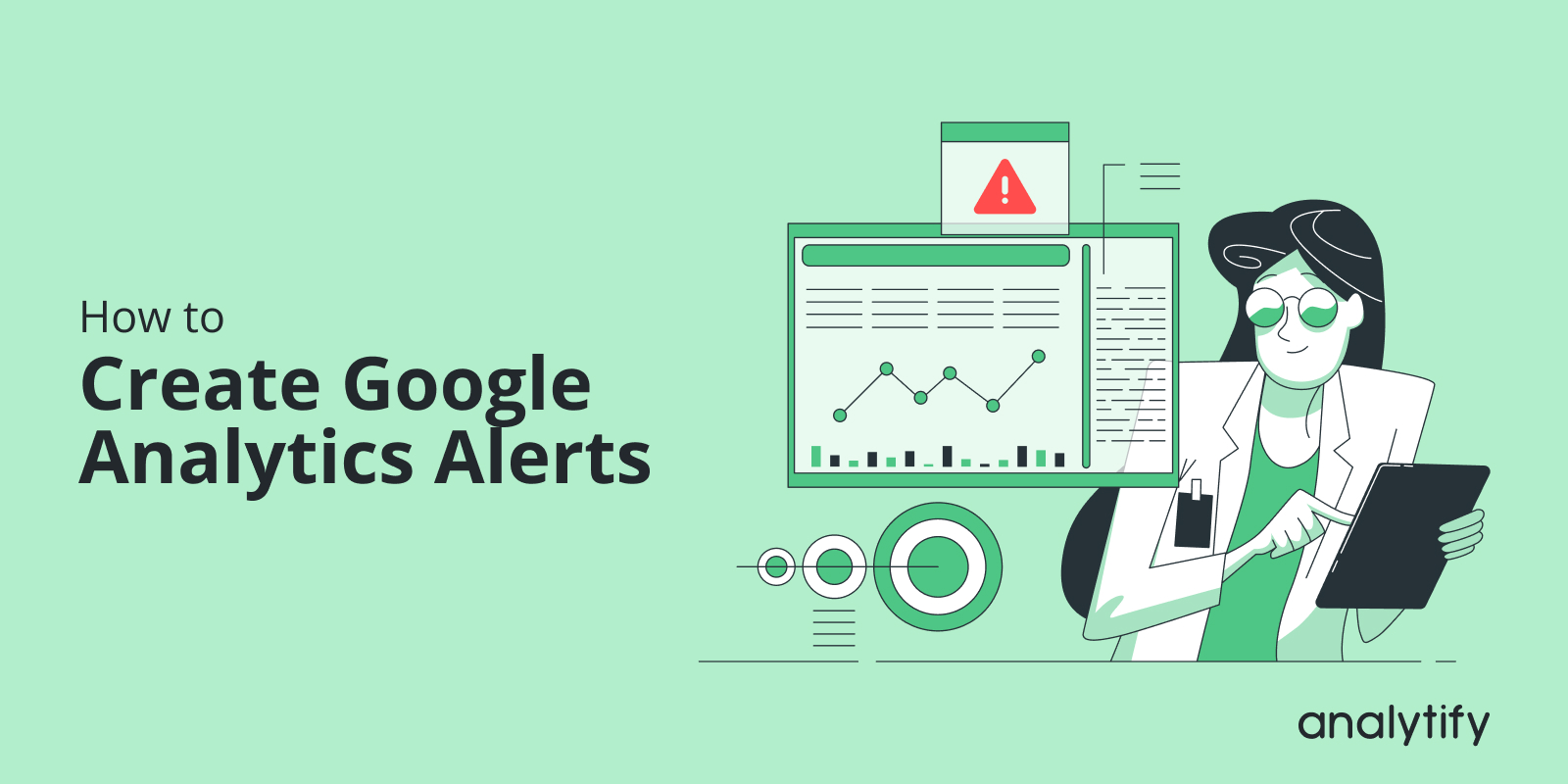
This is where Google Analytics Alerts come in handy. They provide a solution for proactive monitoring, notifying you of significant changes or issues without constantly checking your analytics.
This blog post will guide you in creating effective GA4 custom alerts. We’ll explore why alerts are essential and how they differ from the previous version (Universal Analytics). We will also provide step-by-step instructions for setting and managing Google Analytics 4 alerts in 2024.
Let’s dive right in and unlock the full potential of GA4 alerts for your website!
Continue reading “How to Create Google Analytics 4 Alerts (Custom Insights)”