Download
Back to All Categories
Google Analytics for SEO

How to Use Google Analytics to Improve Your SEO (15 Effective Ways)

Google Analytics is one of the most powerful tools for improving your SEO. It shows you where your traffic comes from, how users behave on your site, and which pages are performing best.

For a complete walkthrough, see our guide: How to Set Up Google Analytics 4 and Connect it to Your WordPress Site?.

This guide covers 15 ways on how to use Google Analytics for SEO, the key reports that matter, and how to measure your progress

Let’s get started with our Google Analytics SEO guide!

Continue reading “How to Use Google Analytics to Improve Your SEO (15 Effective Ways)” →
Best WordPress Caching Plugins to Speed Up Your Website

5 Best WordPress Caching Plugins to Boost Your Website Speed

When users visit your website, they expect it to perform smoothly. If your website feels lagging or slow, the chances of them leaving to take their online business elsewhere increase dramatically. This is where a WordPress cache plugin can make a real difference. By using caching technology, these tools increase your website’s speed and ensure a seamless experience for visitors.

Continue reading “5 Best WordPress Caching Plugins to Boost Your Website Speed” →
Google Analytics Pricing

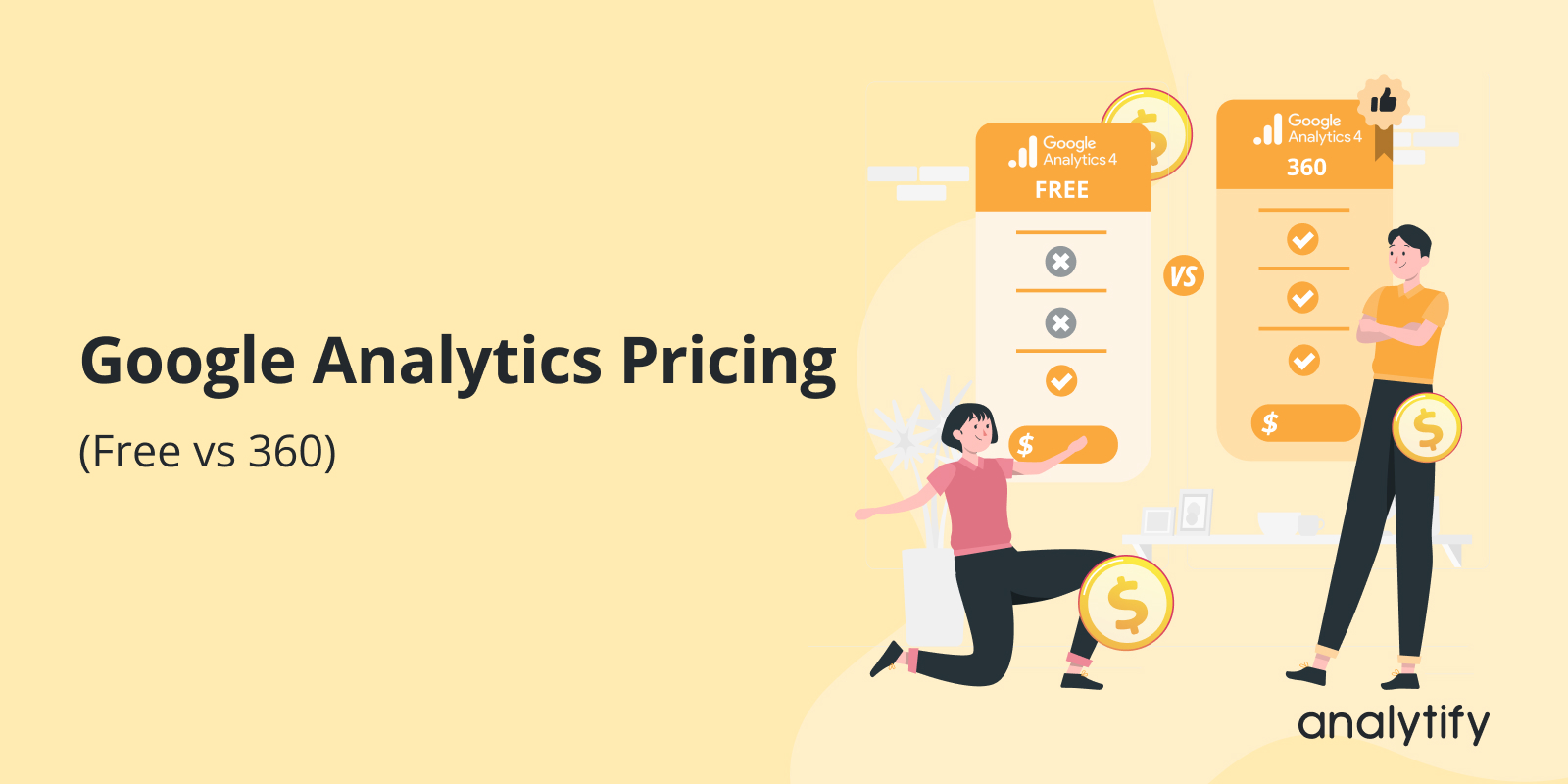
Google Analytics Pricing (Free vs 360) 

Google Analytics is free for most users. But there is also a paid enterprise version called Google Analytics 360.

My take: if you run a WordPress site, Google Analytics 360 is not worth $50,000 a year. GA4 Free covers most sites, and Analytify puts those reports inside your dashboard.

For a complete walkthrough, see our guide: How to Set Up Google Analytics 4 and Connect it to Your WordPress Site?.

Choosing between them depends on your traffic volume, data needs, and budget.

This guide explains Google Analytics pricing by exploring its differences in features.

Ultimately, you can decide which solution works best for your business.

Let’s get started to explore GA4 pricing!

Continue reading “Google Analytics Pricing (Free vs 360) “ →
Create Google Analytics 4 alerts

How to Create Google Analytics 4 Alerts (Custom Insights)

To create a Google Analytics 4 alert, open Home, click View all insights, click Create, and set the condition that should trigger a custom insight. GA4 calls its alerts custom insights. Finding the needed information from countless metrics and reports can be time-consuming and confusing.

For a complete walkthrough, see our guide: How to Set Up Google Analytics 4 and Connect it to Your WordPress Site?.

This is where Google Analytics Alerts come in handy. They provide a solution for proactive monitoring, notifying you of significant changes or issues without constantly checking your analytics.

This blog post will guide you in creating effective GA4 custom alerts. We’ll explain why alerts are essential and how they differ from Custom Alerts in Universal Analytics, which Google has shut down. We will also give step-by-step instructions for setting and managing Google Analytics 4 alerts. 

Let’s dive right in and unlock the full potential of GA4 alerts for your website!

Continue reading “How to Create Google Analytics 4 Alerts (Custom Insights)” →
what is a best keyword

What is a Focus Keyword and How Does It Improve Your SEO Ranking? 

A focus keyword is the main search term you want a page or post to rank for in Google. It anchors your title, headings, and body copy so search engines and readers immediately understand what your content covers. Whether you run a small business, write freelance content, or manage a full marketing campaign, the right focus keyword determines whether your target audience actually finds your content.

This guide covers what a focus keyword is, how it differs from related SEO terms, and how to choose and use one effectively in your posts and pages.

Continue reading “What is a Focus Keyword and How Does It Improve Your SEO Ranking? “ →
GA4 Subdomain tracking

GA4 Subdomain Tracking: How to Unify Data Across Your Website? (2026 Guide)

If you’ve been using Google Analytics 4 (GA4) to monitor your website’s performance, you might be curious about how GA4 Subdomain Tracking works. Understanding this can give you some deep insights into how different sections of your website are performing.

For a complete walkthrough, see our guide: How to Set Up Google Analytics 4 and Connect it to Your WordPress Site?.

First, let’s discuss what Google Analytics and Subdomains Tracking involves. It’s not just about monitoring your main site; it’s about digging deeper. By tracking subdomains in GA4, you can see if specific parts of your site, like your blog or shop, are attracting visitors or if there’s something they particularly enjoy there. It wasn’t always straightforward in previous versions of Google Analytics, but GA4 has made some significant improvements.

In this article, we’ll discuss why GA4 subdomain tracking is essential, how it differs from what you might be used to, and how you can set it up to get accurate, segmented information that could help you tailor your strategies to different audience segments. 

Let’s get started! 

Continue reading “GA4 Subdomain Tracking: How to Unify Data Across Your Website? (2026 Guide)” →
7 best Google Analytics reporting tools

7 Best Google Analytics Reporting Tools

Analytify is the best Google Analytics reporting tool for most WordPress sites, because it shows GA4 reports inside the WordPress dashboard. This guide compares 7 tools by price, features and fit. 

This guide is for small business owners, marketers, and anyone who needs to understand your website’s performance without digging through the native GA4 interface.

Each tool below turns Google Analytics data into reports you can read and share. 

Choose a Google Analytics reporting tool by matching it to your budget, your site type and how much customization you need. The pricing table below shows what each tool costs at a glance.

Continue reading “7 Best Google Analytics Reporting Tools” →
Post a Blog on WordPress

How to Post a Blog on WordPress? A Comprehensive Step-by-Step Guide

To post a blog on WordPress, go to Posts, click Add New, write your title and content, then click Publish. This guide walks through every step, from writing to tracking results.

You’ll learn exactly how to add a new post in WordPress in a few simple steps.

WordPress powers over 40% of all websites on the internet. It’s a user-friendly platform built for beginners and experienced developers alike.

WordPress fits any blog niche: travel, technical writing, ecommerce, or DIY projects.

This guide explains exactly how to post a blog on WordPress, step by step.

Continue reading “How to Post a Blog on WordPress? A Comprehensive Step-by-Step Guide” →
Top WordPress backup plugins

Top WordPress Backup Plugins (Free and Paid)

A WordPress backup plugin creates backups of your website automatically, so you can recover your data after a security breach or a server crash. This guide covers UpdraftPlus, BackupBuddy, Total Upkeep by BoldGrid, Duplicator, BackWPup, BlogVault, and WP Database Backup.

For a complete walkthrough, see our guide: How to Set Up Google Analytics 4 and Connect it to Your WordPress Site?.

Regular backups let you restore your website and recover your important information after a hacking attack.

You can back up a website manually by saving its files and data, but that takes a lot of time. A WordPress backup plugin does the same job automatically.

Continue reading “Top WordPress Backup Plugins (Free and Paid)” →
Analytify vs Monsterinsights

Analytify vs MonsterInsights – Which WordPress Plugin Is Best In 2026?

I built Analytify because I was tired of opening a second browser tab every time I wanted to know how a post was doing. MonsterInsights already existed. It still does the same job, at roughly the same price, for a lot more people. So which one should you actually install?

Here’s the short version: Analytify wins if you run WooCommerce or LearnDash, or want eCommerce, LMS, and ad pixel tracking without moving to a higher-priced tier. MonsterInsights wins if you want AI-generated summaries of your traffic and don’t mind paying more to get eCommerce tracking.

This article compares both plugins on price, eCommerce, LMS support, AI features, dashboard design, performance, data accuracy, and how much WordPress users actually trust each one. Every number below is dated and sourced, mine and theirs.

What changed in this update (September 2026): we re-checked every MonsterInsights claim against their pricing page and corrected four comparisons on pixel tracking, LifterLMS, AI availability, and per-post stats. Competitor details verified on 22 September 2026.

Continue reading “Analytify vs MonsterInsights – Which WordPress Plugin Is Best In 2026?” →

1 2