Yes, Analytify installs directly on WordPress.com’s Business plan.
WordPress.com lists Analytify in its own plugin marketplace, and the Business plan supports installing third-party plugins like Analytify directly from that marketplace, with no separate upload or workaround required.
The Easy Digital Downloads add on for Analytify brings your store’s sales data directly into your WordPress dashboard. You can track user behavior, digital sales, transactions, and revenue. This all connected to Google Analytics 4 without leaving WordPress.
This Knowledge Base (KB) guide shows you how to use the EDD add-on for Analytify for the first time.
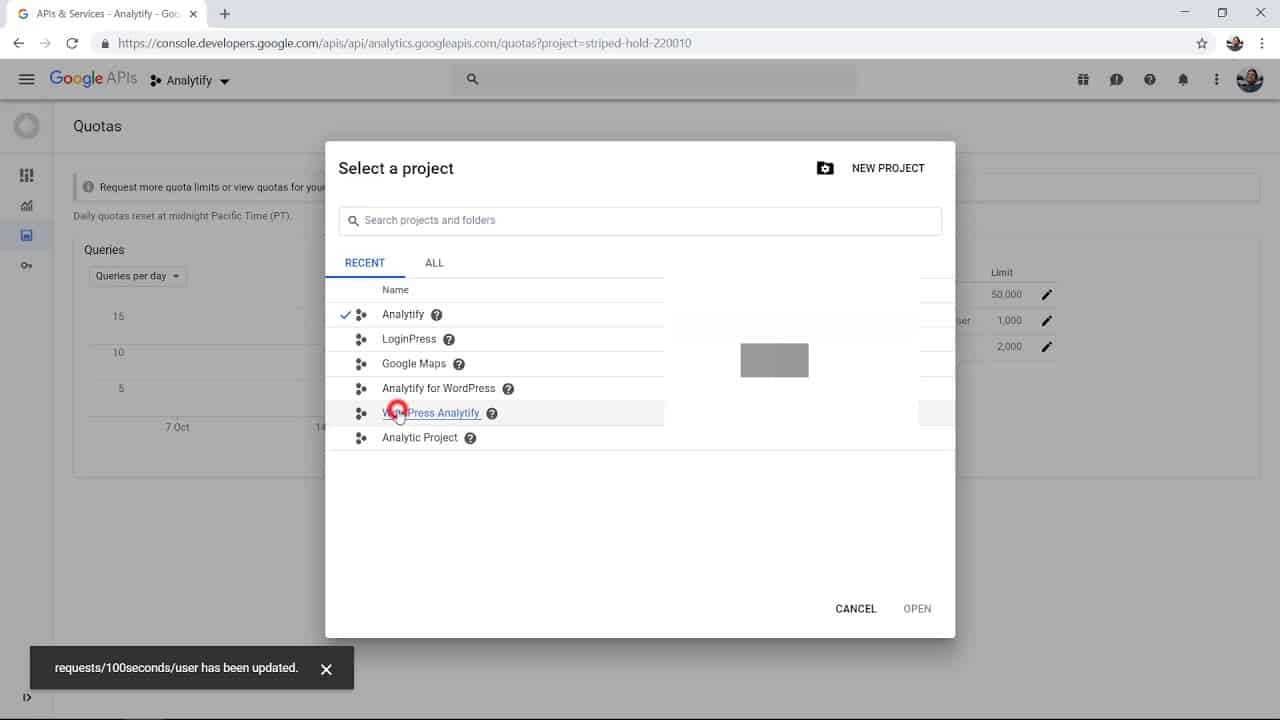
The “User Rate Limit Exceeded” error means that your requests to the Google Analytics API passed the maximum number of calls allowed within a set timeframe. Google applies these limits to prevent abuse and disruption of its services. To fix it, review the API quota in your Google Cloud project, as the steps below show.
Google Analytics is a powerful tool that helps you figure out how well your website is doing by keeping track of how users interact with it, what kind of people visit it, and other key data.
This knowledge base article will help you figure out if you already have a Google Analytics account or not. We’ll show you how to check if you already have an account and how to move forward if you don’t.
Analytify is a great plugin specifically designed for WordPress users to simplify the utilization of Google Analytics. The tool offers comprehensive analytics regarding a website’s traffic and user activity, conveniently accessible through the WordPress dashboard. Analytify offers an effective eCommerce tracking functionality that is indispensable for web-based retail businesses. This article will provide you with details on the compatibility of Analytify with various WordPress eCommerce plugins.
Yes. Analytify Pro includes 15 add-ons that extend what the plugin tracks and reports. All add-ons are bundled inside Analytify Pro — no separate downloads required. You activate them from Analytify >> Add-ons inside your WordPress dashboard.
Analytify is a widely used WordPress plugin that simplifies Google Analytics. However, sometimes Analytify’s functionality may encounter complications, especially if there’s a conflict with a browser add-on. We’ll walk you through the steps to test for potential browser addon conflicts with Analytify.
Analytify is a WordPress plugin that brings your Google Analytics 4 data directly into your WordPress dashboard — no need to leave your site to check how your content or store is performing.
It comes in two versions: a free plugin available on WordPress.org, and Analytify Pro with advanced tracking, eCommerce reporting, and premium add-ons. This guide breaks down the differences so you can choose the right version for your site.
WordPress.com and WordPress.org are quite different. WordPress.com’s Business Plan lets you use plugins, anything below that does not allow the use of additional Plugins.