9 Best Google Analytics Alternatives for 2026 (Compared)

Are you feeling overwhelmed by Google Analytics 4? You’re not alone.
Many website owners and marketers find GA4’s dashboards confusing, and its reports hard to follow. Getting comfortable with the system often takes longer than expected.
On top of that, evolving privacy laws such as GDPR and the CCPA make managing user data more complicated. Many businesses are now looking for simpler, privacy-friendly solutions.
The good news is, there are many Google Analytics alternatives that make tracking easier, faster, and more focused. For WordPress users, Analytify stands out, providing clear GA4 insights right in your dashboard, without the complexity.
Beyond GA4, there are other website analytics tools built for simple reporting, easy setup, and privacy-friendly tracking.
In this guide, we will discuss the best Google Analytics alternatives to help you choose the right one for your business.
Let’s get started!
Best Google Analytics Alternatives (TOC):
Why You Might Need a Google Analytics Alternative
Google Analytics 4 is powerful, but for many people, it feels hard to use. When Google moved from Universal Analytics to GA4, the layout and reports changed a lot, making it harder for many users to adjust.
This means users often spend extra time just trying to find basic data. For small teams and marketers who want quick answers, this can be frustrating and slow down everyday work.
Privacy is another major reason people look for alternatives. Laws like GDPR and CCPA require businesses to be careful about how they collect and handle user data.
Because Google Analytics tracks detailed user information, staying compliant often means adding consent banners and adjusting multiple settings. Many businesses find it complicated to manage. Instead, they choose simpler analytics tools that collect only essential data and respect user privacy by default.
Some businesses also feel that Google Analytics is more than they need. Many want clean, focused dashboards instead of complex reports. Others need better behavioral insights, such as how users scroll, click, or navigate a page.
In these cases, lightweight web traffic analysis tools or specialized digital marketing analytics tools can be a better fit and won’t slow the website down.
In short, if GA4 feels confusing, heavy, or difficult to manage, switching to the best Google Analytics alternatives can make tracking and decision-making much easier.
How to Choose the Best Analytics Tool
Choosing the right analytics platform depends on your goals, team size, and the amount of data you need. Not every business needs a complex system like Google Analytics. Here are the key factors to consider when comparing the best alternatives to Google Analytics:
- Ease of Use
Look for simple dashboards and clear, easy-to-understand reports. Good analytics tools should help you find answers quickly, not make you spend hours learning the system. - Privacy & Compliance
Make sure the tool complies with privacy laws such as GDPR and CCPA. Many modern platforms are built to collect only essential data, making compliance easier and safer. - Integrations
Choose tools that work smoothly with your existing setup, such as WordPress, e-commerce platforms, or CRM systems. Strong integrations save time and reduce manual work. - Cost & Scalability
Compare free and premium plans based on your needs. Some tools are great for small websites, while others scale better as your traffic grows. - Performance Tracking Features
Check whether the tool offers funnels, real-time reports, and event tracking. These features turn raw data into valuable insights and make the tool effective performance tracking software.
By focusing on these criteria, you can confidently choose one of the best alternatives to Google Analytics for your business.
Google Analytics Alternatives: Comparison Table
To help you quickly compare features, pricing, and suitability, here is a comparison table of the best Google Analytics alternatives for 2026:
| Tool | Pricing | Privacy Level | Ease of Use | WordPress Integration | Best For / Key Strengths |
| Analytify | Free / Premium | Medium | Very Easy | Yes | WordPress users: clean dashboards, easy reporting |
| Matomo | Free / Premium | High | Moderate | Optional | Privacy-first businesses; self-hosting option |
| Fathom Analytics | Paid | High | Very Easy | Limited | Small businesses/startups; fast, lightweight |
| Plausible | Paid / Open-Source | High | Very Easy | Limited | Bloggers/small teams; simple and privacy-focused |
| Adobe Analytics | Paid | Medium | Moderate | No | Enterprise marketers: highly customizable, predictive insights |
| Mixpanel | Free / Paid | Medium | Moderate | No | SaaS/mobile apps; event-based tracking, user behavior insights |
| Amplitude | Free / Paid | Medium | Moderate | No | Product teams, cohort tracking, engagement optimization |
| Heap Analytics | Free / Paid | Medium | Easy | No | Behavioral analysis; automatic event tracking, quick setup |
| Simple Analytics | Free / Paid | High | Very easy | Yes | Privacy-focused, fast setup, lightweight tracking, clear insights without complexity |
Top 9 Google Analytics Alternatives for 2026
Here are the following top 9 Google Analytics alternatives for 2026:
1. Analytify: Best GA4 Plugin for WordPress
Join 50,000+ beginners & professionals who use Analytify to simplify their Google Analytics!
Analytify is a user-friendly analytics tool built specifically for WordPress websites, making it one of the easiest alternatives to Google Analytics for non-technical users.
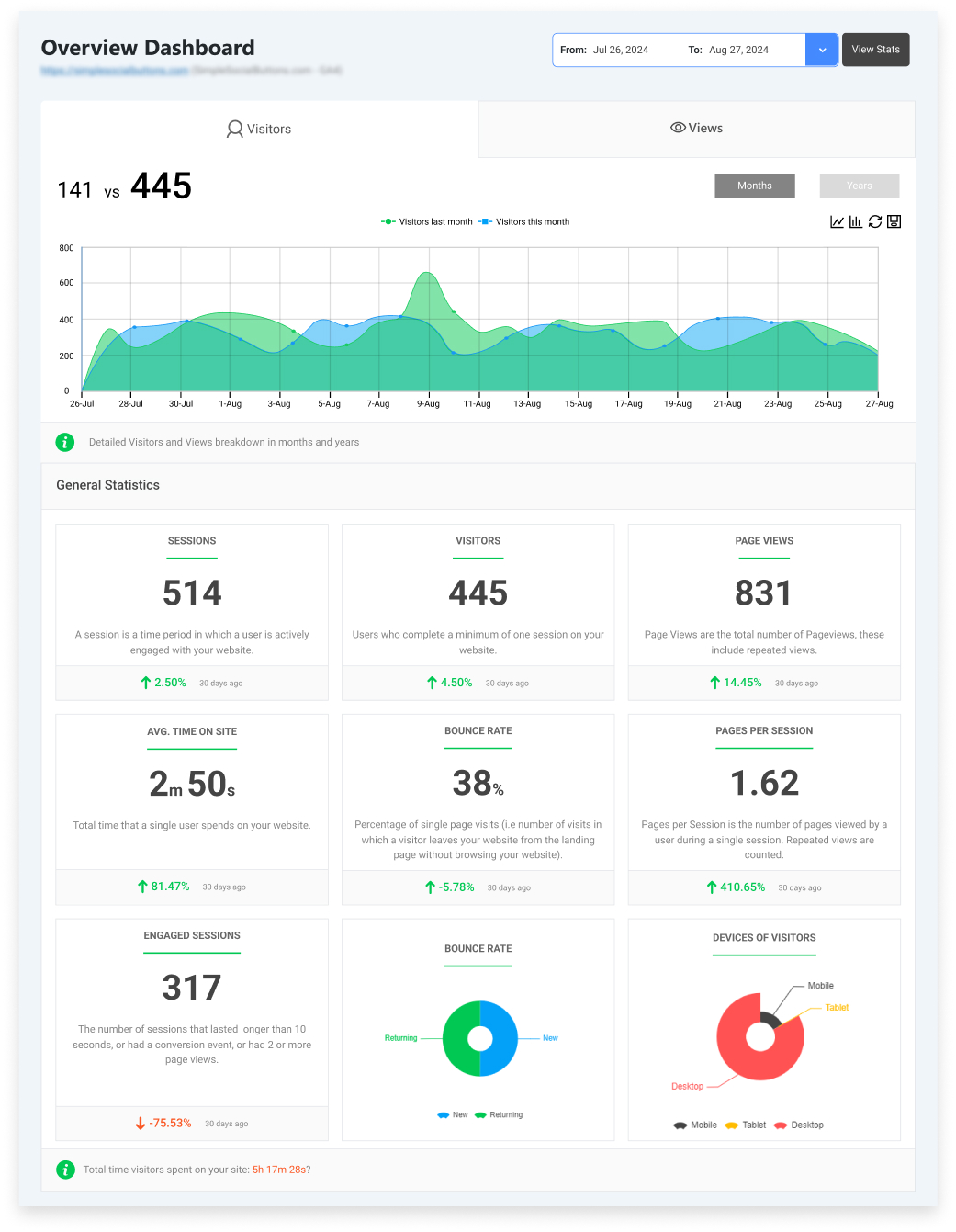
Easy GA4 Access
- Analytify lets you view GA4 data directly in your WordPress admin panel in a clean, easy-to-read format.
- You don’t need to switch dashboards or learn complex reports.
Simple Tracking Without Complex Setup
- Analytify is an all-in-one analytics plugin for WordPress that makes tracking easy without complicated setup.
- It brings together event tracking, UTM campaign tracking, eCommerce insights, engagement reports, and a search-term dashboard into a single, simple interface.
- All data is displayed directly inside the WordPress dashboard, allowing you to quickly understand website traffic, user behavior, campaigns, and conversions.
- With clear insights into what users click, where they drop off, and which actions lead to results, Analytify removes the complexity often associated with Google Analytics reporting.
Clean Reports & Flexible Pricing
- Reports are simple and visual, focusing on key metrics instead of overwhelming charts.
- Analytify offers a free version for basic tracking, while premium plans unlock advanced features and deeper insights.
Analytify is ideal for WordPress users who want a simpler way to understand GA4 data without dealing with GA4’s complex interface. It’s a strong choice when comparing analytics tools vs Google Analytics, especially for WordPress-focused websites.
2. Matomo
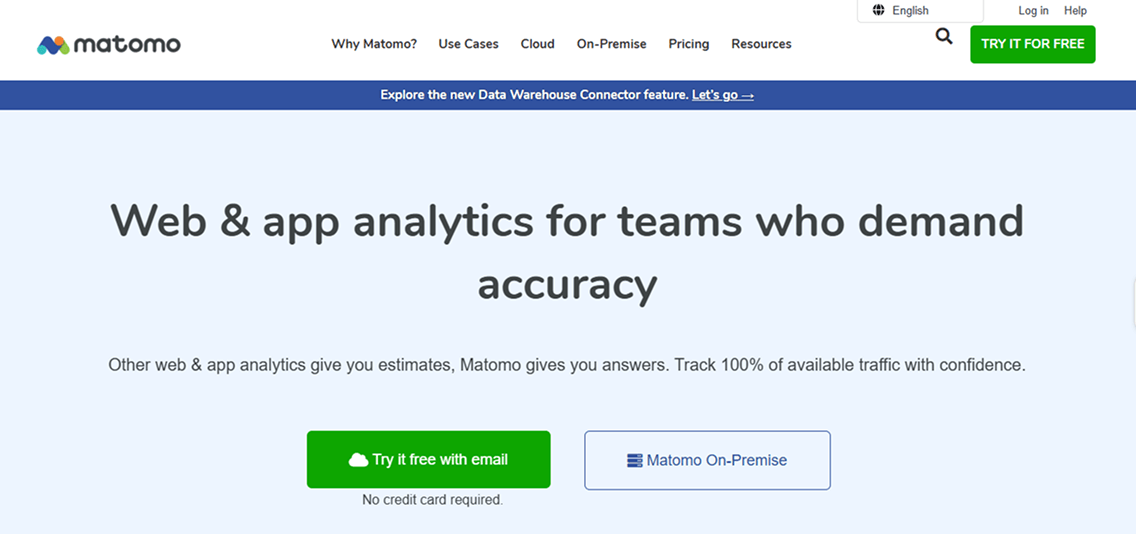
Matomo is a popular open-source web analytics tool that gives you complete control over your website data.
Full Data Ownership & Self-Hosting
- Unlike Google Analytics, Matomo can be self-hosted.
- All website traffic and user data stay on your own servers.
- This makes it a great choice for businesses that want complete data ownership and control over how information is collected, stored, and used.
Strong Privacy & Compliance
- Privacy is a significant focus for Matomo. Matomo is fully GDPR- and CCPA-compliant.
- You can anonymize user data and easily manage consent.
- No complex legal setups or ongoing privacy checks are required.
Advanced Tracking Capabilities
- Matomo is ideal for companies that care about security, user trust, and data privacy.
- Still, it’s flexible enough for teams that want advanced tracking features, such as goals, funnels, and custom events.
- It works well for both small teams and larger organizations.
If you’re looking for an open-source web analytics tool, Matomo is definitely worth considering as one of the best Google Analytics alternatives for 2026.
3. Fathom Analytics
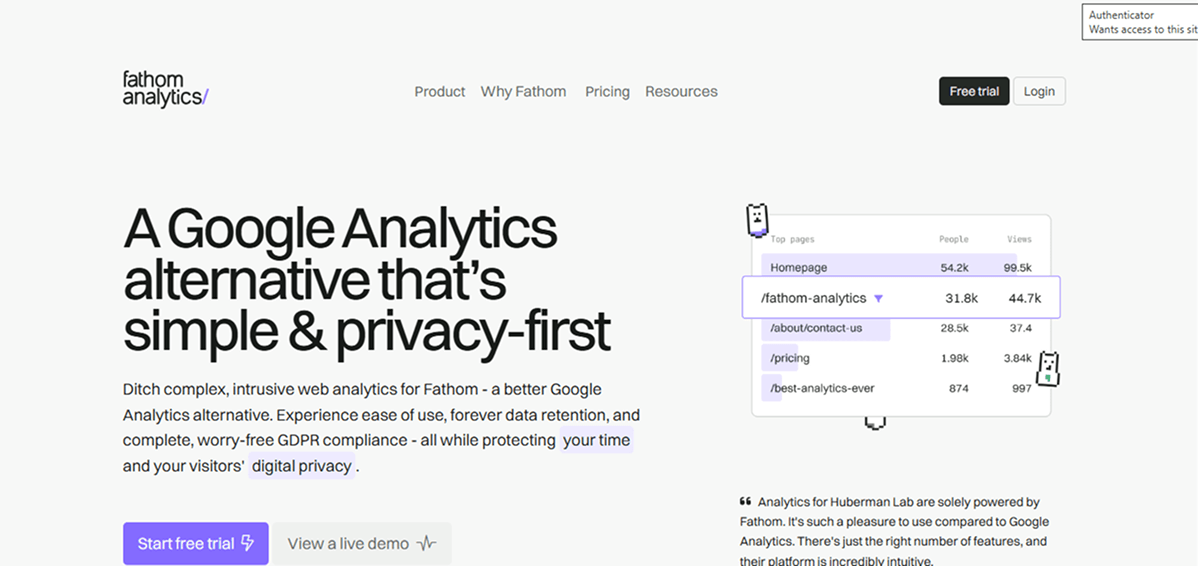
Fathom Analytics is a lightweight and easy-to-use analytics tool designed for simplicity and speed.
Focused & Simple Insights
- Unlike Google Analytics, it focuses on the essentials, giving you clear insights without overwhelming dashboards or confusing reports.
Privacy-First by Design
- Its privacy-first approach means it doesn’t track personal data or use cookies.
- No need for complex consent banners. This makes it fully GDPR and CCPA-friendly by default.
Fast & Lightweight Performance
- One of Fathom’s biggest advantages is its speed. Because it’s lightweight, it doesn’t slow down your website.
- This is especially helpful for small businesses and startups that want to keep their sites quick and responsive.
Beginner-Friendly Interface
- The interface is clean and simple, so even beginners can see traffic trends, referral sources, and popular pages without needing technical knowledge.
Best Fit For
- Fathom is best suited for small businesses, startups, bloggers, and anyone who wants straightforward analytics without all the extra features.
It’s perfect if you want fast insights and to comply with privacy regulations.
4. Plausible Analytics
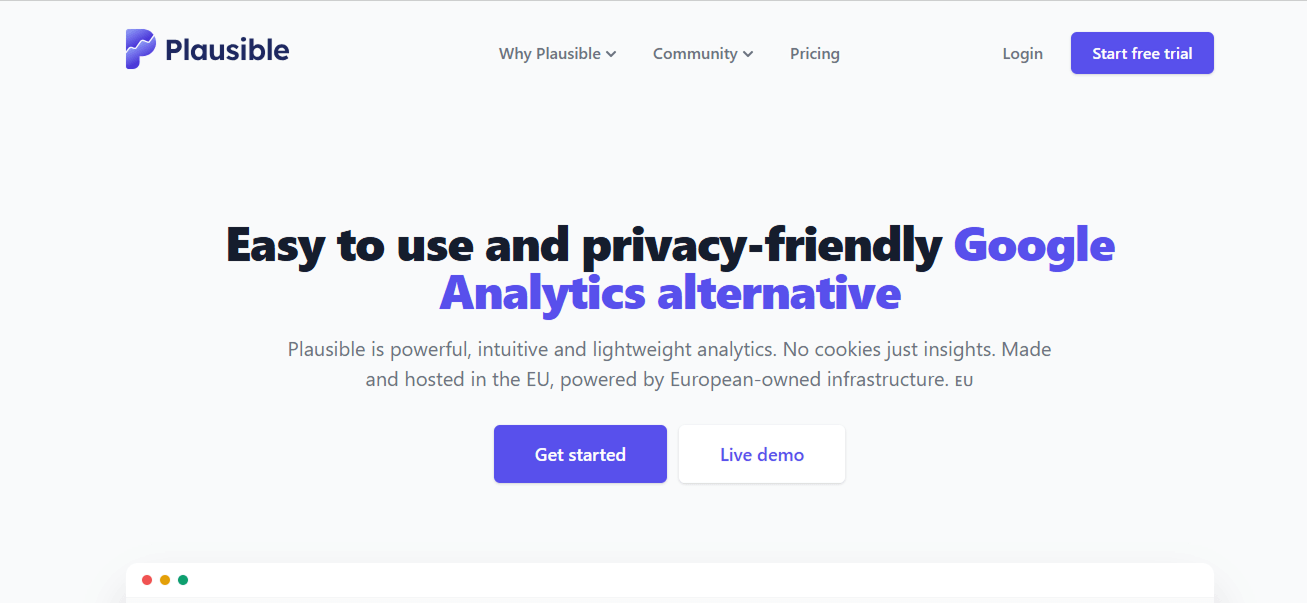
Plausible Analytics is a lightweight, open-source web analytics tool that gives you clear insights without overwhelming you with too many numbers or charts.
Simple & Easy-to-Use Interface
- Its interface is simple and clean, so even beginners can quickly see how their website is performing.
- Unlike Google Analytics, Plausible focuses only on the essential metrics, making it easier to understand traffic trends, popular pages, and referral sources.
Privacy-Focused Analytics
- Privacy is a big focus for Plausible. It is fully GDPR- and CCPA-compliant, doesn’t use cookies, and avoids collecting personal data.
- This means you don’t need to worry about complicated consent banners or legal issues, which is a huge relief for small businesses and site owners who want to stay privacy-friendly.
Open-Source and Data Control
- Because it is open-source, you can self-host Plausible and retain complete control over your data.
Fast performance and best fit for
- It’s lightweight, so it won’t slow down your website, and the clean dashboards make performance tracking simple and effective.
- Plausible is ideal for blogs, small business websites, and startups that want straightforward analytics without extra clutter.
It’s easy to set up, quick to use, and a reliable choice if you value simplicity and privacy.
5. Adobe Analytics
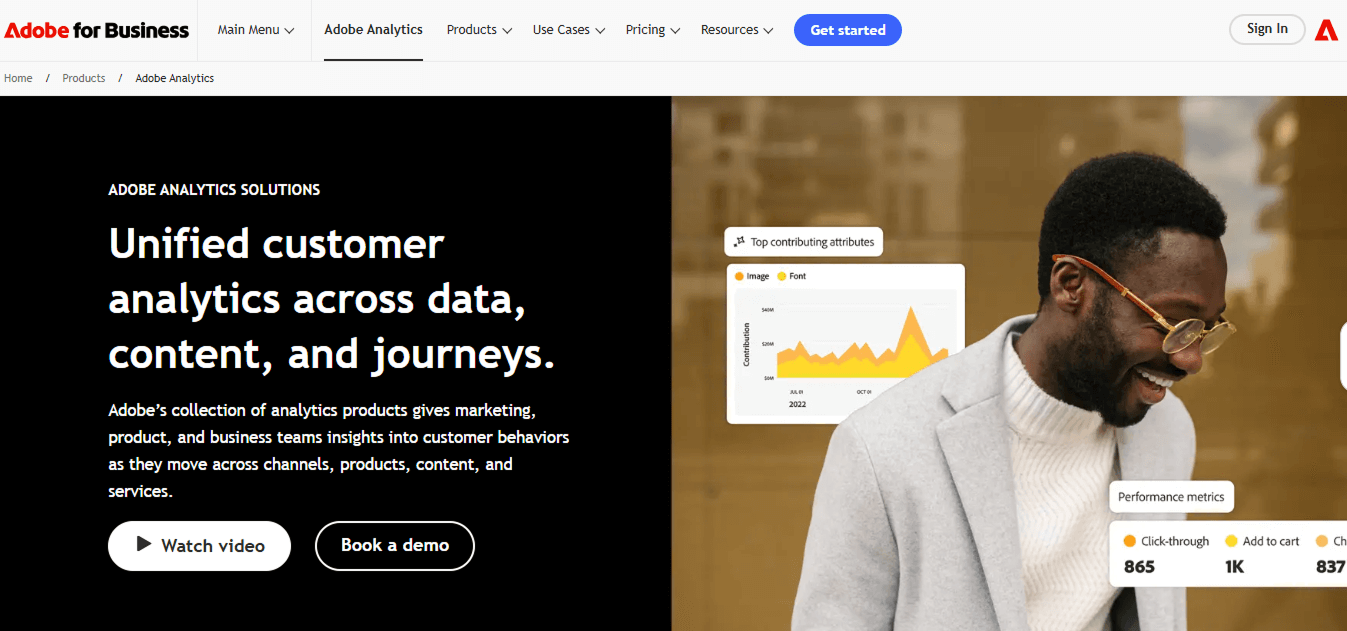
Adobe Analytics is a powerful analytics tool designed for large businesses and marketing teams.
Advanced Analytics & Predictive Insights
- Goes beyond basic traffic tracking with predictive insights and advanced segmentation.
- Helps companies gain a deep understanding of user behavior.
- Supports highly customizable reports based on business needs.
Customer Journey & Campaign Tracking
- Tracks every step of the customer journey.
- Measures campaign performance across channels.
- Allows teams to build dashboards aligned with specific business goals.
Enterprise Flexibility & Integrations
- One of Adobe Analytics’ strengths is its flexibility. Large teams can set up detailed tracking and build complex funnels.
- Integrates smoothly with Adobe Experience Cloud and other Adobe tools.
- This makes it ideal for enterprises looking to combine analytics with marketing automation, personalization, and customer experience management.
Usage Complexity & Cost
- More complex to learn compared to simpler analytics tools.
- Best suited for organizations with dedicated analytics teams to manage and interpret data.
- Expensive, making it less practical for small businesses or startups.
However, for large organizations that need detailed insights, predictive analytics, and highly customizable tracking, it remains one of the best alternatives to Google Analytics in 2026.
Pros: Powerful, highly customizable, ideal for large marketing teams
Cons: Expensive, requires skilled users
6. Mixpanel
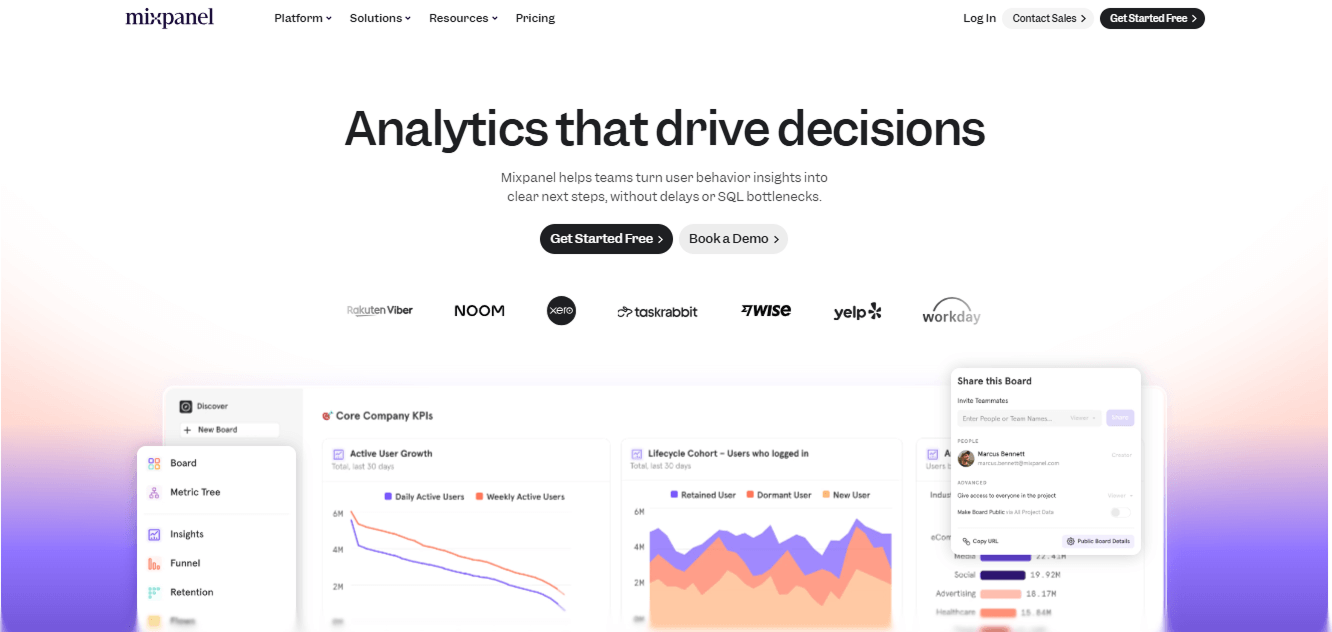
Mixpanel is a modern analytics tool focused on tracking user actions and understanding behavior.
Event-Based Tracking
- Unlike traditional pageview-based analytics, Mixpanel uses event-based tracking, which means it tracks users’ actions on your website or app in real time.
- This makes it easy to see how people interact with features, complete actions, or drop off in your funnels.
Deep User Insights
- One of Mixpanel’s strengths is its ability to provide deep insights into user behavior.
- You can analyze trends, segment users based on actions, and even set up automated reports to monitor key events.
- This helps businesses understand not just how many people visit, but what they actually do and how they engage with your product.
Best for SaaS and Apps
- Ideal for SaaS companies, mobile apps, and subscription businesses that want detailed customer journey insights
- Helps teams make data-driven decisions, optimize features, and increase user retention
While Mixpanel offers powerful tracking and reporting, it can feel more advanced than simpler tools for beginners.
However, for teams that need event-based insights and user behavior analytics, it’s one of the best alternatives to Google Analytics in 2026.
Pros: Ideal for SaaS businesses and mobile apps, detailed event tracking, and actionable insights
Cons: Can be complex for beginners
7. Amplitude
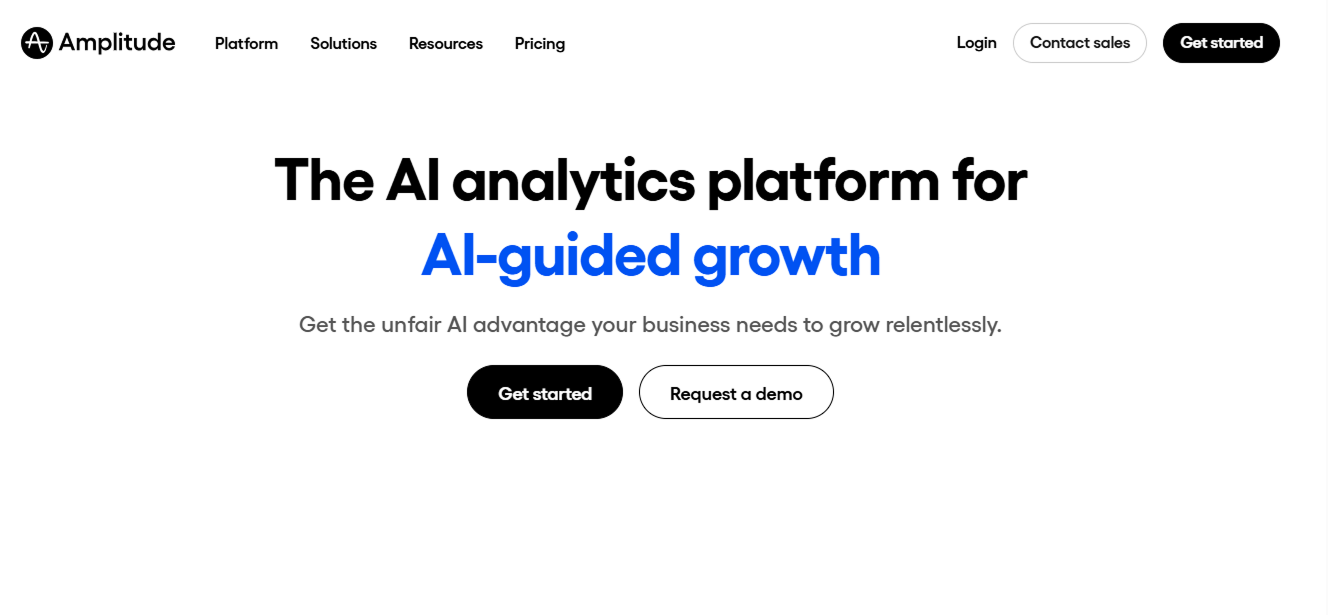
Amplitude is a powerful analytics tool that helps teams understand how users interact with their products.
Behavior-Focused Tracking
- Unlike traditional analytics that focus on pageviews, Amplitude is behavior-focused, tracking specific actions users take within your app, website, or software.
- This makes it easier to see how features are being used and where users might be dropping off.
Cohort Analysis
- One of Amplitude’s key strengths is cohort tracking. You can group users based on behavior, such as how often they use a feature or complete a goal, and analyze patterns over time.
- This helps product teams identify trends and patterns to improve engagement over time.
Ideal for Product Teams
- Amplitude is especially useful for product teams, SaaS companies, and mobile app teams looking to improve user retention and optimize features.
- With clear dashboards and customizable reports, teams can quickly track important events, monitor user journeys, and measure the impact of changes.
Pros: Helps product teams improve engagement and retention, detailed behavior tracking, and cohort analysis
Cons: Can be complex for beginners
8. Heap Analytics
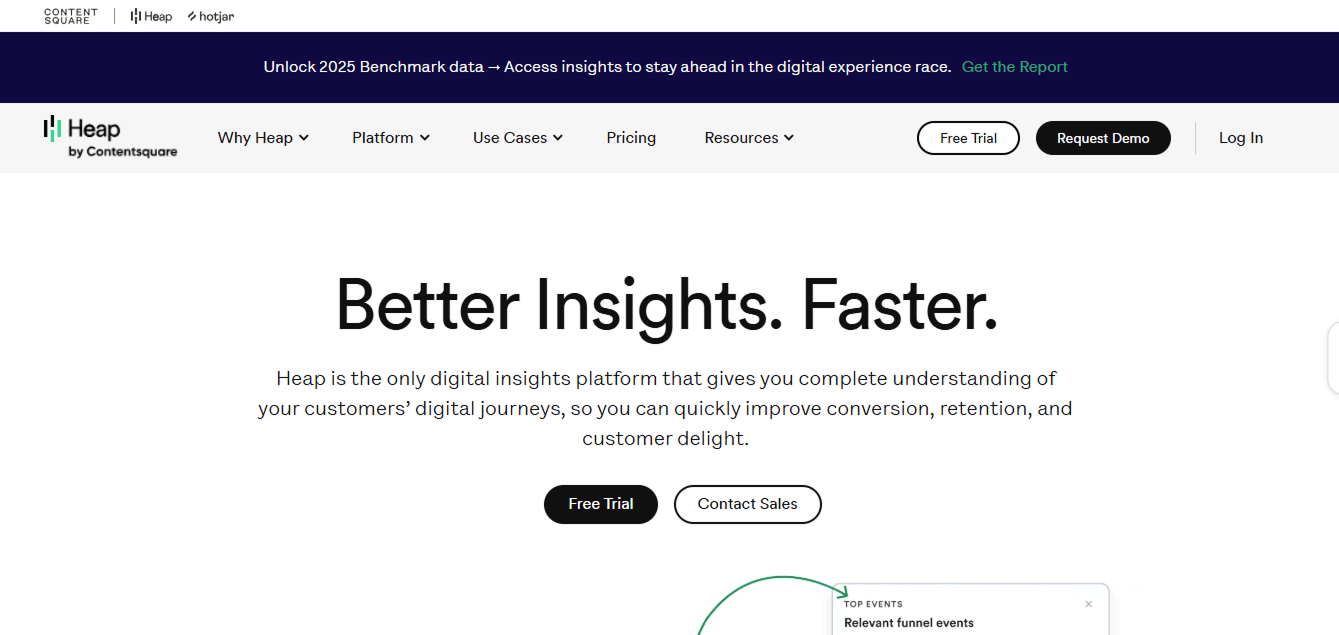
Heap Analytics is a user-friendly analytics tool that makes tracking user behavior simple and fast.
Automatic Tracking
- Unlike many traditional tools, Heap automatically captures all user actions on your website or app with no coding required.
- This means you don’t have to manually set up events or worry about missing important interactions.
Easy Implementation
- One of Heap’s biggest advantages is its ease of implementation.
- You can start collecting data almost immediately, making it ideal for teams that want quick insights without the time-consuming setup.
Detailed Behavioral Analysis
- Despite its simplicity, Heap provides detailed behavioral analysis.
- It allows you to understand how users navigate your site, which features they use, and where they drop off.
Perfect for Small to Medium Businesses
- Heap is perfect for small to medium businesses, SaaS companies, and mobile apps.
- It is beneficial for teams that need deep insights into user behavior but don’t have a dedicated analytics expert.
- With its automatic tracking and clear dashboards, you can optimize your product and improve user engagement without a complex setup.
Pros: Quick to implement, automatic event tracking, detailed behavioral insights
Cons: May feel overwhelming for beginners due to the amount of data collected
9. Simple Analytics
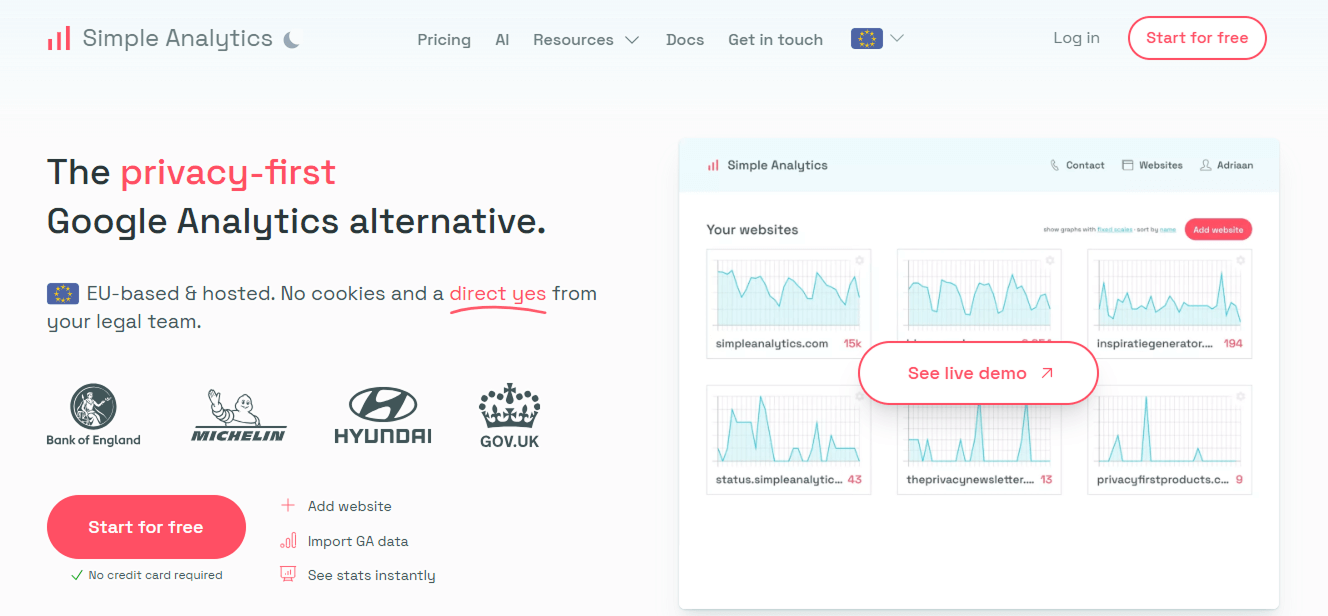
Simple Analytics is a privacy-first website analytics tool that tracks visitors without collecting personal data.
It shows essential insights you need without all the complexity of Google Analytics, like page views, traffic sources, and top pages, in a very simple way
Privacy Comes First
- Does not use cookies or track personal information
- Fully GDPR-friendly, so you don’t need consent banners or complex privacy setups
- Data is collected in an anonymous and transparent way
Clean Interface That’s Easy to Understand
- One of the best things about Simple Analytics is its clean and simple dashboard.
- Instead of dozens of confusing charts and menus, you see only the key stats that actually matter.
- This makes it easy for beginners and non-technical users to understand their website data at a glance.
Lightweight and Fast Performance
- Simple Analytics is a strong choice if you’re looking for website analytics tools that are easy to use and won’t slow down your site.
- It’s lightweight, loads quickly, and maintains your website’s performance.
- If you upgrade, you also get useful features like event tracking and automated email reports.
Quick Setup Process
- Setup takes only a few minutes, so you can start tracking your website traffic without any complicated configuration or technical effort.
Best Use Cases
- Ideal for blogs, personal websites, and small businesses
- A good option if you want the best free alternative to Google Analytics for basic tracking
- Perfect for users who want clarity without advanced or confusing features
Pros: Easy to use, privacy-friendly, fast performance
Cons: Limited advanced features compared to complex analytics platforms
FAQs: Best Google Analytics Alternatives
1. What are the top Google Analytics competitors?
The top Google Analytics competitors include tools like Analytify, Matomo, Fathom, Plausible, Mixpanel, Amplitude, Heap, and Adobe Analytics. Choosing the right competitor depends on your business size, website platform, and tracking needs.
2. What is the best free alternative to Google Analytics?
A free alternative to Google Analytics is a tool that lets you track website traffic, user behavior, and conversions without paying for the service. These tools provide dashboards, reports, and performance tracking features similar to Google Analytics, but often with simpler interfaces or a focus on privacy. The best free alternatives are Matomo and Analytify (free version).
3. Which digital marketing analytics tools are better for privacy?
For businesses that prioritize privacy, Plausible Analytics and Matomo are excellent choices. They are privacy-first analytics tools that don’t track personal data unnecessarily and comply with GDPR and CCPA, making them safer for both you and your users.
4. Can I use multiple analytics tools simultaneously?
Yes, you can use more than one analytics tool at the same time. Many businesses combine tools, such as Google Analytics for detailed traffic data and Heap or Mixpanel for behavioral insights. Just make sure multiple scripts don’t slow down your website.
5. Are open-source analytics tools reliable for business use?
Absolutely. Tools like Matomo are open-source, self-hosted, and highly reliable for business use. They give you complete data ownership, strong privacy compliance, and flexibility to customize tracking for your needs.
Final Thoughts: Best Google Analytics Alternatives
Choosing from the best Google Analytics alternatives in 2026 depends on your goals, technical comfort, and privacy needs. As discussed, GA4 can feel complex and time-consuming, which is why many businesses now explore simpler website analytics tools.
Options like Analytify work well for WordPress users who want clear dashboards and easy reporting, while Matomo, Plausible, and Fathom stand out for privacy-focused tracking.
For deeper behavioral analysis, Google Analytics competitors such as Mixpanel, Amplitude, and Heap offer strong event-based insights, making them valuable tools for SaaS and product teams in digital marketing analytics.
Enterprise users may still prefer Adobe Analytics for advanced performance tracking software and scalability. Simple Analytics is a privacy-friendly, easy-to-use analytics tool that offers essential insights with quick setup. By matching features with your needs, you can confidently choose one of the best alternatives to Google Analytics.
For further guidance, you can read:
Which of these Google Analytics alternatives best fits your website’s needs? Share your thoughts or experiences in the comments. We’d love to hear which Google Analytics competitors you’re using and why.