Download
Back to All Categories
What is Affiliate Marketing

What is Affiliate Marketing and How Does it Generate Revenue?

Are you looking for a complete guide on Affiliate Marketing? If yes, you are at the right place.

Affiliate marketing is a simple way to earn money online. It is a trade of trust and value: you promote a company’s goods, and if someone buys through your affiliate link, you earn a share of the sale.

Affiliate marketing is changing how businesses and marketers reach people. Analytify knows this space well: our team has helped many marketers optimize their strategies by analyzing their analytics.

This guide draws on that experience to help you succeed.

Here is what affiliate marketing is, how to start it, and how to earn from it.

Continue reading “What is Affiliate Marketing and How Does it Generate Revenue?” →
Best Ways to Learn Google Analytics

13 Easy Ways to Learn Google Analytics 4

The easiest way to learn Google Analytics 4 (GA4) is to combine Google’s free training, hands-on practice in the demo account, and Analytify reports inside WordPress. GA4 can feel difficult at first because it is new and different.  GA4, the latest version of Google Analytics, has advanced tools and a fresh design. Mastering it is necessary for business owners, marketers, and website managers.

But where do you begin? Many get lost in its maze of features. The good news is that learning GA4 doesn’t have to be hard. You don’t need a Ph.D. in data science to get the hang of it.

In this guide, we’ll share with you 13 straightforward ways to learn Google Analytics 4. There’s something for everyone, from free tools to the best GA4 courses. Whether you’re starting from scratch or sharpening your skills, we’ve got you covered.

Continue reading “13 Easy Ways to Learn Google Analytics 4” →
Google Analytics for SEO

How to Use Google Analytics to Improve Your SEO (15 Effective Ways)

Google Analytics is one of the most powerful tools for improving your SEO. It shows you where your traffic comes from, how users behave on your site, and which pages are performing best.

For a complete walkthrough, see our guide: How to Set Up Google Analytics 4 and Connect it to Your WordPress Site?.

This guide covers 15 ways on how to use Google Analytics for SEO, the key reports that matter, and how to measure your progress

Let’s get started with our Google Analytics SEO guide!

Continue reading “How to Use Google Analytics to Improve Your SEO (15 Effective Ways)” →
How Much Does A Website Cost

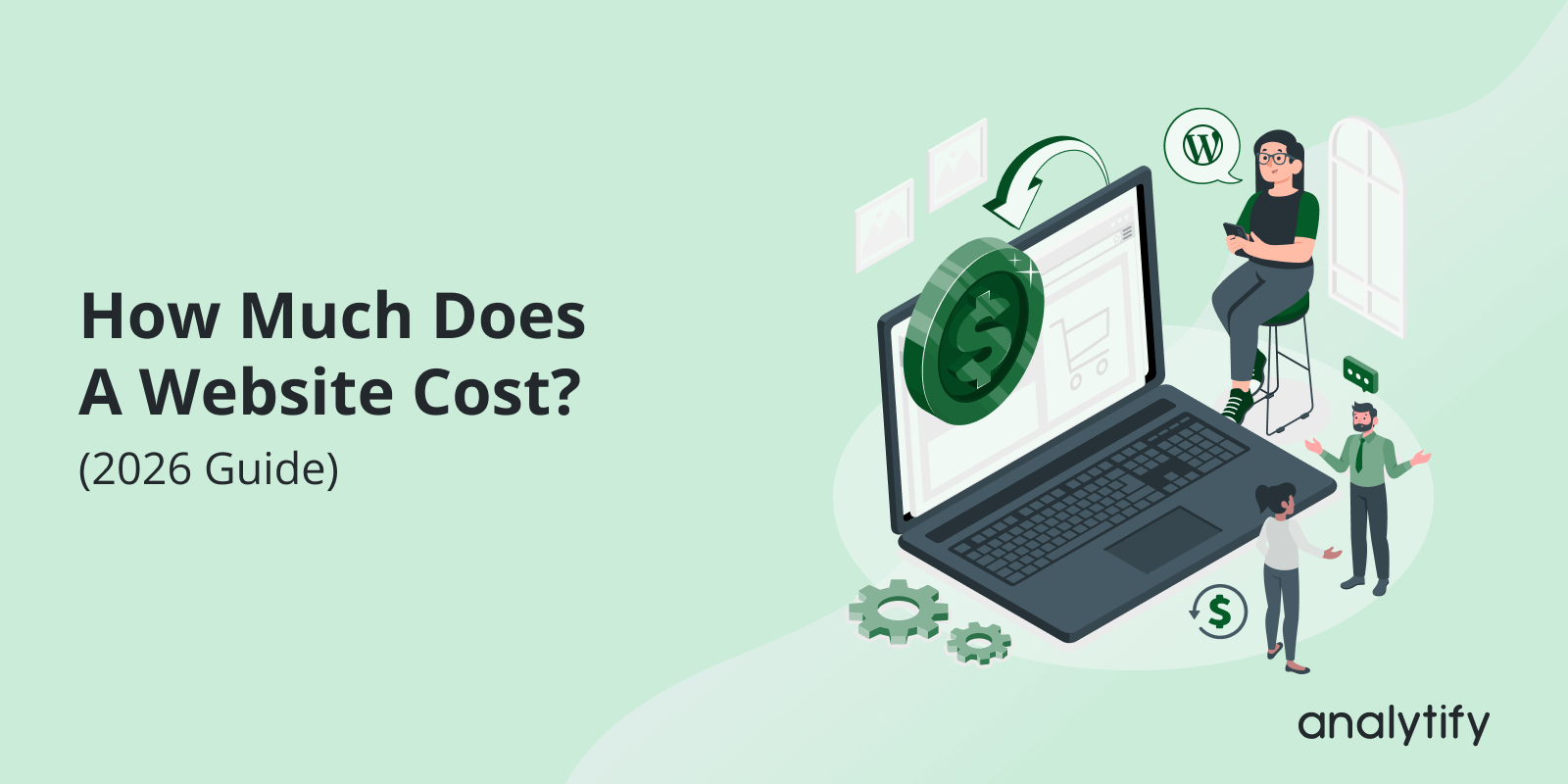
How Much Does A Website Cost? (2026 Guide)

Are you wondering how much does a website cost?

In 2026, a website will be more than just an online presence. It’s your digital storefront and an important part of your brand’s image. A website is very necessary to start any business. It helps to connect with your customers and viewers. So, it must be perfect. But how much does a website cost?

We cannot exactly measure a website’s cost because it can range from a few hundred dollars to tens of thousands, depending on many factors. In this guide, we will break down those factors to help you understand the website development costs in 2026.

We’ll cover different costs, from domain names and hosting to design and ongoing maintenance.

Continue reading “How Much Does A Website Cost? (2026 Guide)” →
Google Analytics Pricing

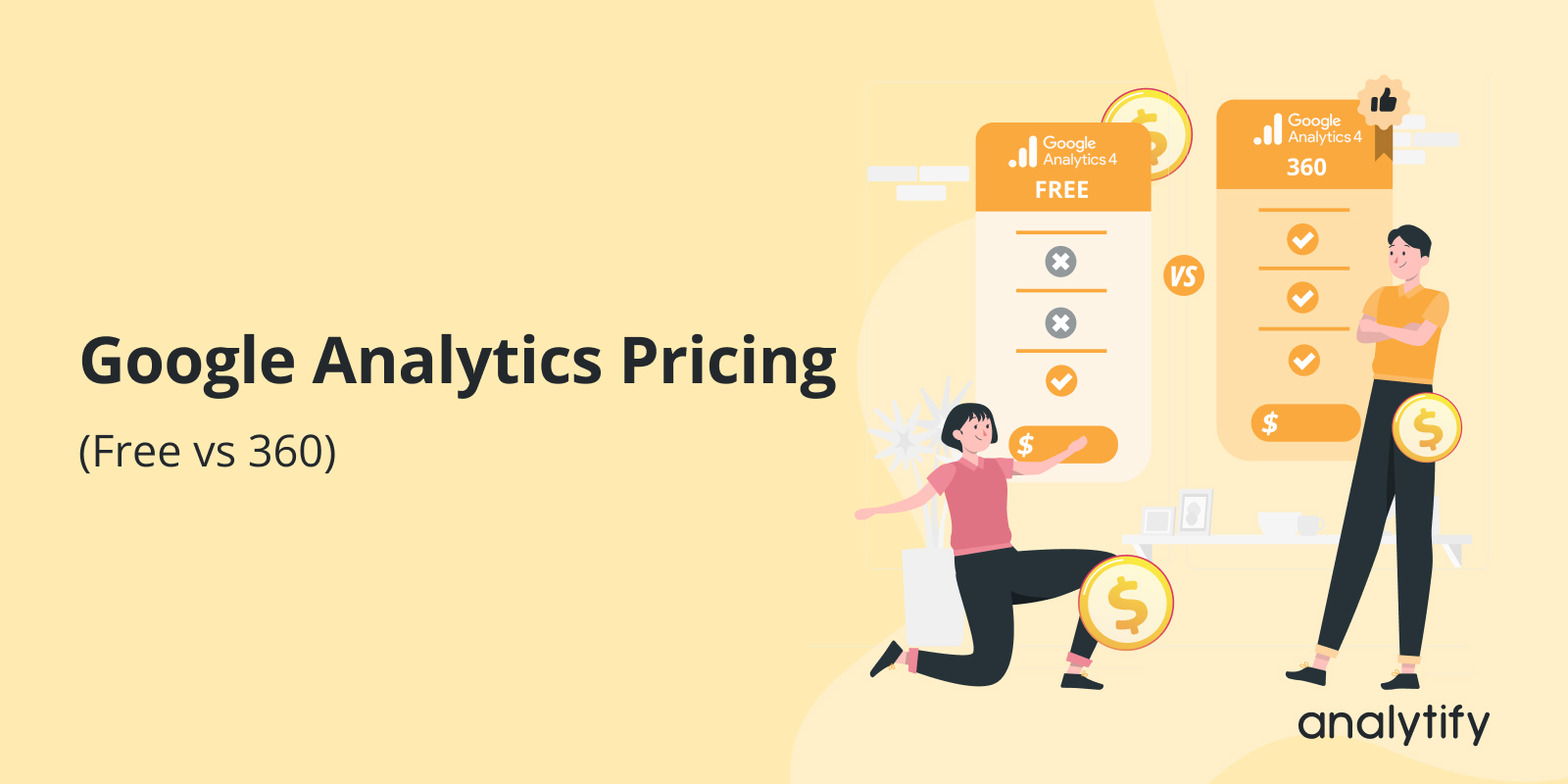
Google Analytics Pricing (Free vs 360) 

Google Analytics is free for most users. But there is also a paid enterprise version called Google Analytics 360.

My take: if you run a WordPress site, Google Analytics 360 is not worth $50,000 a year. GA4 Free covers most sites, and Analytify puts those reports inside your dashboard.

For a complete walkthrough, see our guide: How to Set Up Google Analytics 4 and Connect it to Your WordPress Site?.

Choosing between them depends on your traffic volume, data needs, and budget.

This guide explains Google Analytics pricing by exploring its differences in features.

Ultimately, you can decide which solution works best for your business.

Let’s get started to explore GA4 pricing!

Continue reading “Google Analytics Pricing (Free vs 360) “ →
Google Search Console vs Google Analytics 4

Google Search Console vs Google Analytics 4

Google Analytics measures what visitors do on your website, while Google Search Console measures how your website appears in Google Search. Search Console reports impressions, clicks, and average position. Google Analytics 4 reports pages viewed, events, and key events. Search Console covers what happens before the click, and Google Analytics covers what happens after it. Most sites use both.

For a complete walkthrough, see our guide: How to Set Up Google Analytics 4 and Connect it to Your WordPress Site?.

In the GA4 vs GSC comparison, we’ll explore the key similarities and differences between Google Analytics and Google Search Console and how using both tools together can significantly enhance your website’s search optimization strategy.

Let’s get started with the detailed Google Analytics and Search Console comparison!

Continue reading “Google Search Console vs Google Analytics 4” →
Google Analytics Regex

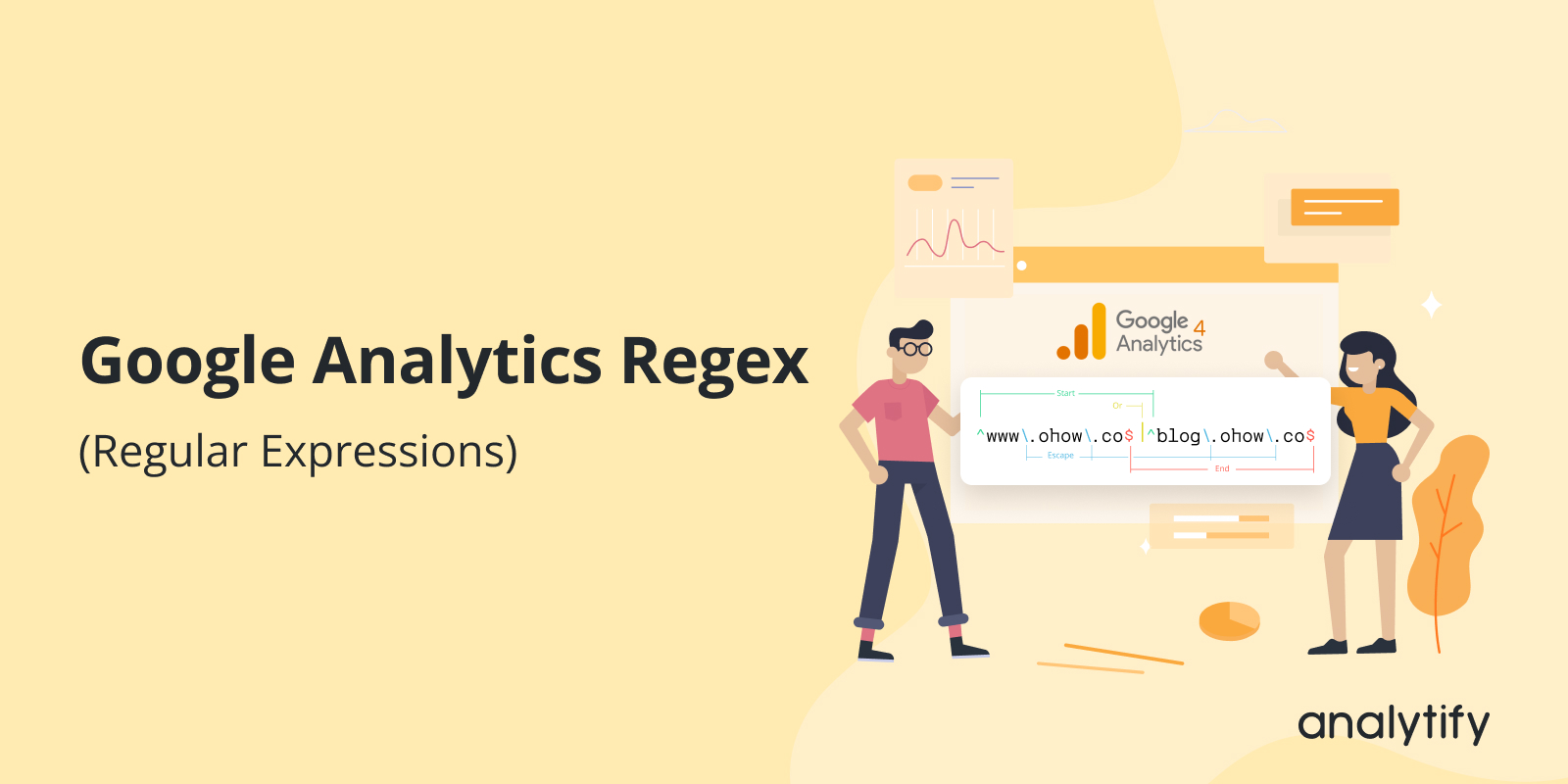
Understanding Google Analytics 4 Regex (Regular Expressions)

Do you know? You can use Google Analytics Regex to improve data analysis.

For a complete walkthrough, see our guide: How to Set Up Google Analytics 4 and Connect it to Your WordPress Site?.

Regular expressions for Google Analytics, or Regex, are potent ways used to find patterns in text. In Google Analytics 4 (GA4), Regex helps you filter data, create custom reports, and analyze specific user behaviors.

Instead of searching for one exact word or phrase, Regex allows you to search for flexible patterns. For example, you can find all pages with URLs starting with “/blog/” or filter out traffic from unwanted sources.

In this guide, we’ll explain what Google Analytics Regex is, how it works in GA4, and how you can use it to improve your data analysis. Whether you’re new to Regex or just learning its application in GA4, this guide will cover everything step by step.

Continue reading “Understanding Google Analytics 4 Regex (Regular Expressions)” →
Track Popups with Google Tag Manager and GA4

How to Track Popups with GTM and GA4 (Explained)

Are you looking for an easy guide on how to track popups?

Popups are a common feature on websites. They are used to grab attention, promote offers, collect leads, or share important messages. You may have seen popups offering discounts, showing announcements, or asking for email signups.

Tracking popups is essential for understanding how users interact with them. It tells you how often a popup is displayed, clicked, or dismissed. This data helps you improve popup designs and messaging for better results.

Google Tag Manager (GTM) is a tool that simplifies popup tracking. It lets you set up triggers and track popup events without editing your website’s code. Google Analytics 4 (GA4) works alongside GTM to report and analyze these popup interactions.

In this guide, we’ll teach you how to track popups with Google Tag Manager and analyze the results in Google Analytics 4. You’ll also discover how to create reports to evaluate popup performance.

Continue reading “How to Track Popups with GTM and GA4 (Explained)” →
No Data Available in Google Analytics 4

How to Fix No Data Available in Google Analytics 4? 8 Common Solutions

If you’re using Google Analytics 4 (GA4) and see “No data available,” it can feel frustrating and leave you wondering what went wrong. 

For a complete walkthrough, see our guide: How to Set Up Google Analytics 4 and Connect it to Your WordPress Site?.

Tracking your website’s performance and visitor behavior is necessary for making informed decisions, so missing data in GA4 isn’t something you can ignore.

This problem is more common than you might think, and the reasons behind it are often straightforward. It could be something as simple as a misconfigured tag, a delayed data update, or even cookie consent settings that block tracking. Whatever the reason, fixing it is essential to get accurate insights.

In this blog, we’ll explore the common causes behind “No data available in Google Analytics 4” and guide you through the steps to resolve them.

Plus, we’ll show you how Analytify can make GA4 tracking more user-friendly and error-free.

Continue reading “How to Fix No Data Available in Google Analytics 4? 8 Common Solutions” →
How to Create a Content Strategy

How to Create a Content Strategy? From Research to ROI

To create a content strategy, define your goals, research your audience, audit your content, plan around keywords and competitors, then create, distribute, and measure your content.

A content strategy is a clear plan for what type of content to create, where to share it, and how to connect with your audience. It works for small business owners, bloggers, and large companies.

I guide you step by step through how to create a content strategy. I cover why a web content strategy matters, the key steps to follow, and how plugins like Analytify can make your process easier.

This guide is for you if you want to grow your audience, improve your website traffic, and reach your business goals.

Continue reading “How to Create a Content Strategy? From Research to ROI” →
1 … 13 14 15 … 25
Black Friday Sale: See which campaigns bring you sales this season.
Save 60% OFF Today 
close-image