Download
Back to All Categories
Google Analytics for SEO

How to Use Google Analytics to Improve Your SEO (15 Effective Ways)

Google Analytics is one of the most powerful tools for improving your SEO. It shows you where your traffic comes from, how users behave on your site, and which pages are performing best.

This guide covers 15 ways on how to use Google Analytics for SEO, the key reports that matter, and how to measure your progress

Let’s get started with our Google Analytics SEO guide!

Continue reading “How to Use Google Analytics to Improve Your SEO (15 Effective Ways)”
Best WordPress Caching Plugins to Speed Up Your Website

5 Best WordPress Caching Plugins to Boost Your Website Speed

When users visit your website, they expect it to perform smoothly. If your website feels lagging or slow, the chances of them leaving to take their online business elsewhere increase dramatically. This is where a WordPress cache plugin can make a real difference. By using caching technology, these tools increase your website’s speed and ensure a seamless experience for visitors.

Continue reading “5 Best WordPress Caching Plugins to Boost Your Website Speed”
Google Analytics Pricing

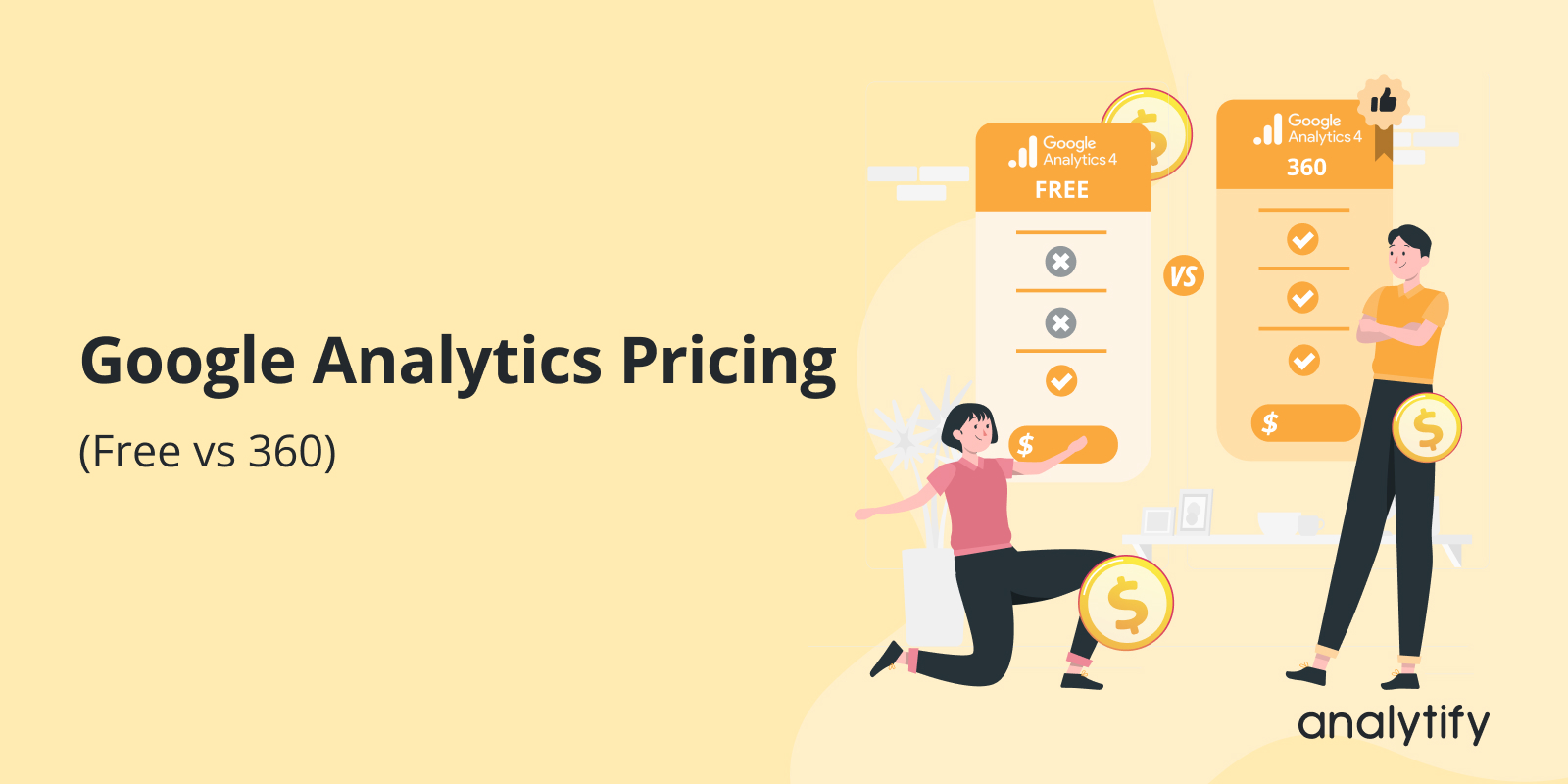
Google Analytics Pricing (Free vs 360) 

Google Analytics is free for most users. But there is also a paid enterprise version called Google Analytics 360.

Choosing between them depends on your traffic volume, data needs, and budget.

This guide explains Google Analytics pricing by exploring its differences in features.

Ultimately, you can decide which solution works best for your business.

Let’s get started to explore GA4 pricing!

Continue reading “Google Analytics Pricing (Free vs 360) “
Create Google Analytics 4 alerts

How to Create Google Analytics 4 Alerts (Custom Insights)

Keeping a pulse on your website’s performance is crucial for any business owner or marketer. However, the vast amount of data available in Google Analytics can be overwhelming. Finding the needed information from countless metrics and reports can be time-consuming and confusing.

This is where Google Analytics Alerts come in handy. They provide a solution for proactive monitoring, notifying you of significant changes or issues without constantly checking your analytics.

This blog post will guide you in creating effective GA4 custom alerts. We’ll explore why alerts are essential and how they differ from the previous version (Universal Analytics). We will also provide step-by-step instructions for setting and managing Google Analytics 4 alerts in 2024. 

Let’s dive right in and unlock the full potential of GA4 alerts for your website!

Continue reading “How to Create Google Analytics 4 Alerts (Custom Insights)”
what is a best keyword

What is a Focus Keyword and How Does It Improve Your SEO Ranking? 

Imagine writing a great piece, but it never reaches the people who would appreciate it most. That’s where focus keywords step in, ensuring your hard work pays off by drawing in your target audience. Whether you’re a small business owner, a freelance writer, or running a major marketing campaign, understanding this can make a huge difference.

Today, we’re going to discuss focus keywords; what they are, how to choose and effectively use them in your post or page.

Continue reading “What is a Focus Keyword and How Does It Improve Your SEO Ranking? “
GA4 Subdomain tracking

GA4 Subdomain Tracking: How to Unify Data Across Your Website? (2026 Guide)

If you’ve been using Google Analytics 4 (GA4) to monitor your website’s performance, you might be curious about how GA4 Subdomain Tracking works. Understanding this can give you some deep insights into how different sections of your website are performing.

First, let’s discuss what Google Analytics and Subdomains Tracking involves. It’s not just about monitoring your main site; it’s about digging deeper. By tracking subdomains in GA4, you can see if specific parts of your site, like your blog or shop, are attracting visitors or if there’s something they particularly enjoy there. It wasn’t always straightforward in previous versions of Google Analytics, but GA4 has made some significant improvements.

In this article, we’ll discuss why GA4 subdomain tracking is essential, how it differs from what you might be used to, and how you can set it up to get accurate, segmented information that could help you tailor your strategies to different audience segments. 

Let’s get started! 

Continue reading “GA4 Subdomain Tracking: How to Unify Data Across Your Website? (2026 Guide)”
7 best Google Analytics Reporting Tools

7 Best Google Analytics Reporting Tools

Have you ever felt overwhelmed by the excessive amount of data available in Google Analytics? You’re not alone. 

Whether you’re a small business owner, a marketer, or someone trying to understand your website’s performance, navigating Google Analytics can feel like finding a needle in a haystack.

But what if we told you there’s a simpler way to view, analyze, and report your Google Analytics data? 

With the right Google Analytics reporting tool, you can transform complex data into actionable insights, streamline your reporting process, and confidently make data-driven decisions. But with so many options out there, how do you choose the best Google Analytics reporting tool?

Continue reading “7 Best Google Analytics Reporting Tools”
Post a Blog on WordPress

How to Post a Blog on WordPress? A Comprehensive Step-by-Step Guide

Have you ever found yourself scrolling through a captivating blog with seamless blend of text, images, and personality?  Do you also want to add a new WordPress blog post?

We’ll show you how to add a new post in WordPress with simple steps.

WordPress is the cornerstone of digital expression, powering over 40% of all websites on the internet. WordPress is a user-friendly platform that empowers anyone, from tech newbies to seasoned web developers, to create stunning and engaging blogs.  

WordPress offers the flexibility and tools to bring your blog to life, whether you’re a travel enthusiast, a technical writer, an eCommerce business, or a DIY whiz with projects to share.

In this comprehensive guide, we’ll explain how to post a blog on WordPress.

Continue reading “How to Post a Blog on WordPress? A Comprehensive Step-by-Step Guide”
top WordPress backup plugins

Top WordPress Backup Plugins In 2025

Have you ever lost your WordPress website data due to a security breach or due to a server crash?

By creating or taking regular backups of your WordPress website, you can secure your Website from any kind of hacking attack or can easily recover your important information whenever you want.

There are different ways you can easily take a backup of your website. You can easily save your website files and data manually, but it takes a lot of time. There is an easier solution for this problem is to use WordPress Backup plugins that will automatically create a backup of your WordPress website.

Continue reading “Top WordPress Backup Plugins In 2025”
Analytify vs Monsterinsights

Analytify VS MonsterInsights – Which WordPress Plugin Is Best In 2026?

Analytify vs MonsterInsights: they are not the same plugin. Analytify gives you eCommerce tracking at $99/year; MonsterInsights charges $199.50 for the same capability. The right choice depends on your site type.

They are not the same plugin. Analytify offers stronger value for data accuracy, pricing, and integrations. MonsterInsights leads in AI-driven analytics features. The right choice depends on what your site actually needs.

In this comparison between Analytify and MonsterInsights, I covered pricing, eCommerce, LMS support, AI capabilities, dashboard UX, performance, and data accuracy. After each section, you’ll find a direct recommendation.

Continue reading “Analytify VS MonsterInsights – Which WordPress Plugin Is Best In 2026?”
1 2