
Documentation
Print This page
— Print the full How to Redeem AppSumo deal? documentation
How to Redeem AppSumo deal? — Documentation page title
Follow the instructions below to redeem the AppSumo – Analytify purchase.
- Go to the redemption link.
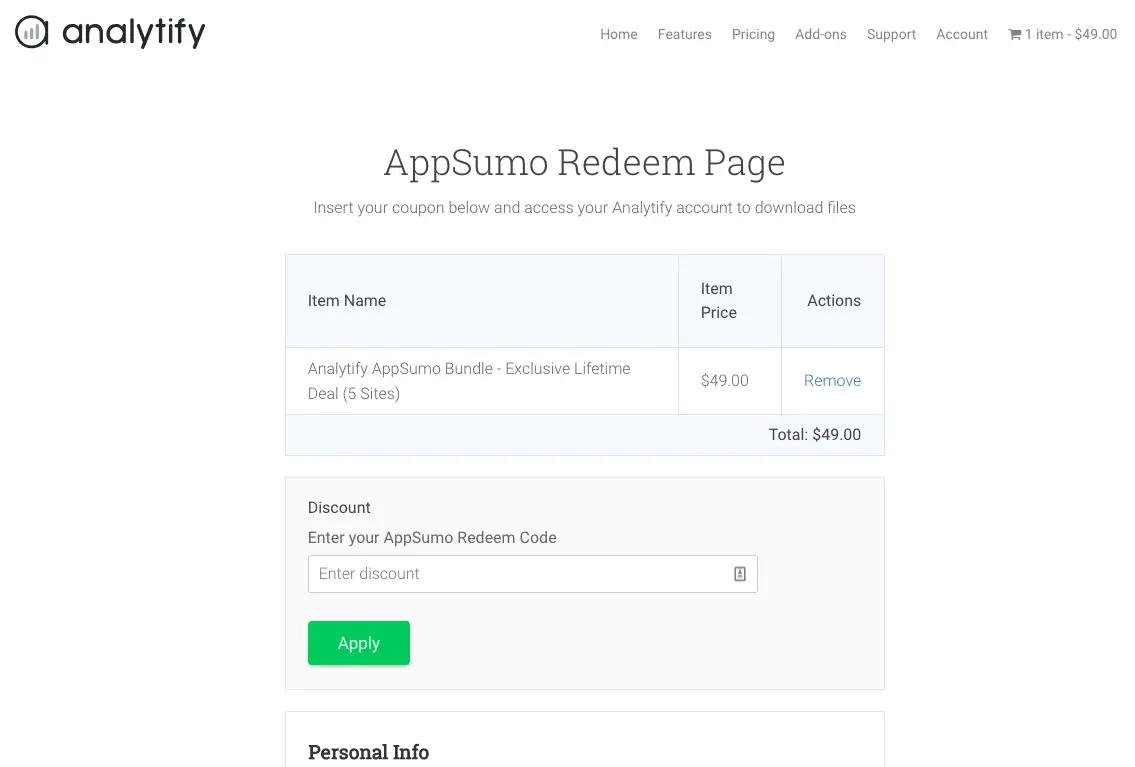
- Enter your AppSumo code in the Discount field and hit Apply.
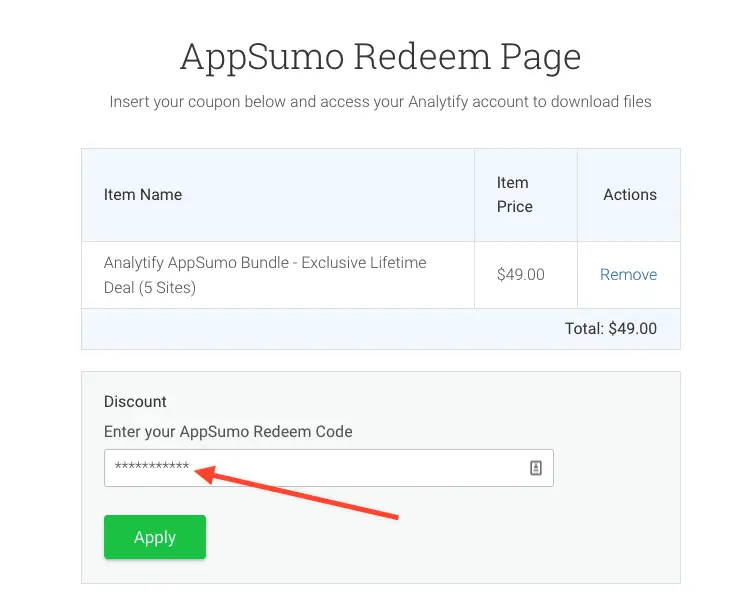
- Discount Code will be applied.
- Fill out your details within (First Name, Last Name, and email) fields.
- Click Purchase, you will be taken to Purchase Confirmation page that contains license keys and files to download.
- You should receive an email with your license keys, files and username/password to access your account on Analytify.
- Enjoy, you’ll now have lifetime access to Analytify – AppSumo Bundle.
- In case of any issues, please send an email to support@analytify.io or submit a form via Analytify plugin settings -> help tab.
You can also explore our guide with instructions on stacking additional codes.
Still stuck?
How can we help?
— Get support or contact the Analytify team regarding How to Redeem AppSumo deal?
Last updated on
March 26th, 2026
— This documentation page was last updated on March 26th, 2026